Convert HEIC to PNG when you need a pixel-exact copy (set quality 100) or want to keep transparent areas that a JPG would flatten onto a background. PNG opens on every device and in every app. Part of the image converter.
– / –
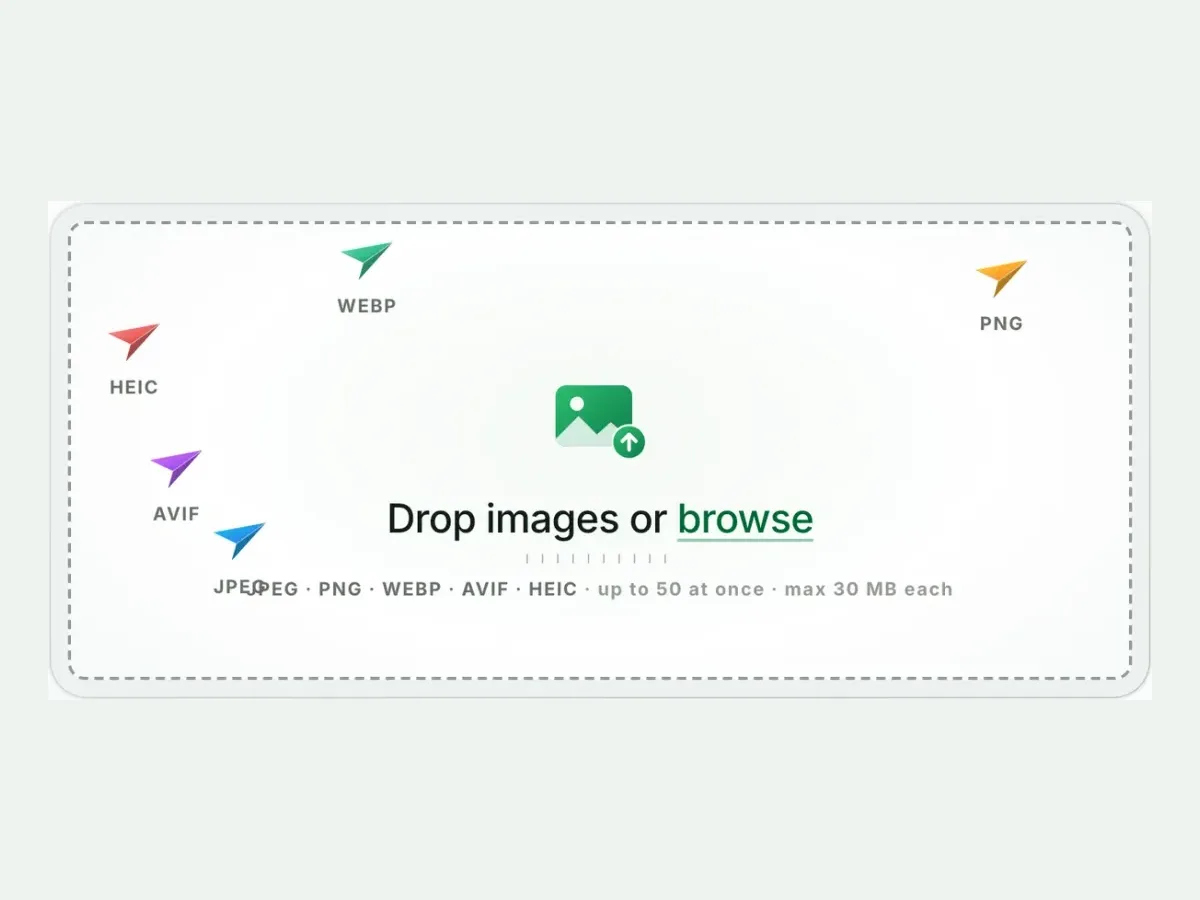
Drop images or browse
JPEG · PNG · WEBP · AVIF · HEIC · up to 50 at once · max 30 MB each
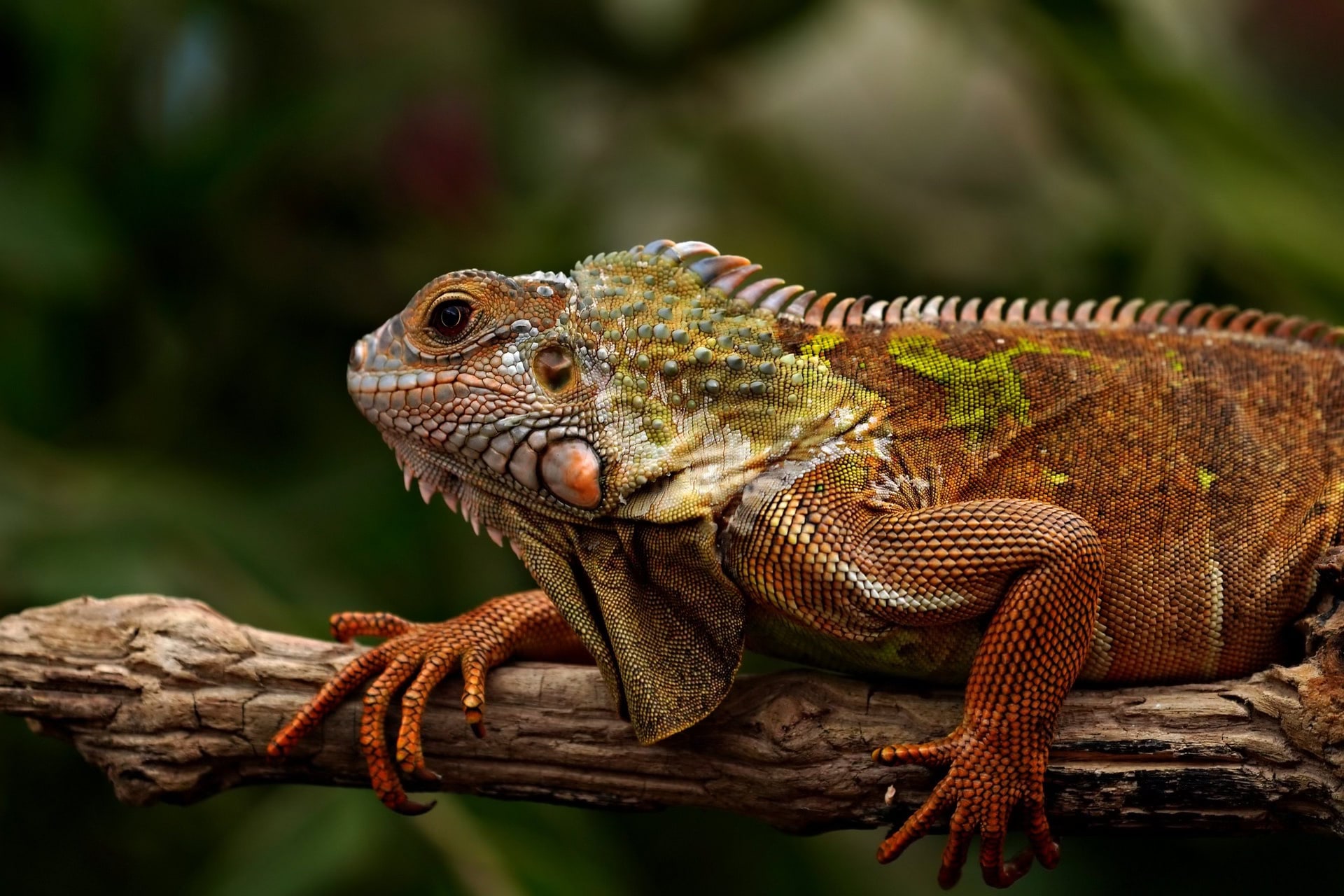
A real result from this exact operation: 343 KB in, 997.2 KB out. Drop your own file and the meter reports yours. The left half is a preview render; the byte counts are the real files’.
HEIC to PNG converter
How to convert HEIC to PNG in 4 steps
Free, in your browser, with no sign-up. Each step below is the real tool on this page.
1
Drop your HEIC files
Up to 10 HEIC files at once. PNG is already picked.
2
Set a size, or not
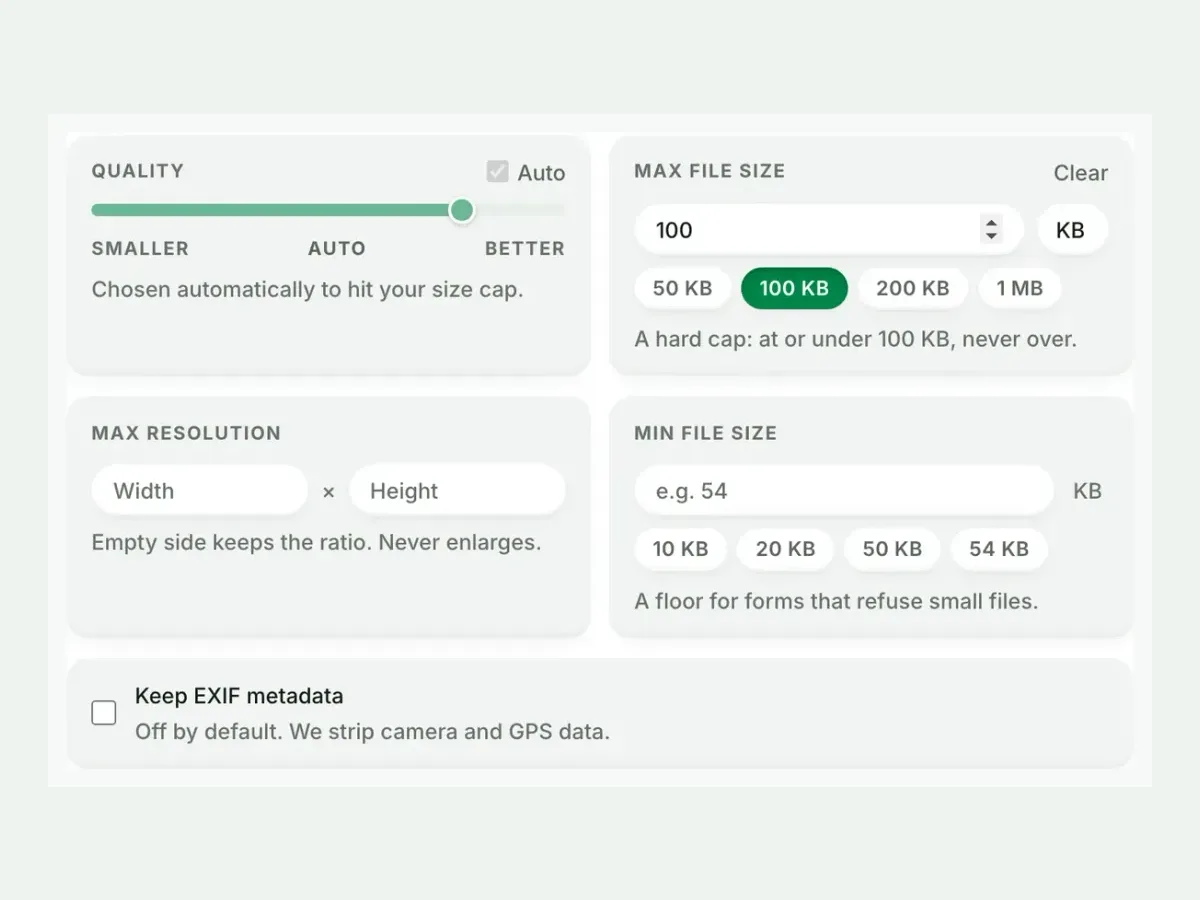
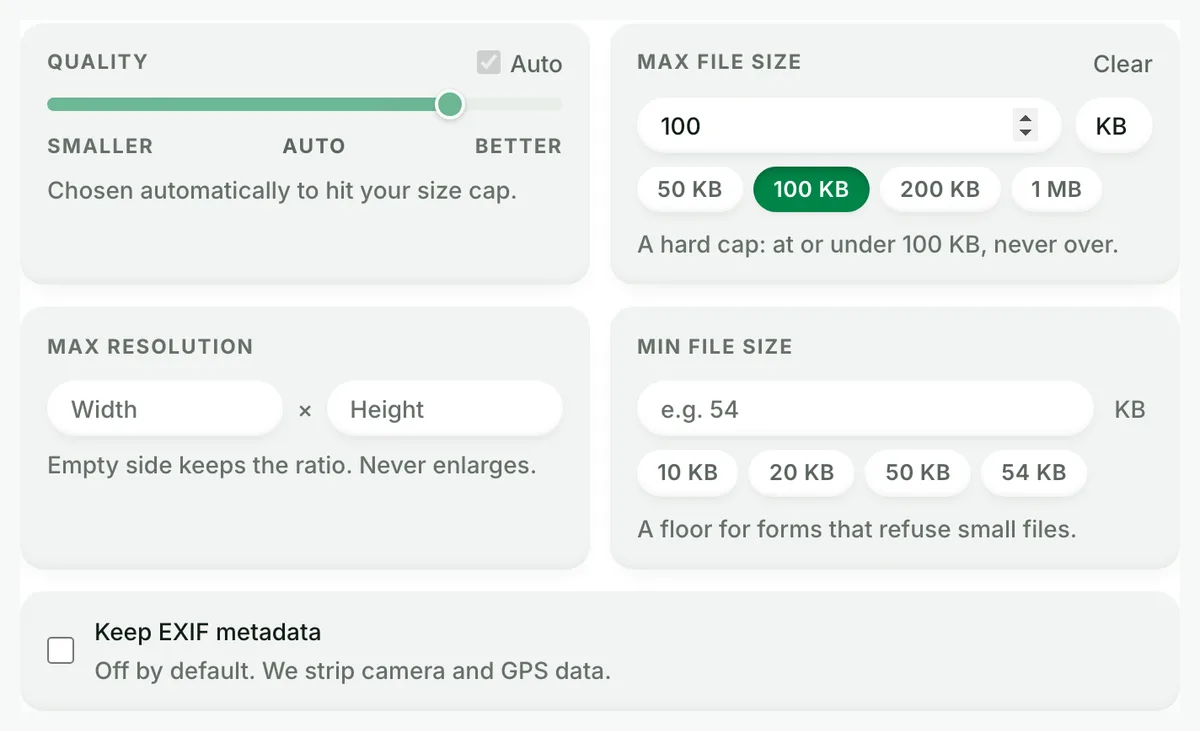
Auto picks the best PNG setting. A size cap is never exceeded.
3
Compare the result
See each measured size, then drag the slider to check the look.
4
Download one ZIP
Take each file on its own, or all of them together in one ZIP.
Free, no sign-up
The best HEIC to PNG image converter for real photos
Up to 10 HEIC files at once, every result measured to the byte, and nothing kept after you leave.
Fast and easy
A fast, easy HEIC to PNG converter
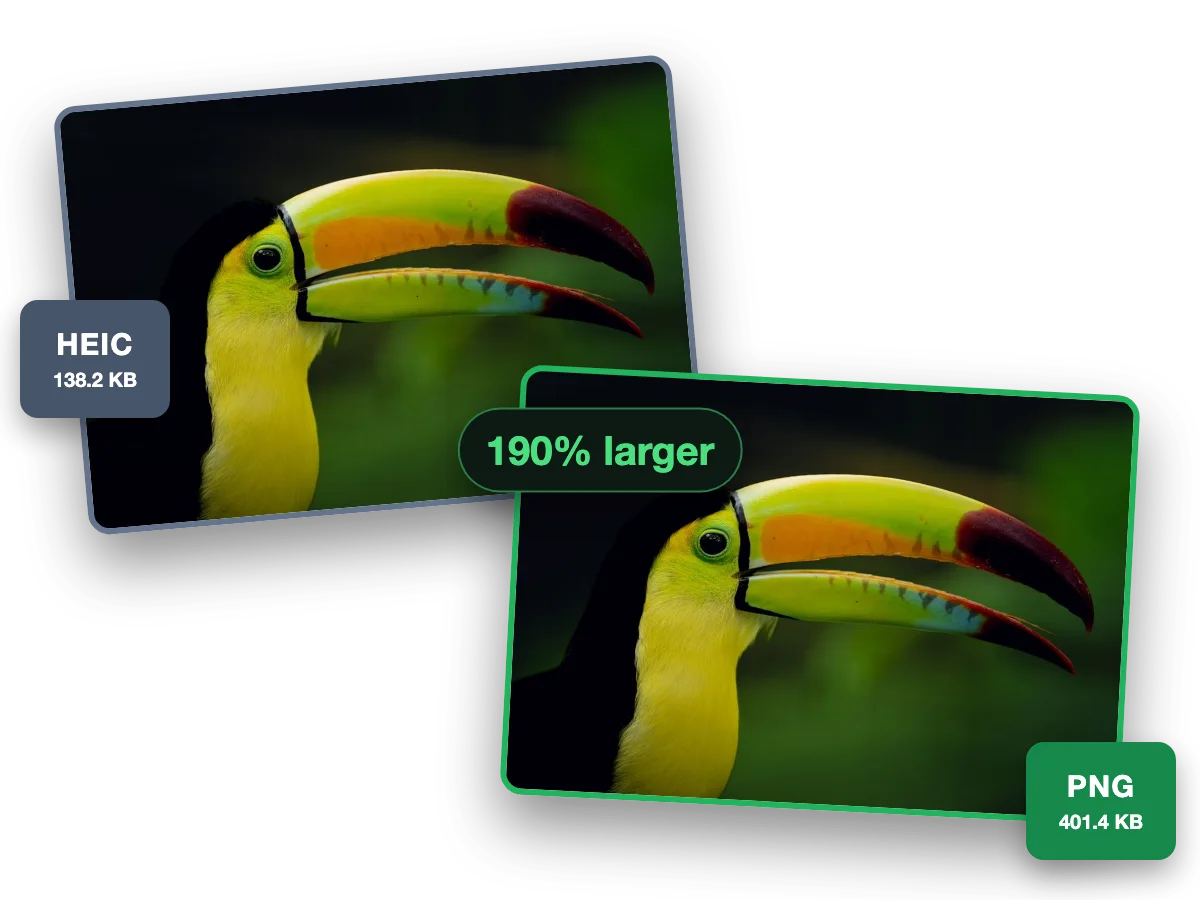
PNG keeps every pixel of an iPhone photo for editing, with nothing lost. This photo went from a 138.2 KB HEIC to a 401.4 KB PNG, 190% larger.
Why this converter
A HEIC to PNG converter that shows its work
Every size on this page is a file the engine wrote, measured to the byte.
Batch
Batch convert HEIC to PNG, ten at a time
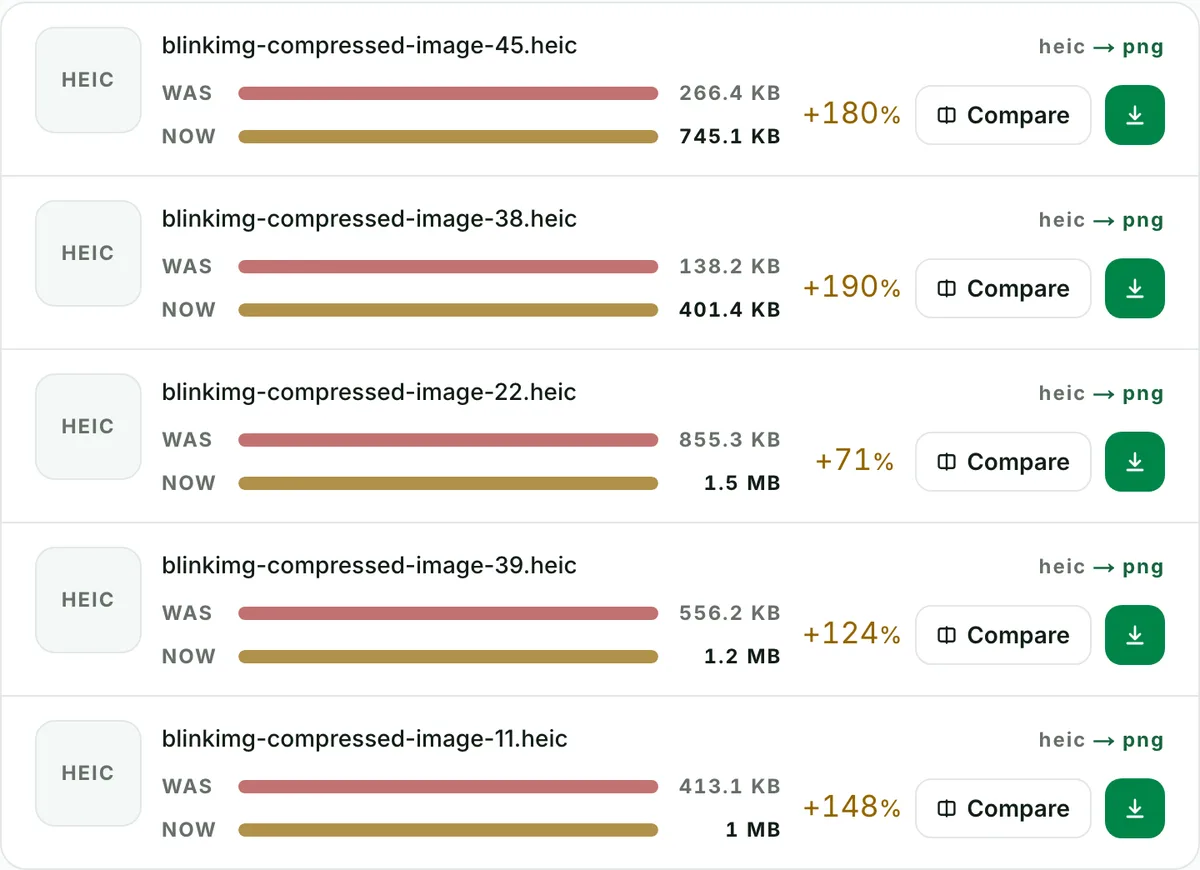
Convert up to 10 HEIC files to PNG in one run. Each file shows its own measured size, so you see what changed.
Quality
HEIC to PNG converter, every pixel kept
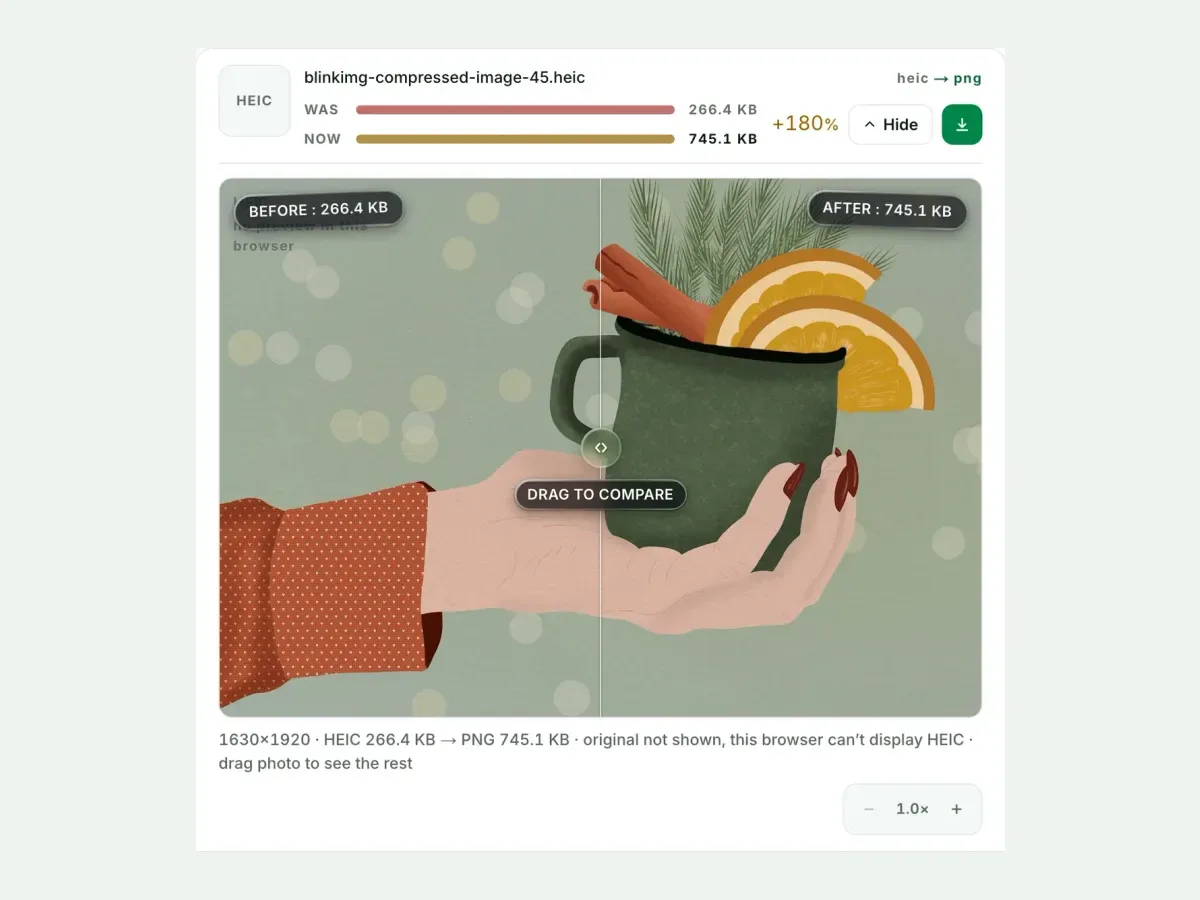
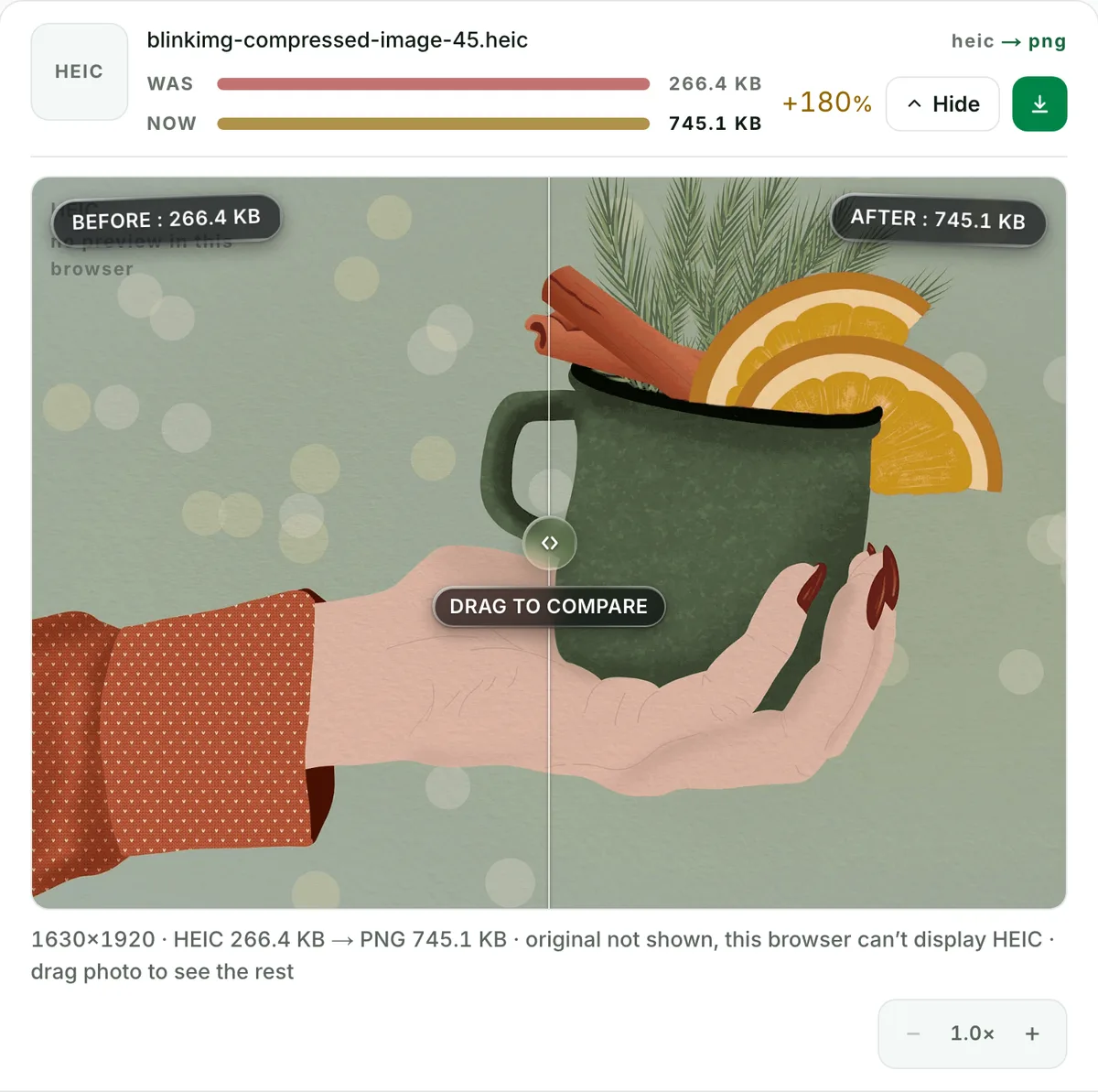
This photo went from a 266.4 KB HEIC to a 745.1 KB PNG. Larger, but nothing more is lost when you edit and save again.
Private
HEIC to PNG without camera and GPS data
Camera, place and date data are stripped from every file by default. One checkbox keeps them.
What does converting HEIC to PNG do?
A HEIC to PNG converter decodes the iPhone's HEIC (a photo compressed with the HEVC video codec, inside the HEIF container) and writes the pixels into a PNG, a format every device opens. It solves the two problems HEIC causes: Windows, older Macs, forms and editors that refuse the file, and a format that cannot be edited without re-compressing. At quality 100 the PNG keeps every pixel and comes out several times larger than the HEIC; on Auto a 256-colour PNG costs less but still grows, 997.2 KB from 343 KB here. The measured table below has both. Files named .heif convert the same way: HEIC is the iPhone’s name for a HEIF file.
HEIC to PNG, measured against the other outputs
Reference file343 KBphoto.heic
Output
Relative to source
Size
vs the HEIC
PNG, quality 100 (truecolour, lossless)No saving
2896.1 KB
844%
PNG, Auto (256-colour palette)No saving
997.2 KB
291%
JPG, AutoNo saving
267.4 KB
78%
JPG, quality 85No saving
330 KB
96%
WebP, AutoNo saving
211.4 KB
62%
AVIF, AutoNo saving
121.9 KB
36%
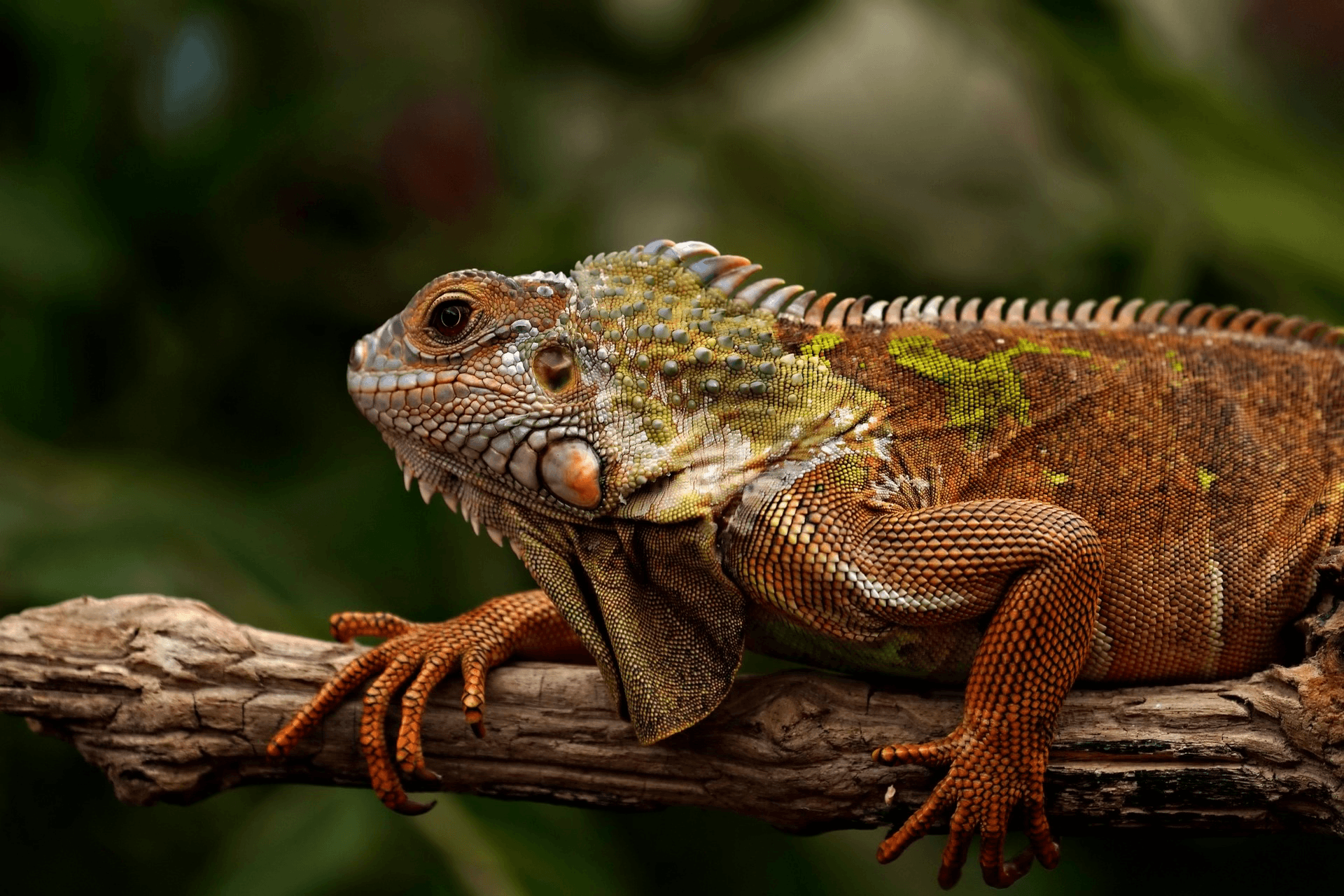
Source: photo.heic, 343 KB, 1920×1280, our reference photo of an iguana on a branch, saved as HEIC on a Mac. Every row is the file the engine wrote from that one HEIC.
Every byte count is the size of the actual file our engine produced from the named source, the same bytes you would download, not an estimate. The reference photo is one of our own photographs, an iguana on a branch, and the camera photo is a real one too. Drop your own file into the tool above to rerun any of them. How we measure names the sources and the settings.
HEIC to PNG or HEIC to JPG: which one do you actually need?
JPG, for a photograph that stays a photograph: it is 9% of the size of the lossless PNG here (267.4 KB against 2896.1 KB) and opens everywhere PNG does. PNG, when the destination asks for PNG by name, when the picture is a screenshot, a scan of a document or a graphic with text, or when the file goes into an editor for more work and you want no further lossy rounds. If you are unsure, the answer is HEIC to JPG; the two pages share one converter.
How to convert HEIC to PNG on Windows, Mac and the iPhone
The same three steps on each: open this page, drop the photos, download. On Windows the reason is the HEVC codec Microsoft sells separately, without which the Photos app cannot decode a HEIC at all; the PNG needs no codec. On a Mac, Preview opens HEIC and exports one file at a time; the batch here takes 10. On the iPhone, open the page in Safari and pick from the photo library; and to stop new photos arriving as HEIC, set Camera → Formats to Most Compatible.
Auto or quality 100: which PNG to choose
Quality 100 writes a truecolour PNG, 2896.1 KB here, every pixel the HEIC decoded to, the honest size of "lossless"; choose it for a photograph headed into an editor or a print pipeline. Auto writes a 256-colour palette PNG, 997.2 KB, invisible on a screenshot or a chart and visible as banding on a smooth sky; choose it when the file will be viewed, not edited. The compare slider shows the difference at 100% zoom before you download.
The GPS in your iPhone photos, and what happens to it
Every iPhone photo carries the place it was taken, the time and the phone model in its EXIF block. A PNG posted online would carry them too. We strip that block from every output by default, and the EXIF remover shows exactly what is removed. Photographers who need the capture dates keep the original HEIC: the engine reads a HEIC as pixels only, so unticking "Remove EXIF metadata" brings none of that block back. The files themselves are wiped automatically after the conversion; we keep nothing.
When HEIC to PNG is the wrong conversion
You want the photo smaller, or to send it?
A lossless PNG is 8 times the HEIC here. Convert to JPG (267.4 KB) for a form or an email, or to AVIF (121.9 KB) for a website.
You want a transparent background?
Conversion keeps the transparency a file already has and cannot add one. Cut the background out in an editor first.
You want to keep the iPhone quality exactly?
Keep the HEIC as the master. A PNG at quality 100 is a faithful copy, but the HEIC is the original and a fifth of the size.
Questions, answered
Short answers specific to this page. The tool above settles most of them in a second.
Q:How do I convert HEIC to PNG?
Drop the .heic files into the tool at the top of this page, keep PNG as the output and download. It works in the browser on a PC, a Mac or the iPhone itself, with no software and no account, up to 10 photos a batch and 30 MB each.
Q:Is a PNG bigger than the HEIC?
Usually much bigger. HEIC is a lossy format built on the HEVC video codec; PNG stores every pixel. Our 343 KB reference photo, saved as HEIC, became a 2896.1 KB truecolour PNG at quality 100, 844% of the HEIC's bytes, and a 997.2 KB palette PNG on Auto.
Q:Does HEIC to PNG lose quality?
At quality 100, no: the PNG holds the decoded photo pixel for pixel. Auto writes a 256-colour palette PNG instead, invisible on flat art and visible as banding on a smooth sky. Neither can add back the detail HEIC already discarded when the iPhone saved the photo.
Q:Is HEIF to PNG the same conversion?
Yes. HEIF is the container and HEIC is the name Apple gives it when the picture inside is HEVC-compressed; the files end in .heic or .heif and go through the same decoder. Drop either kind and the PNG is the same.
Q:Should I convert an iPhone photo to PNG or to JPG?
To JPG, unless something demands PNG. A photograph is what JPG was made for: our reference HEIC became a 267.4 KB JPG at Auto quality against a 2896.1 KB lossless PNG. Choose PNG when the destination refuses JPG, when the picture is a screenshot or a graphic, or when you will edit it further and want no more lossy rounds.
Q:Will the PNG keep a transparent background?
Only if the HEIC had one, which an iPhone photo does not. A HEIC can carry an alpha channel (a sticker or a cutout saved as HEIC), and that transparency survives the conversion to PNG. A camera photo comes out on the solid background it was taken on.
Q:Why will my HEIC not open on Windows?
Windows needs the HEVC codec, which Microsoft sells separately, so the Photos app shows an error or a blank tile. Converting to PNG or JPG sidesteps the codec: the result opens in every viewer, editor and browser. Converting a folder at once takes one drop here.
Q:Can I convert HEIC to PNG on the iPhone itself?
Yes. Open this page in Safari, pick the photos from the picker and download the ZIP or the single files to Files. Nothing installs. To stop the iPhone saving HEIC in the first place, set Camera → Formats to Most Compatible, which makes new photos JPG.
Q:Can I convert many HEIC files to PNG at once?
Yes. Up to 10 files a batch, 30 MB each, one ZIP with the filenames kept, no signup and a 300-image daily allowance. Each row shows its own before and after size, so you see how much the PNG grew.
Q:Does the PNG keep the photo's EXIF and GPS data?
No. An iPhone photo carries its camera model, capture time and GPS location, and a PNG posted online would carry them too, but the converted PNG carries none of the three. The engine reads a HEIC as pixels only, so even unticking "Remove EXIF metadata" brings nothing back. Keep the original HEIC if you need the dates.
Q:What about Live Photos and burst photos?
A Live Photo is a HEIC still plus a short video; the still converts, the video is not touched. A burst is several HEIC files, each converting on its own. A HEIC that holds several images inside one file is declined with a clear message rather than silently reduced to its first image.
Q:Is it safe to upload my iPhone photos to this PNG converter?
Yes. We keep nothing: files are processed and wiped automatically, never archived, never shared, never used to train anything. No account is needed, and the GPS location in your photos is stripped from every output by default.