Compress JPG

Compress a JPG to a smaller file while keeping it a JPG. Free online with no signup, so it stays compatible everywhere.

Output format
– / –

Drop images or browse

JPEG · PNG · WEBP · AVIF · HEIC · max 30 MB

HEIC
PNG
JPEG
AVIF
WEBP
Advanced settings
SmallerAutoBetter

Auto tunes each image.

A hard cap for “under 50 KB” portals.

Max resolution

Empty side keeps the ratio. Never enlarges.
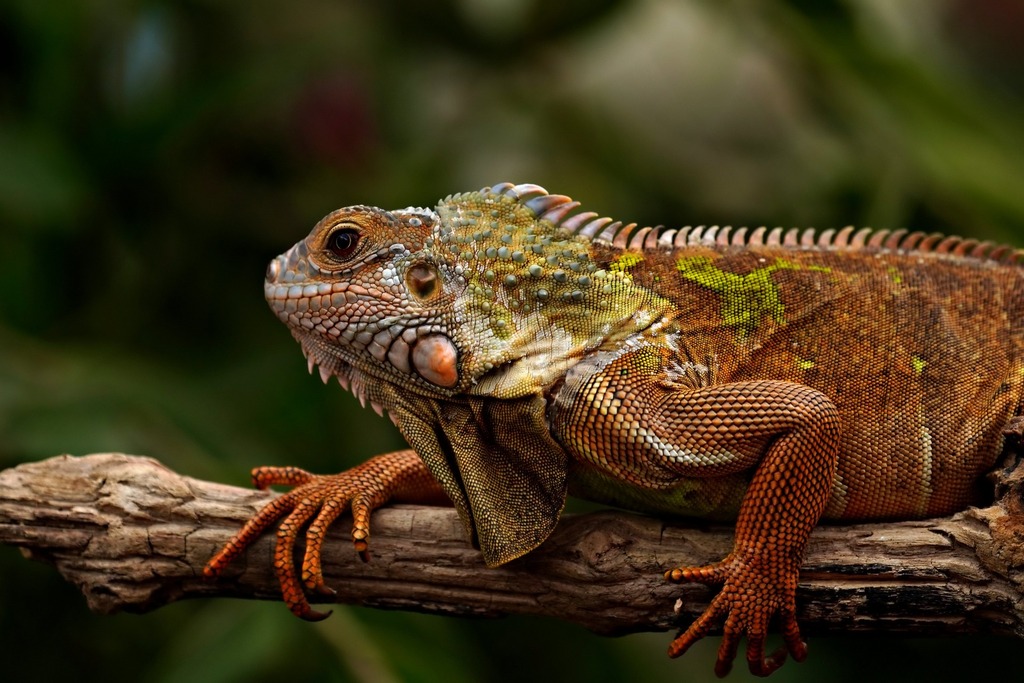
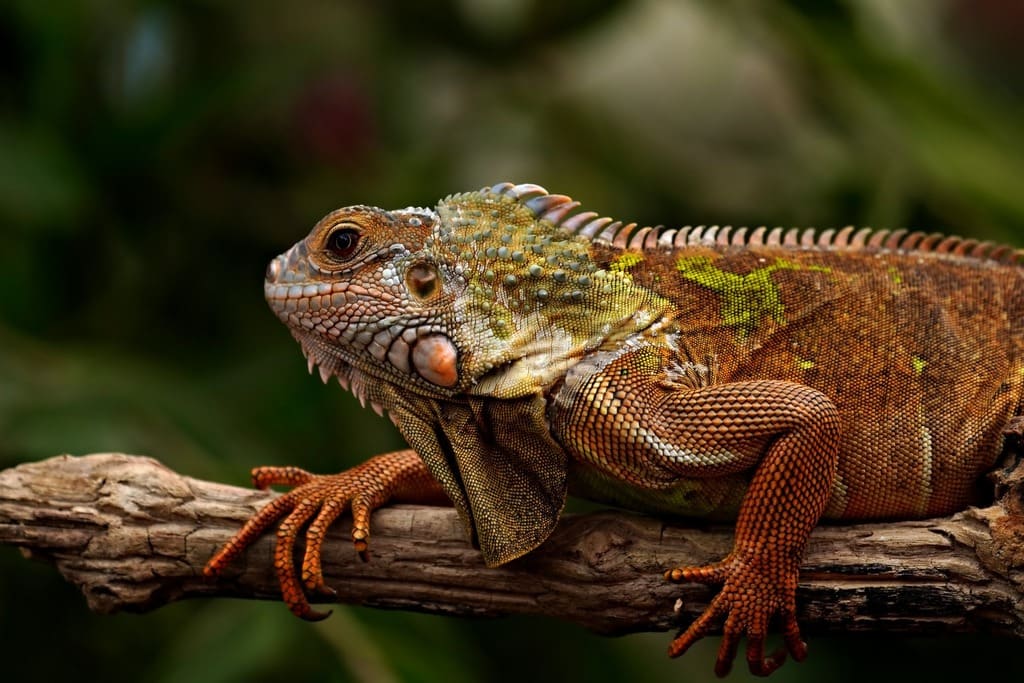
One real file, before and after

JPEG, 184 KBJPEG · 184 KB
JPEG, 73 KBJPEG · 73 KB
−60%
A real result from this exact operation: 184 KB in, 73 KB out. Drop your own file and the meter reports yours.

What each quality setting actually costs

Every compressor has a quality dial; almost none tell you what the numbers mean. Here is our reference 800×600 photo (188.3 KB) at each setting. This is real encoded output, not an estimate:

SettingSizeSavedUse it for
Quality 95188.3 KB−0%Print, archives: barely compresses
Quality 85108.2 KB−43%Sharing, portfolios: the safe default
Auto74.7 KB−60.3%Web images: tuned per photo
Quality 7566.1 KB−65%Web content seen at normal size
Quality 6545.3 KB−76%Thumbnails, previews

Source: photo.jpg. Quality 95 triggered our never-larger guard: the re-encode would have grown the file, so we return the original untouched.

How these numbers are measured: every byte count on this page is the size of the actual encoded file our engine produced from the named source image. Those are the same bytes you would download, not an estimate or a best case. Rerun any of them yourself: drop your own file into the tool above and the meter reports your real result.

Compress a JPEG to an exact size: 50 KB, 100 KB, 200 KB

Upload forms don't ask for "high quality". They ask for "under 100 KB", and a quality slider can't promise that. The Max file size setting can: it binary-searches the encoder for the highest quality that fits under your cap and never overshoots. Measured: our 188.3 KB reference landed at 90.6 KB against a 100 KB cap, and 49.6 KB against 50 KB. If a cap is impossible at the photo's dimensions, we say so plainly instead of shipping an oversized file.

Does compressing a JPEG twice ruin it?

This is the most-asked, least-answered question on the topic, so we measured it. Re-encoding our q75 output at the same quality ten times moved the file from 66.1 KB to 66 KB. That is byte-stable, and artefacts accrue far more slowly than folklore suggests. What actually damages photos is cycling: edit, save at a new quality, resize, save again. Each different setting re-quantises the image. The rule: keep one original, compress from it once per destination, and never treat a compressed file as your new master.

Progressive, chroma subsampling, mozjpeg: what the jargon means

Progressive vs baseline: progressive JPEGs re-order the data so the whole image paints blurry-to-sharp while loading. They're usually 2–10% smaller on photos over ~100 KB, and our encoder picks whichever wins per file. Chroma subsampling (4:2:0): JPEG stores colour detail at half resolution because human eyes resolve brightness far better than colour. That trick is why JPEG works at all, and why red text on photos smears at low quality. mozjpeg: the encoder we run. Mozilla's tuned JPEG encoder squeezes 5–15% more than a stock encoder at the same visual quality. You don't configure any of this; it's what "Auto" already does.

JPEG is not your smallest option

If the destination is a website, the same photo gets meaningfully smaller in a modern format. Same source, measured:

FormatSizevs original
JPEG (Auto)74.7 KB−60.3%
AVIF (Auto)78.7 KB−58%
WebP (Auto)110.9 KB−41%

Same source photo, Auto quality in each format. AVIF and WebP render in every current browser.

One click away: convert JPG to AVIF or JPG to WebP. Same engine, same batch-of-50, same measured proof.

What happens to my photos after compressing?

We keep nothing. Files are processed and wiped automatically: never archived, never shared, never used to train anything. We strip EXIF metadata (camera, capture time, GPS location) from every output by default. That protects you when the compressed photo is posted publicly, and photographers can keep the metadata with one checkbox. No account, a 300-image daily allowance, no watermark. Several popular compressors hold files for hours, cap you at 20 files, or gate quality behind a subscription. The tool takes 50 per batch at 30 MB per file, on top of that daily allowance.

When not to compress

  • Screenshots and UI images with sharp text? JPEG smears hard edges. Keep PNG, or convert to lossless WebP; both hold text pixel-crisp.
  • The photo is already tiny? Re-compressing a well-optimised file buys nothing. Our never-larger guard hands your original back rather than inflating it.
  • It is your only copy of an important photo? Compress a copy for sharing, but archive the original. Lossy compression is a one-way street.

Questions, answered

Short answers specific to this page. The tool above settles most of them in a second.

How much can I compress a JPEG without visible quality loss?
Typically 40–80% on photos that came off a camera or phone. Our reference 188.3 KB photo drops to 74.7 KB (−60.3%) on the Auto setting with no visible difference. The compare slider shows your own before/after at 100% zoom, so you never have to take that on faith.
What JPEG quality setting should I use: 75, 85 or 95?
85 is the safe default for sharing (108.2 KB on our reference photo); 75 is fine for web images seen at normal size (66.1 KB); 95 is for print-bound files and barely compresses. Auto picks per image, usually between 50 and 85 depending on content.
Does compressing a JPEG twice ruin it?
Less than you'd fear, more than zero. Re-compressing at the same quality barely changes the file: our q75 output measured 66.1 KB after one pass and 66 KB after ten. Damage accrues when each pass uses a different quality or resize; keep an original and compress from it once.
What is the difference between JPG and JPEG?
Nothing. They are the same format. ".jpg" exists because old Windows systems required three-letter extensions. Every tool that opens one opens the other, and renaming the extension changes nothing about the file. The same goes for the rarer ".jpeg" and ".jpe" spellings.
Is progressive JPEG smaller than baseline?
Usually, by 2–10% on photos over ~100 KB. It also paints in gradually while loading instead of top-to-bottom. Our encoder (mozjpeg) writes progressive output automatically when it wins. Below ~10 KB baseline is often smaller, and the encoder picks accordingly.
Does compressing remove EXIF and GPS data?
Yes, by default: we strip camera model, capture time and GPS coordinates from every output, which usually also saves a few extra KB. Photographers who need capture dates can tick "Keep EXIF metadata" in Advanced settings to preserve the metadata block.
Why did my JPEG get bigger after compressing?
You asked for a higher quality than the file already had. Re-encoding a q70 file at q95 inflates it. We prevent the pointless version of this: if same-format compression would grow your file, we return your original untouched and say so, rather than shipping a bigger "compressed" file.
What size should a JPEG be for a website or email?
Web content images: under 200 KB, hero images under 350 KB. Email: keep the total attachment under ~1 MB per photo to survive corporate size limits. Forms and portals publish hard caps, typically 50 to 500 KB, and the Max file size setting hits them exactly.
Can I compress a JPEG losslessly?
Only marginally: 2–8% from re-packing the existing data (optimised Huffman tables, progressive scan). Real savings come from lossy re-encoding, which is why our Auto mode is lossy but tuned to stay visually identical. For pixel-exact needs, keep the original file.
How do I compress a JPEG to exactly 100 KB?
Open Advanced settings, set Max file size to 100 KB, and drop your files. The cap is hard: we search for the highest quality that fits under it and never overshoot. Our 188.3 KB reference landed at 90.6 KB against the 100 KB cap and 49.6 KB against 50 KB.
Can I compress many JPEGs at once?
Yes: up to 50 per batch, 30 MB each, and you download one ZIP with filenames preserved. It is free, with no signup and a 300-image daily allowance. Each row shows its own measured before/after size, so you can spot the one file that barely compressed instead of guessing from a batch average.
Is it safe to upload my photos?
Yes. We keep nothing: files are processed and wiped automatically, never archived, never shared, never used for anything else. We strip EXIF and GPS from outputs by default. No account is required, so there is no stored profile to associate photos with.

Related conversions

Every route in and out runs on the same engine and the same rules. Each card is its own page.

Ready when your file is

Drop it in above. The meter reports the exact saving before you download anything.

Compress now