Compress image to 1 MB

The 1 MB cap is already set. Drop your image and it comes back at or under the number, guaranteed, with the most quality the budget allows. Built for email attachments, GitHub avatars, Play Store icons and the e-Visa photo. Part of the image compressor, with your number as the hard ceiling.

Output format
– / –

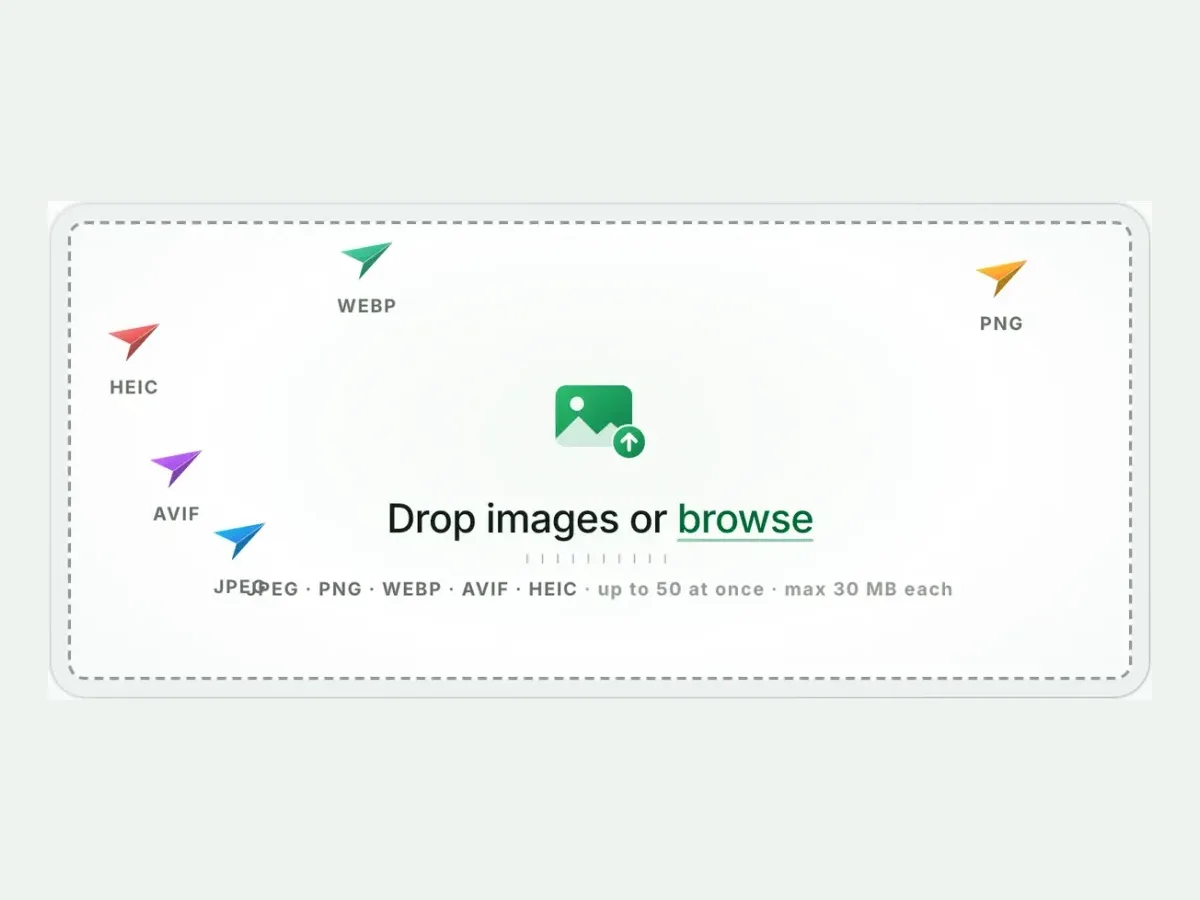
Drop images or browse

JPEG · PNG · WEBP · AVIF · HEIC · up to 50 at once · max 30 MB each

HEIC
PNG
JPEG
AVIF
WEBP
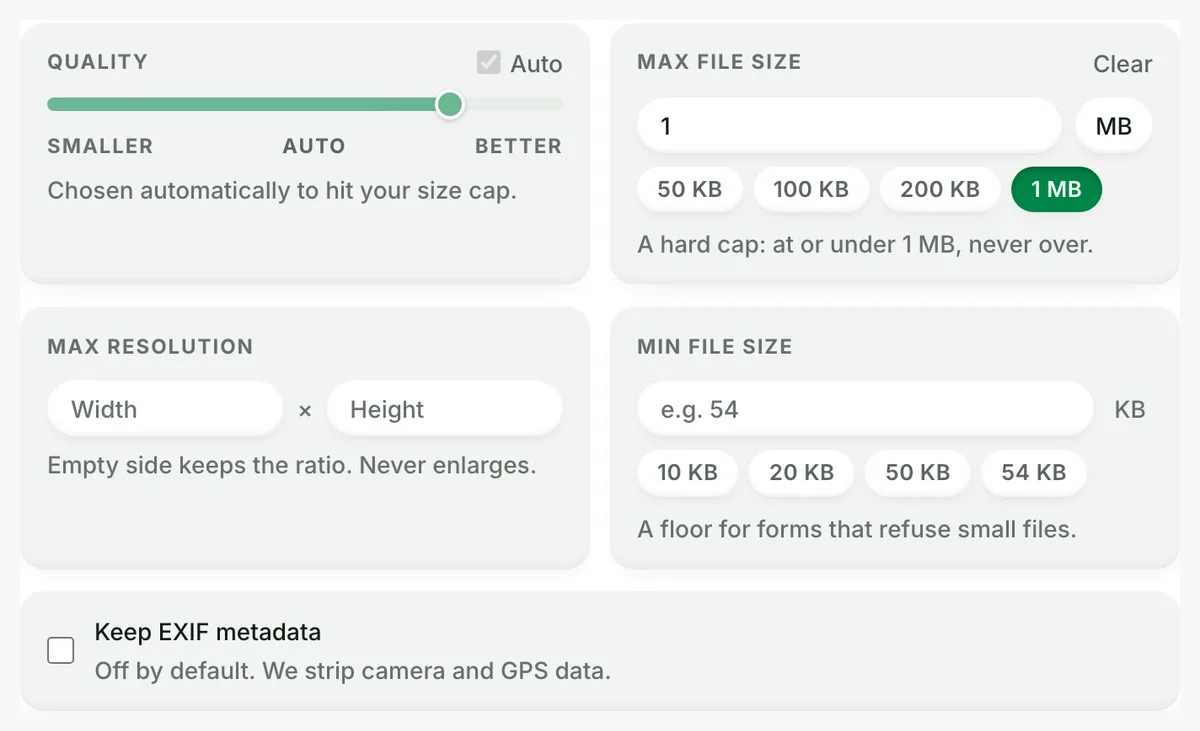
Advanced settings1 on
SmallerAutoBetter

Chosen automatically to hit your size cap.

A hard cap: at or under 1 MB, never over.

A floor for forms that refuse small files.

Max resolution

Empty side keeps the ratio. Never enlarges.
Every size target, one guarantee

A page for each number, arriving with the cap already armed. Under it, or a clear error, and never over.

More image tools

Keep working on this image

Browse all image tools
Compress image to 1 MB, before: the original photograph, 9.8 MBOriginal · 9.8 MB
Compress image to 1 MB, after: the same photograph as AVIF, 97.1 KBAVIF · 97.1 KB
−99%
The engine behind the cap, on a real photograph: 9.8 MB in, 97.1 KB out. Your file gets the same treatment with your size limit as the hard ceiling.

Compress to 1 MB

How to compress an image to 1 MB in 4 steps

Free, in your browser, with no sign-up. Each step below is the real tool on this page.

  1. Drop your photos

    Up to 10 JPG, PNG, WebP or HEIC files. The 1 MB cap is set.

    The Blinkimg drop box, ready for photos
  2. Keep the cap, or not

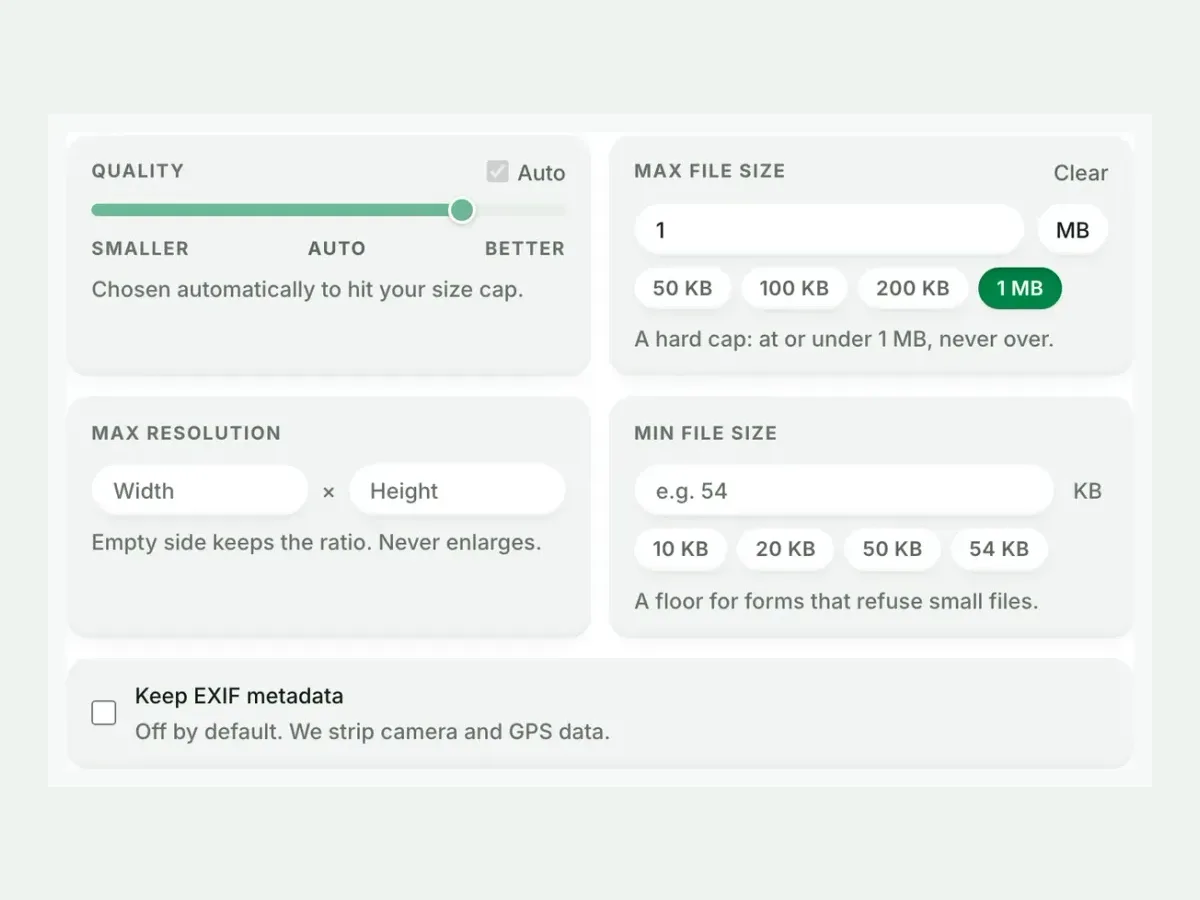
    Every file lands at or under 1 MB. Change the number any time.

    Advanced settings with the maximum file size set to 1 MB
  3. Compare the result

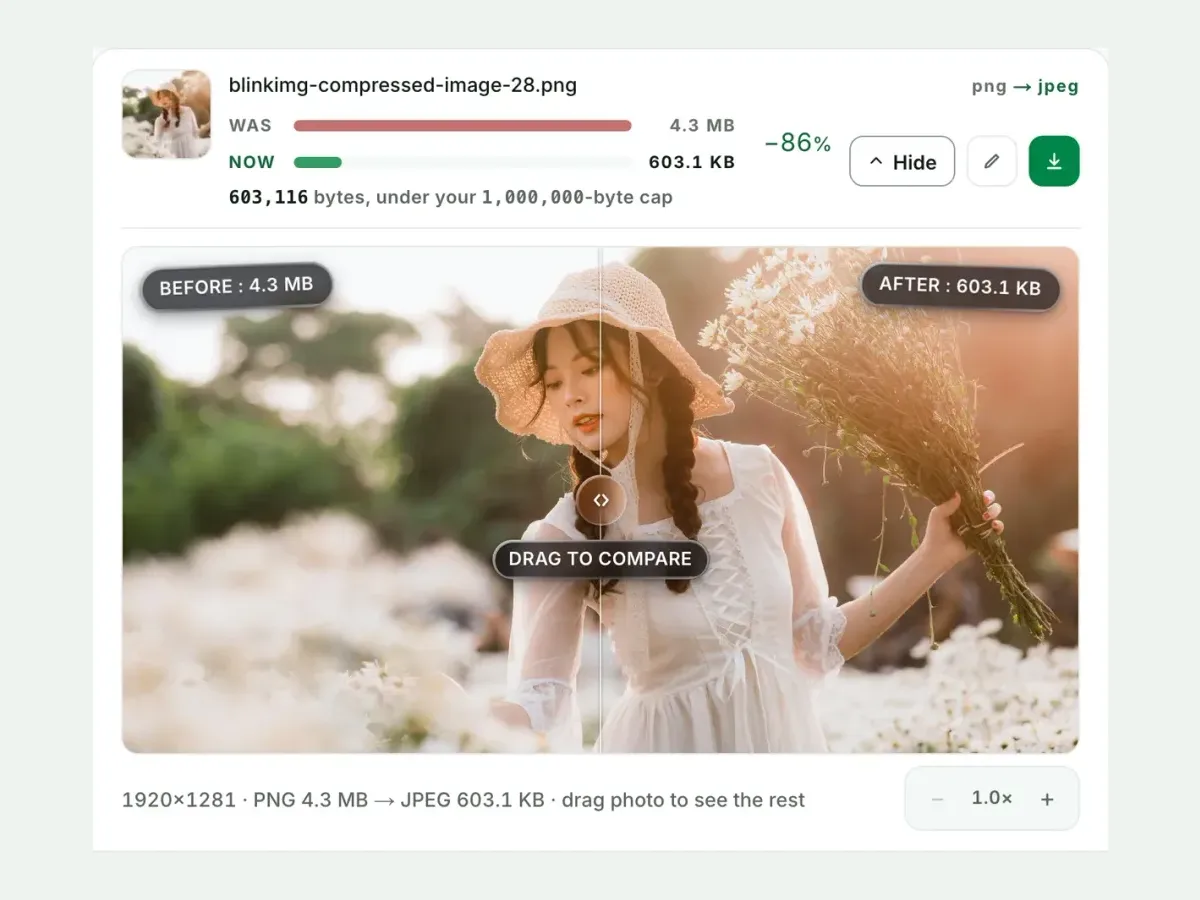
    See each measured size, then drag the slider to check the look.

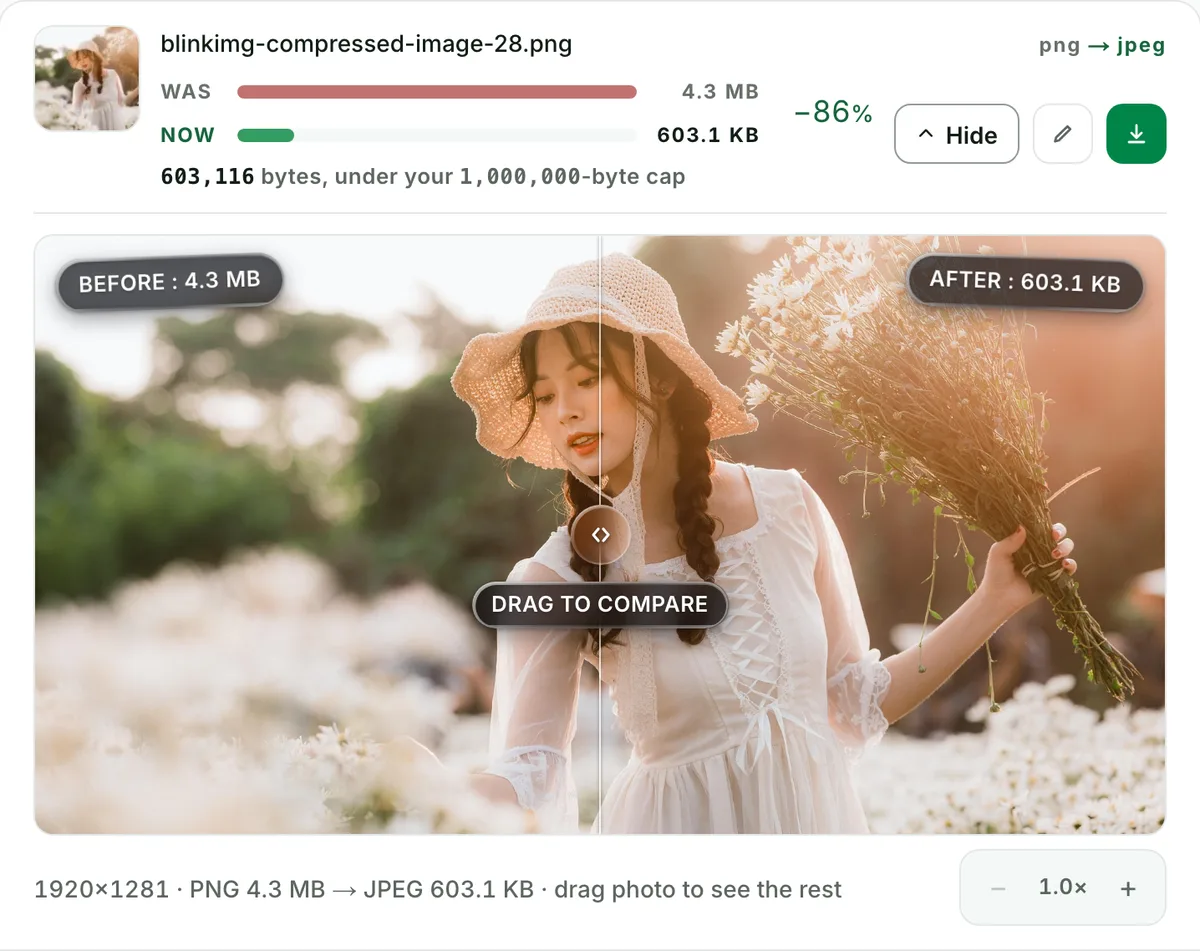
    A photo before and after in the compare slider, with both sizes
  4. Download one ZIP

    Take each file on its own, or all of them together in one ZIP.

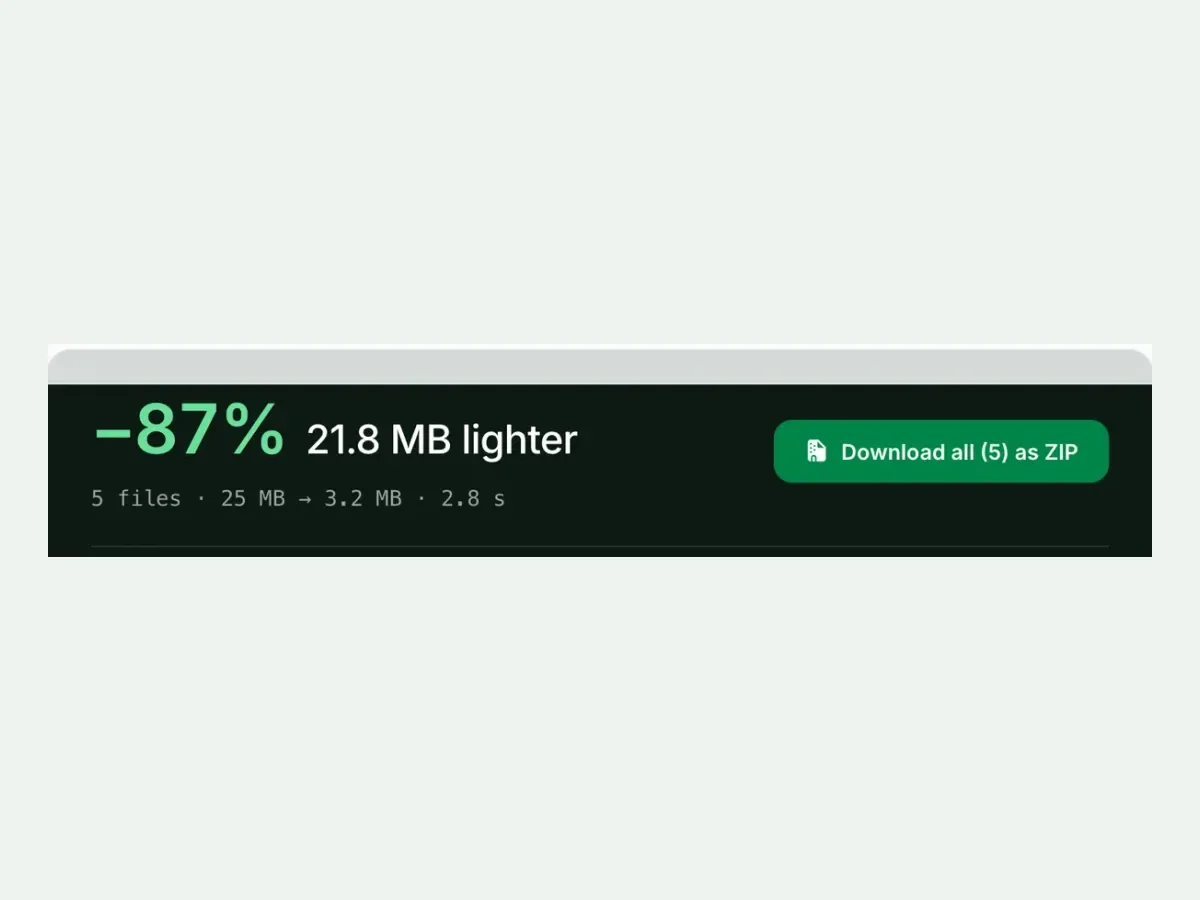
    Five compressed files with a Download all as ZIP button

Free, no sign-up

The best way to compress an image to 1 MB

A hard 1 MB cap, every result measured to the byte, and nothing kept after you leave.

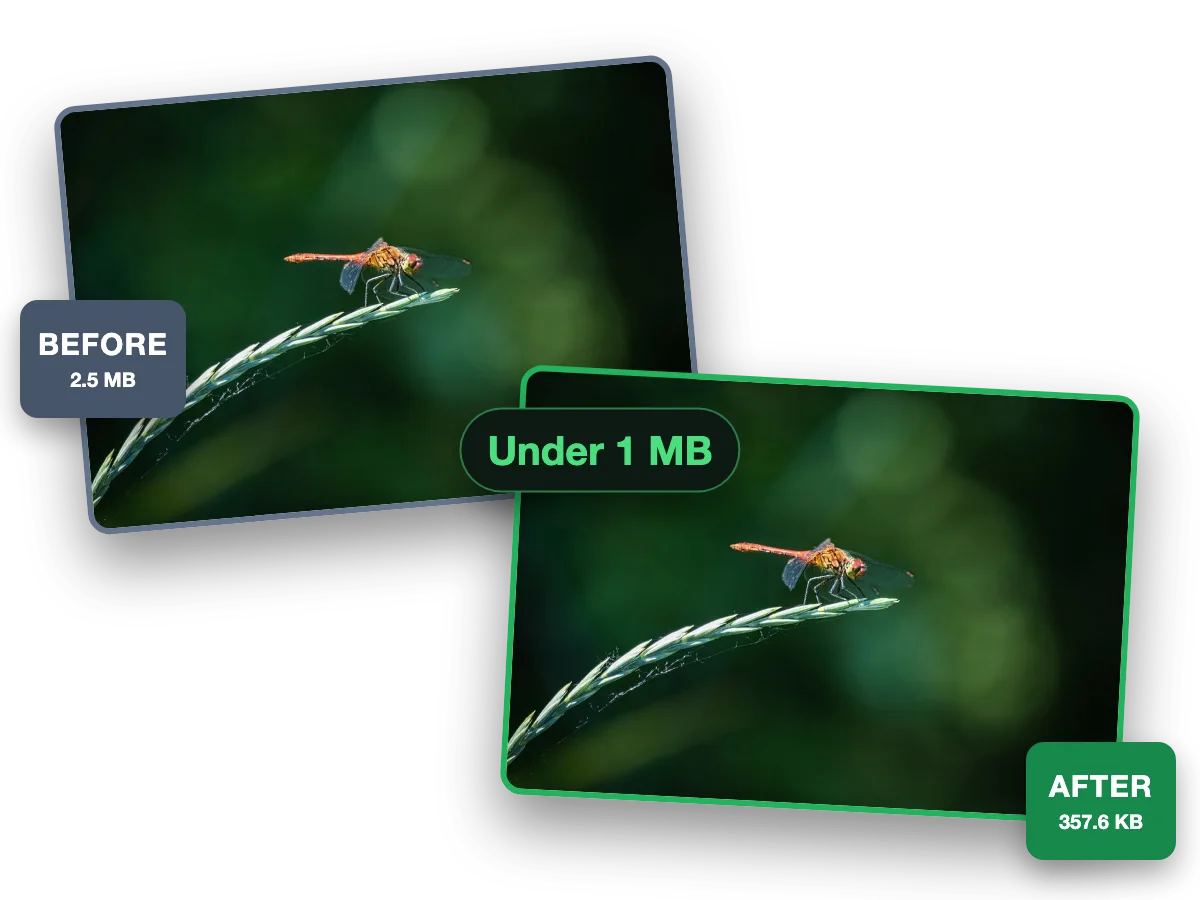
  1. One photo before (2.5 MB) and after (357.6 KB) a 1 MB cap

    Fast and easy

    Compress a photo to 1 MB in seconds

    This photo went from 2.5 MB to 357.6 KB, under 1 MB and still sharp.

Why this tool

Compress image to 1 MB, measured to the byte

Every size on this page is a file the engine wrote.

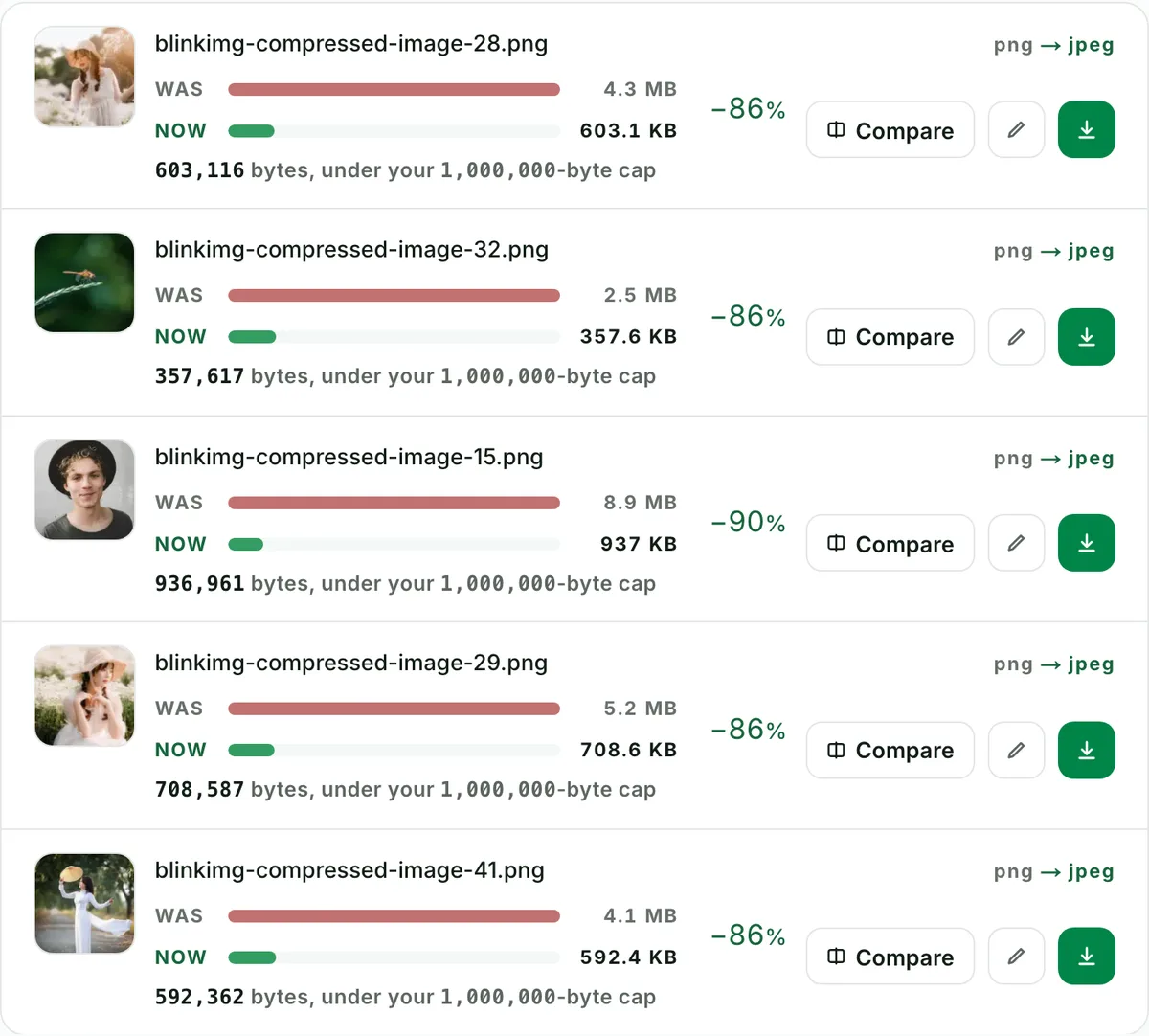
  1. Compress images to 1 MB, ten at a time: the real tool on this page

    Batch

    Compress images to 1 MB, ten at a time

    Drop up to 10 photos and every one lands at or under 1 MB. Each file shows its own measured size.

  2. Resize an image to 1 MB without visible loss: the real tool on this page

    Quality

    Resize an image to 1 MB without visible loss

    This photo went from 4.3 MB to 603.1 KB. Check any file at full size before you keep it.

  3. At or under 1 MB, never over: the real tool on this page

    Exact size

    At or under 1 MB, never over

    A hard cap: the engine finds the best quality that fits. A floor setting stops files coming out too small.

    Reduce image size in KB

How to compress an image to 1 MB, at or under the number

A 0 to 1.2 MB scale with the 1 MB cap marked: our 9.8 MB camera photo landed under it at 996.5 KB. The cap is 1,000,000 bytes, and the result is at or under it, never over.

Drop your image: the 1 MB cap is already armed, and the result comes back at or under 1,000,000 bytes, never over. EXIF and GPS come off every output, and files are wiped automatically. How the search trades quality against pixels, and the camera photo at every cap, are on the compress image to 50 KB page. Pixels the real problem? Resize image. The portal dictates the crop too? Crop image.

Compress an image under 1 MB: two real files, measured

SourceCapResultDimensionsNote
Reference photo1 MB576.8 KBuntouchedalready under the cap, came back untouched
Camera photo1 MB996.5 KB4964×2782quality search alone

Sources: photo.jpg, 576.8 KB at 1920×1280, and source.jpeg, 9.8 MB at 4964×2782. A file already under the cap comes back untouched: the never-larger guard.

Every byte count is the size of the actual file our engine produced from the named source, the same bytes you would download, not an estimate. The reference photo is one of our own photographs, an iguana on a branch, and the camera photo is a real one too. Drop your own file into the tool above to rerun any of them. How we measure names the sources and the settings.

The 1 MB jobs: email, GitHub avatars, Play Store icons and the e-Visa photo

Who asks for 1 MB: GitHub's profile picture (under 1 MB, smaller than 3000 by 3000), the Play Console's 512 by 512 icon (1024 KB) and India's e-Visa photo (10 KB to 1 MB). 1,000,000 bytes passes a 1,048,576 checker; twenty such photos fit Gmail's 25 MB.

One megabyte is the first cap a phone photo actually breaks, and the fix is quality, never pixels. A megabyte carries a full-resolution photograph with room. Our 9.8 MB camera photo came back at 996.5 KB with all 4964×2782 pixels kept. The 576.8 KB reference photo came back untouched. It is also the developer's number. GitHub's profile reference wants a PNG, JPG or GIF under 1 MB and smaller than 3000 by 3000 pixels. The Google Play Console caps the 512 by 512 app icon at 1024 KB. And it is the visa number. India's e-Visa page asks for a square JPEG photo between 10 KB and 1 MB, a floor as well as a ceiling. Here 1 MB means 1,000,000 bytes, so the output also passes a checker that counts 1,048,576. Gmail's help page allows 25 MB per message. Twenty photos at 1 MB each travel in one email with room to spare.

Image compressor to 1 MB, photo compressor to 1 MB, resize image to 1 MB: one page

8 ways forms and searches name one job, from image compressor to 1 MB and photo compressor to 1 MB to JPG 1 MB and less than 1 MB, all arriving at one page: compress to 1 MB, never over.

Image compressor to 1 MB, photo compressor to 1 MB, resize image to 1 MB, 1 MB converter, JPG 1 MB, 1 MB photo size: one job, a file at or under 1 MB. Compress image to, in, under, below or less than 1 MB: this page, with the cap armed.

What does “1 MB photo size” mean?

The file’s weight on disk, not its pixels: a JPG at or under 1 MB. When a portal also rules on pixels, it states them separately, in px or cm, and the crop tool’s presets cover that rule.

Questions, answered

The cap is already armed above. One drop settles most of these.

Will the result be exactly 1 MB, or under it?

At or under, never over: that is the whole guarantee. The search maximises quality within the budget, so a result lands close beneath the cap when the image needs the room and further under when it does not. Under this page's 1 MB cap our 9.8 MB camera photo came back at 996.5 KB, and our 576.8 KB reference photo, already under the cap, came back untouched. The readout under each result prints the exact bytes.

Does reducing the dimensions help an image compress to 1 MB?

Enormously: pixels are what bytes pay for. Under this 1 MB cap our 9.8 MB camera photo kept all 4964×2782 pixels and landed at 996.5 KB, so quality alone paid for the bytes. For a tight target, set Max resolution in Advanced settings yourself: it gives the quality search far more room to keep the face sharp. The engine shrinks a picture on its own only when the cap demands it.

What do "compress image in 1 MB", "compress image less than 1 MB", "1 MB converter" and "JPG 1 MB" mean?

The same thing portals ask for in their own words: a file that comes out as a JPG at or under 1 MB. This page is that converter. It preselects JPEG output, arms the 1 MB cap, and prints the exact bytes beside the result, so the words on the form and the file you upload finally agree.

How many KB is 1 MB?

The 1 MB cap counts 1,000 KB: it is 1,000,000 bytes, the decimal megabyte. Many programs still count a megabyte as 1,048,576 bytes and print that as MB too. That is why one file can show two sizes on two screens. A file at or under 1,000,000 bytes is under 1 MB by either count. You never have to guess which one the portal's checker uses.

Why does GitHub reject my profile picture?

GitHub's profile reference sets three rules: a PNG, JPG or GIF, under 1 MB, and smaller than 3000 by 3000 pixels, with about 500 by 500 recommended. A phone photo breaks the last two at once. Set Max resolution below 3000 pixels in the Advanced panel, or crop to a square first; the armed cap handles the bytes. The Play Store icon is the same idea: a 512 by 512 PNG of at most 1024 KB, per the Play Console.

Can I compress a 10 MB photo into 1 MB, or even a 20 MB one?

Yes, and without shrinking it. Our 9.8 MB camera photo landed at 996.5 KB under the 1 MB cap with every one of its 4964×2782 pixels kept. The quality search alone found the fit. Files up to 30 MB are accepted per image, and up to 50 in a batch, 10 of them HEIC. A bigger file spends more of its quality to get there, and the compare slider shows you what it cost.

How do I compress a HEIC photo to 1 MB as a JPG?

Drop it as it comes off the iPhone. HEIC is accepted as an input and this page preselects JPEG output, so the file leaves as a JPEG at or under 1,000,000 bytes, the format a portal, an email or a profile field accepts. Nothing to convert first and nothing to install: the phone's browser is enough. A megabyte carries a full-resolution photo, so the pixels stay; our 9.8 MB camera photo kept all 4964×2782 at 996.5 KB.

What is the difference between compressing under 1 MB and to 1 MB?

Nothing you have to choose: the cap is a ceiling, and the search stops at the most quality that fits under it. So "under 1 MB" is what you always get, and "to 1 MB" means close beneath it when the picture needs the room: our 9.8 MB camera photo landed at 996.5 KB. A file already under the cap comes back untouched, as our 576.8 KB reference photo did. The readout under each row prints the exact bytes.

What format gives the best quality under 1 MB?

For an upload that names a format, the format it names, which is JPEG almost everywhere; this page preselects it. For your own website, AVIF or WebP: at the same Auto setting our benchmark photo weighed 123.9 KB as AVIF against 273.9 KB as JPEG, so the same megabyte buys far more quality. The format picker switches the output, and the cap holds whichever you choose.

Still have a question?

Ask us. A person reads it.

Contact us

Page updated

What people say

Every rating counts in the average, low ones too. We remove only spam, abuse and fakes.

Average rating

5.0

32 ratings, 6 written

  • 531
  • 41
  • 30
  • 20
  • 10

How did it go?

One tap. No account needed.

Filter:

Written reviews

    Ready when your 1 MB deadline is

    Drop the file above. The cap is set, the guarantee holds, the portal accepts.

    Compress to 1 MB