Try“Convert every PNG in ./public to AVIF under 100 KB”
Why Blinkimg
Four things that decide whether an image tool survives past the first upload.
AVIF-first
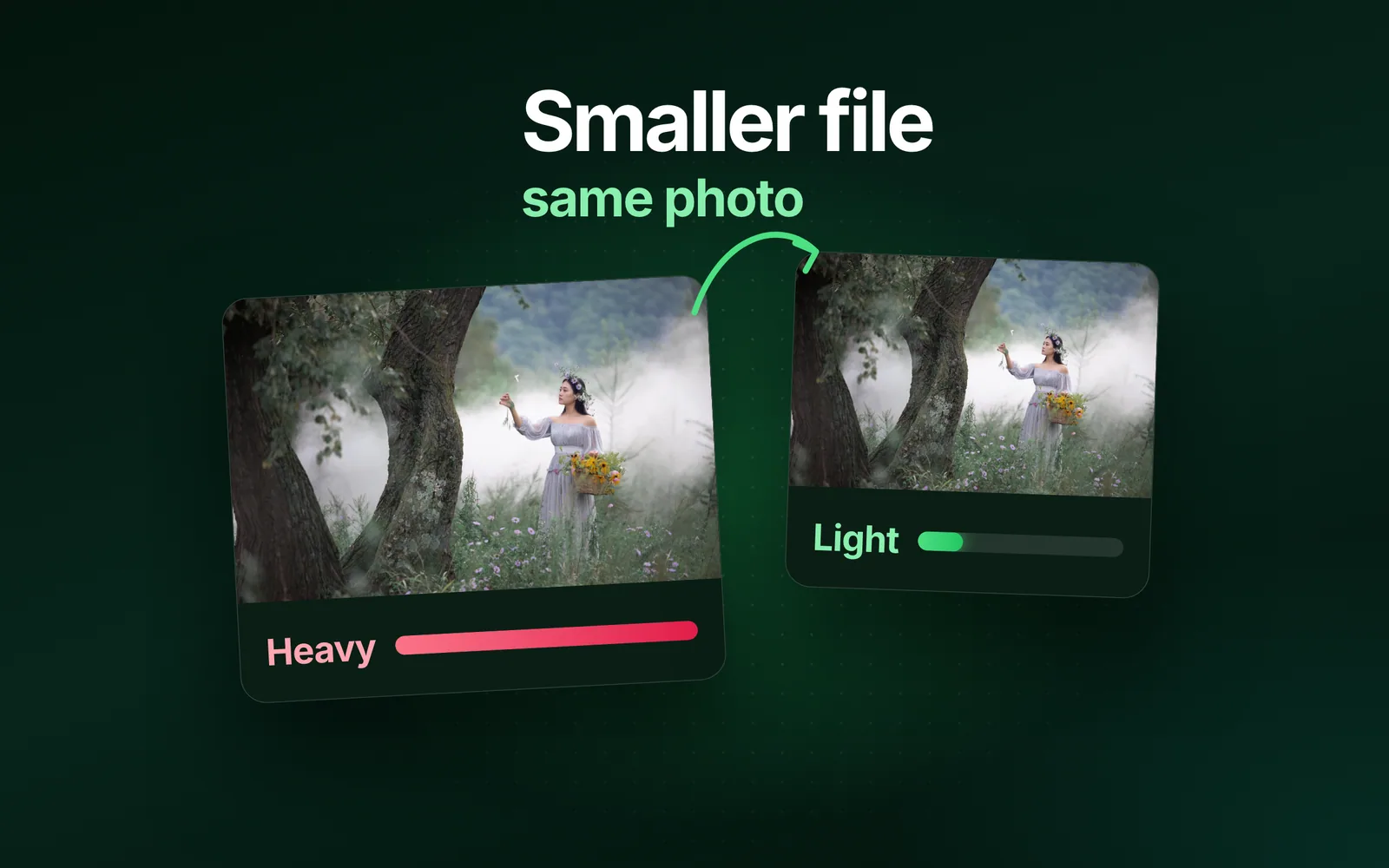
The modern codec lands well under JPEG and PNG, and ~95% of browsers already read it. We reach for AVIF first, and fall back to JPEG or PNG when you need wider compatibility.
Batch, metered
Drop a whole batch at once. Each image gets its own live meter and a before/after check. Download them one by one or as a single ZIP.
JPEGPNGWEBPAVIFHEIC
Every common format
JPEG, PNG, WebP, AVIF, and iPhone HEIC go in. Keep the format, or convert to several at once in one pass.
No images kept
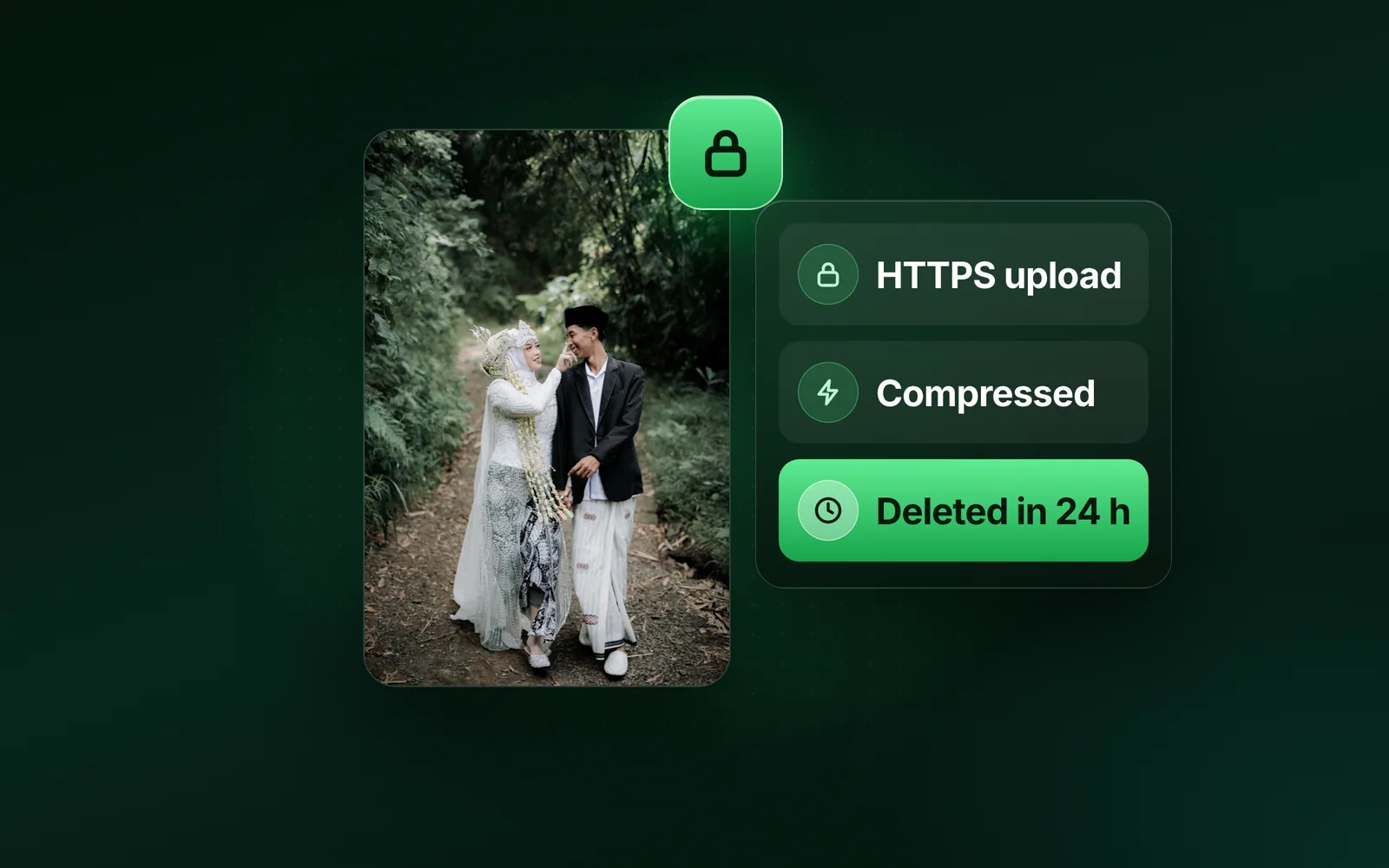
No account, no watermark. We process uploads and wipe them automatically: we keep no images. Privacy is the default, not a setting.
Can you tell the difference?
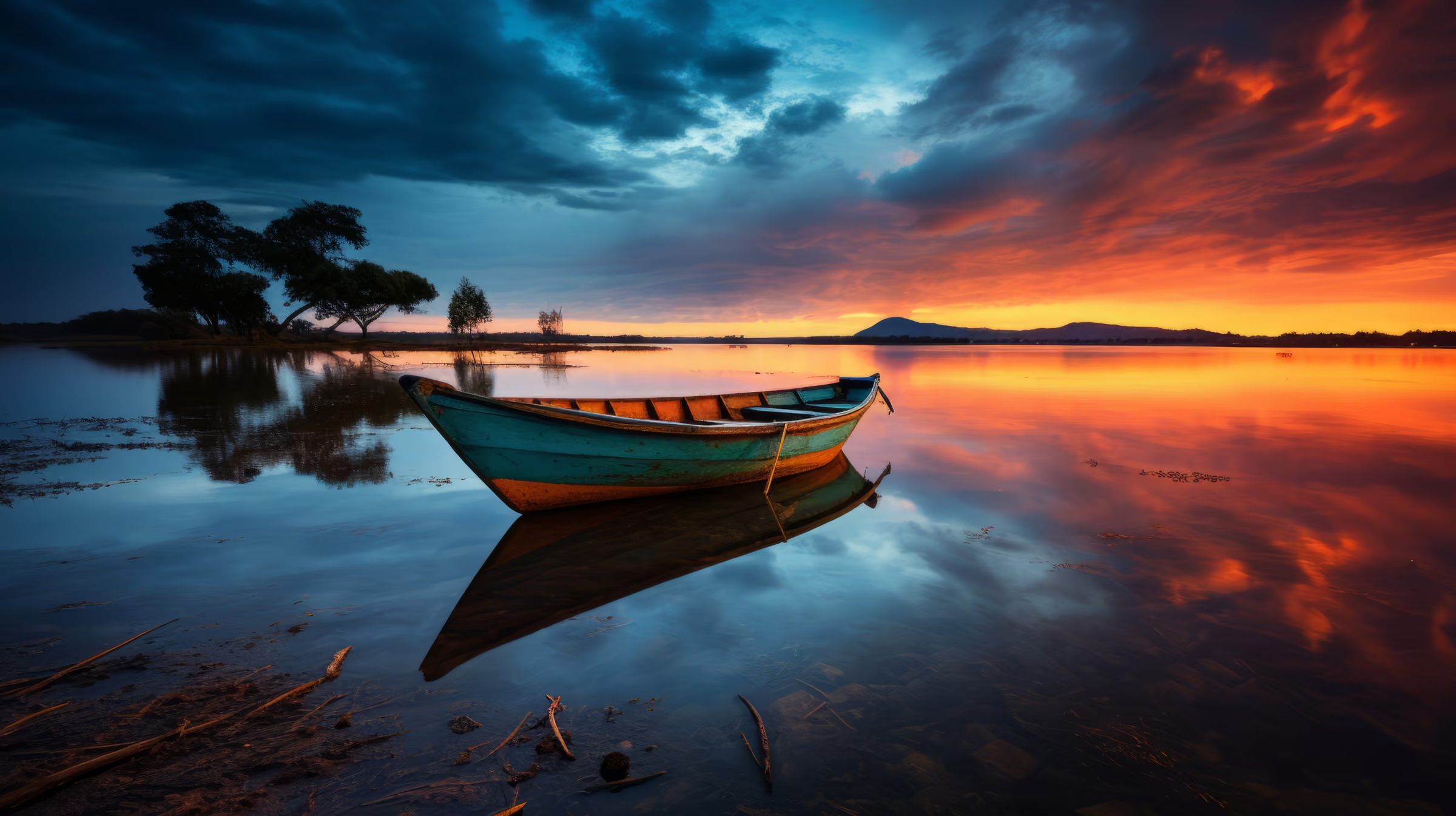
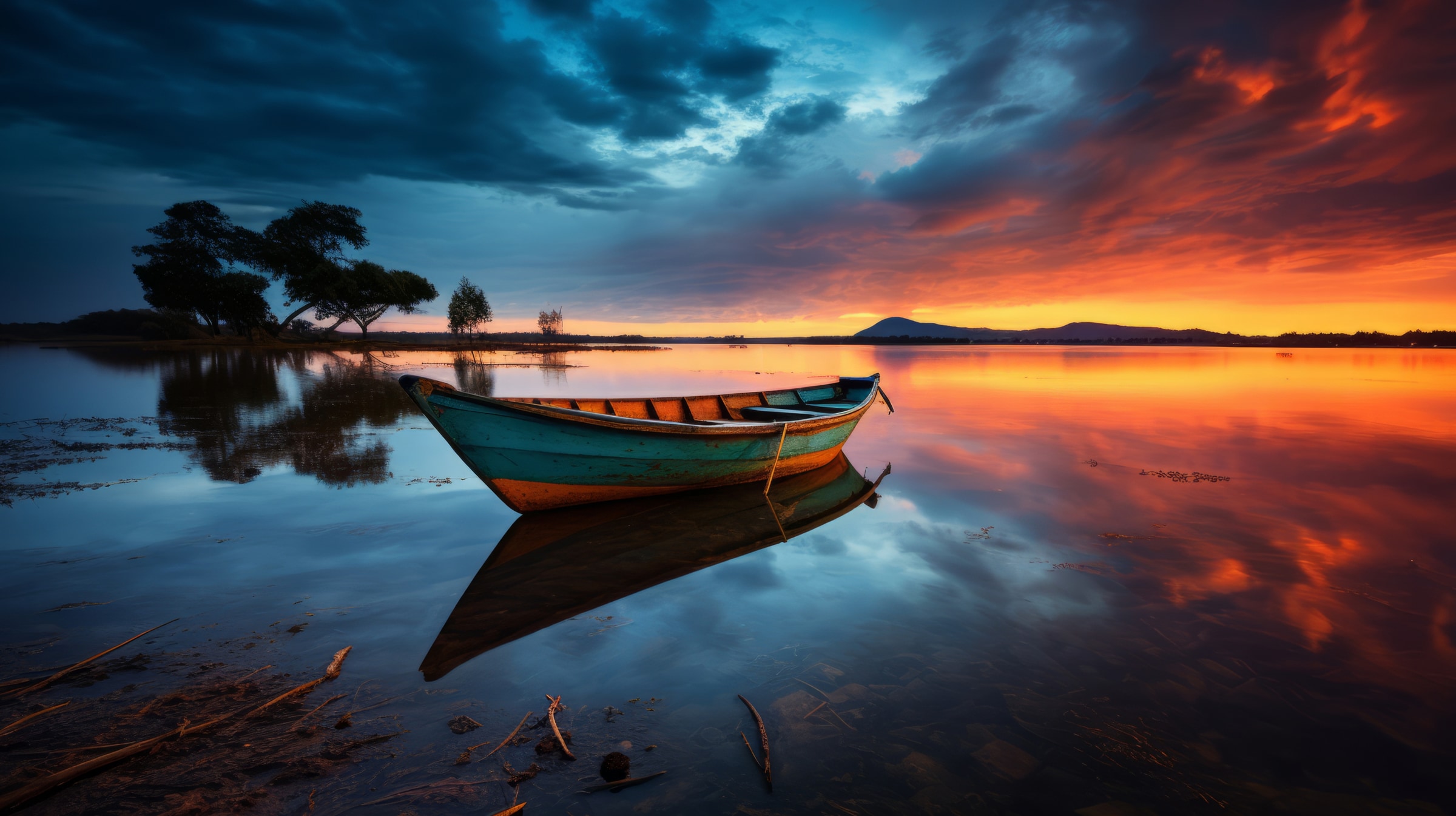
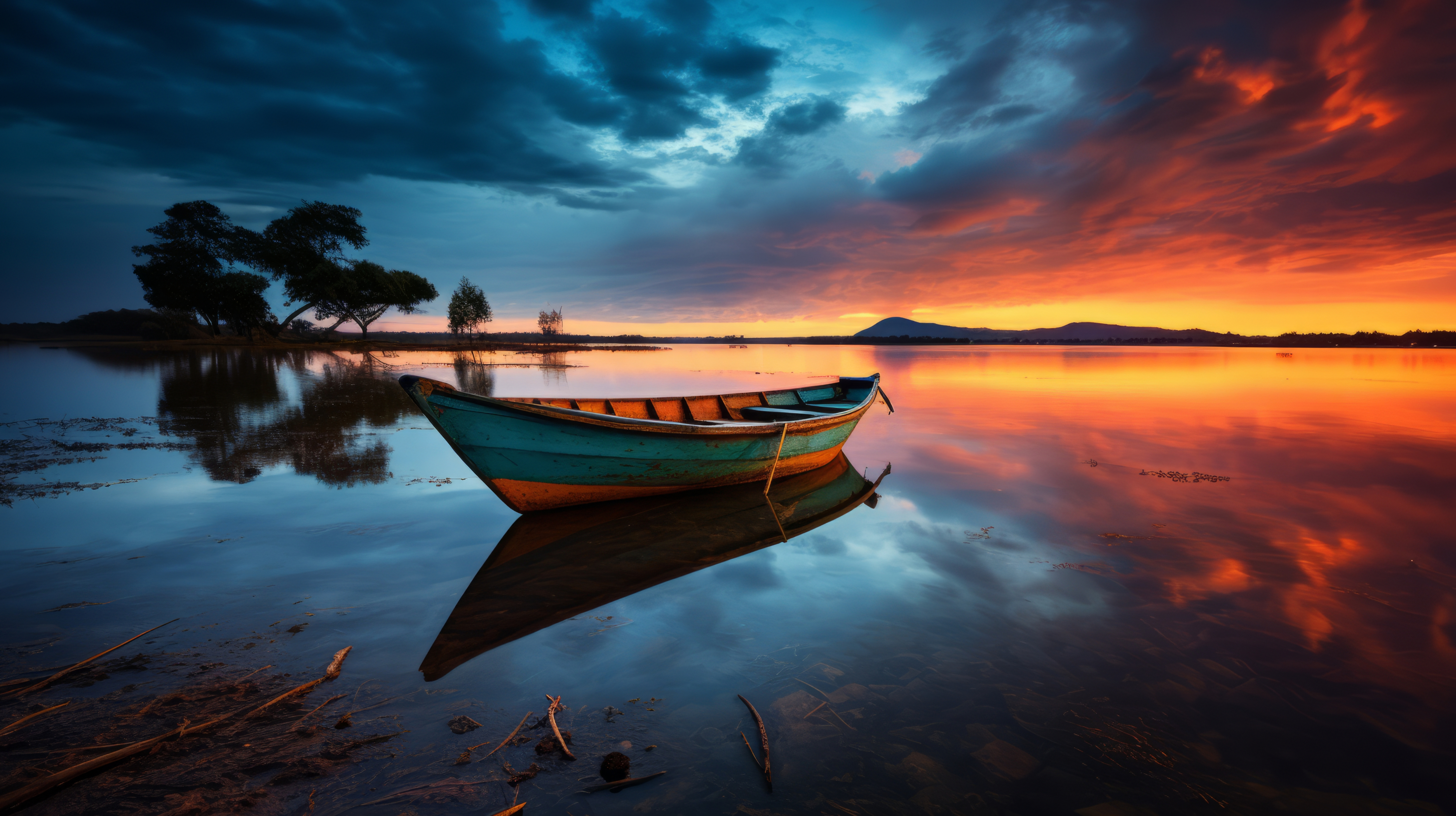
A 4964 × 2782 photo saved as a quality-100 JPEG, capped to 2400px and converted to AVIF in one pass: 9.8 MB down to 97.1 KB, 99% smaller.
Dark areas stay clean
Fine detail still there
after : 97.1 KB
before : 9.8 MB
drag to compare
loading preview…
The before side starts as a 2400px copy (396.8 KB) so this page stays light, and swaps to the 9.8 MB camera file the moment you reach the slider. Or download it and run it through the tool yourself.
How it works
Drop, compress, download
No account, and a measured number at every step, never an estimate.
01
Drop
Drag images in, or pick a target format first. Up to 50 at a time to compress, 10 to convert, 30 MB each.
02
Compress
We strip metadata and encode as small as quality allows, or under your cap.
03
Download
Compare before and after, then take each result or the batch as one ZIP.
How much faster could your site load?
Paste a page. Every image measured. The seconds it costs you.
A hard cap, not a hopeful slider: name the number and the file comes back at or under it, or you’re told plainly the size can’t be met. Measured output, not estimates.
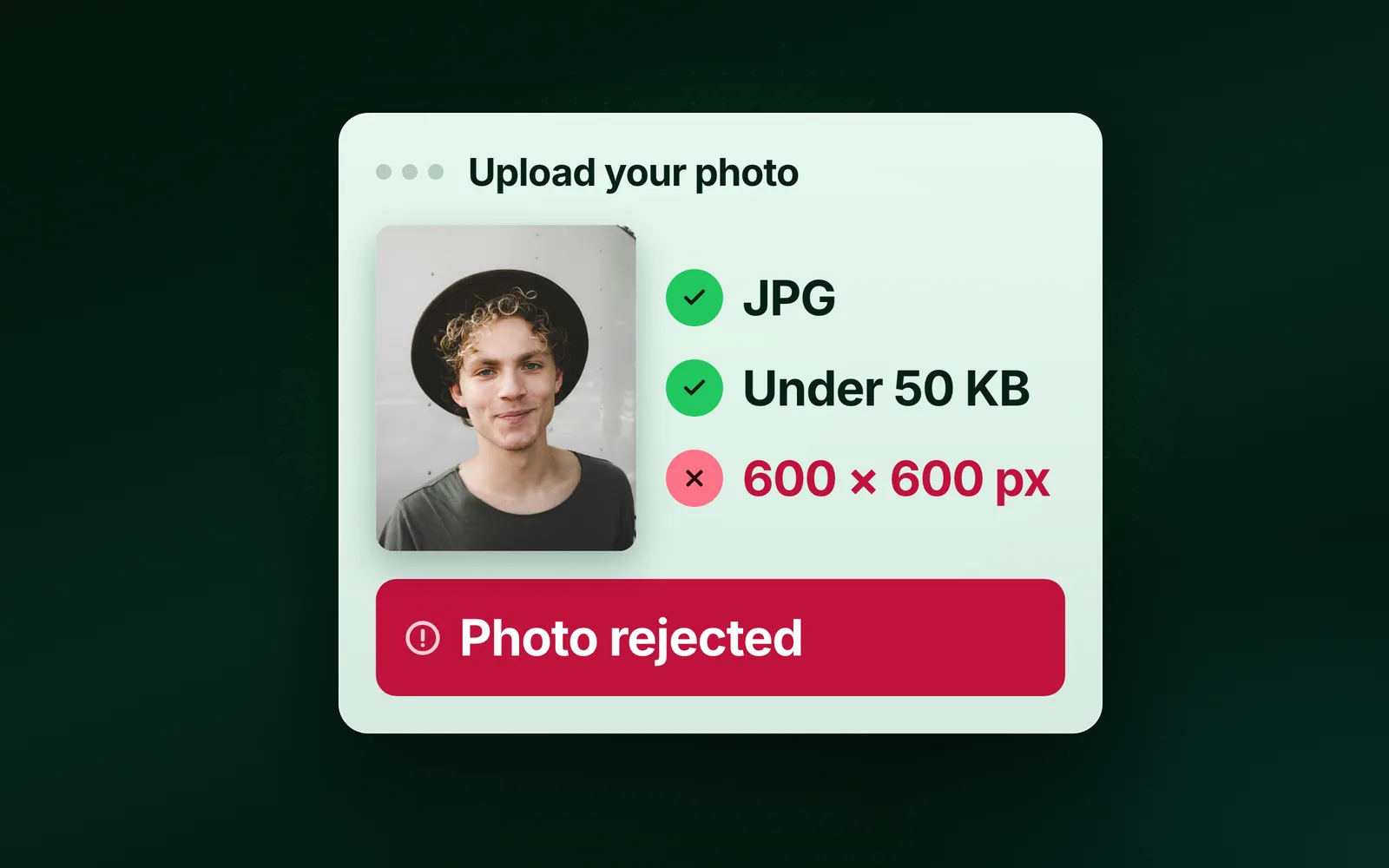
Upload portals don’t negotiate: “JPG under 100 KB” means exactly that. Set Max file size in Advanced settings and the engine searches quality, and under an extreme cap, dimensions, until your file fits under the number, never over. A cap that genuinely can’t be met fails with a clear error instead of delivering mush.
Portal named the number? The size pages open with the cap pre-armed: compress to 50 KB and its 20/100/200/500 KB siblings.
source · 269.1 KB
output · 99.9 KB
cap ≤ 100 KB
63% smaller · quality maximised inside the budget
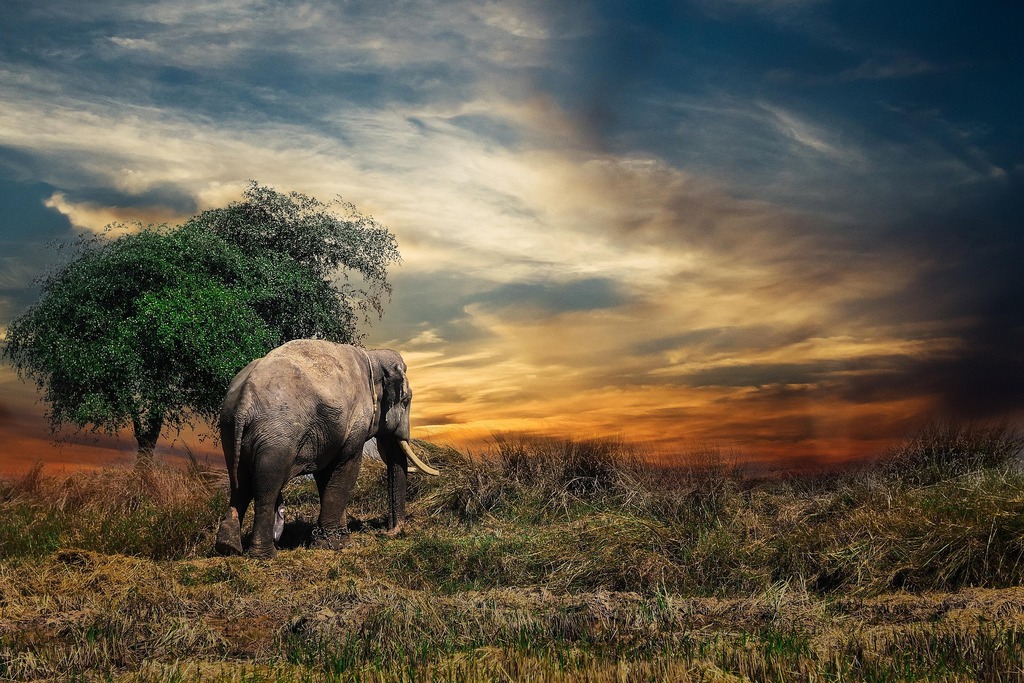
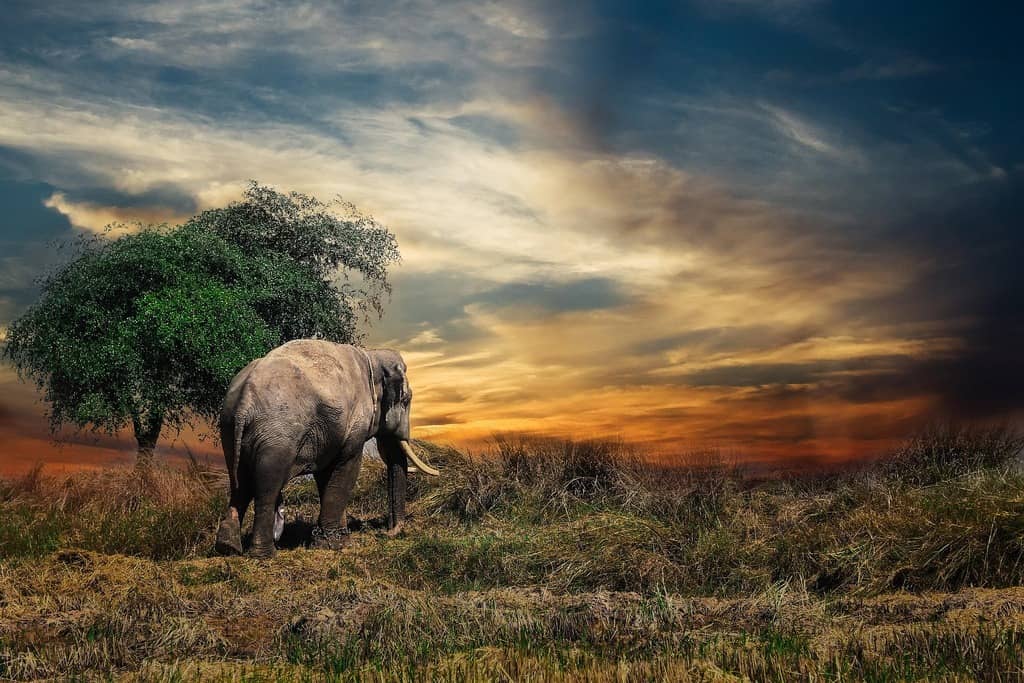
Every byte count is the size of the actual file our engine produced from the named source, the same bytes you would download, not an estimate. The reference photo is one of our own photographs, an iguana on a branch, and the camera photo is a real one too. Drop your own file into the tool above to rerun any of them. How we measure names the sources and the settings.
Free tiers, compared
Which is the best free image compressor and converter?
The best free image compressor and converter depends on what you need. Blinkimg compresses up to 50 images per batch at 30 MB each, converts JPG, PNG, WebP, AVIF and HEIC 10 at a time, and hits an exact KB target, free and with no signup. Squoosh is the pick when nothing may leave your browser, one image at a time. TinyPNG takes 20 JPG or PNG images at 5 MB each. iLoveIMG, CloudConvert, FreeConvert and ShortPixel are in the table below, every figure read from the vendor's own page on 7 and 8 September 2026. A dash means the vendor publishes no figure.
Blinkimg Free
TinyPNG
iLoveIMG
Squoosh
CloudConvert
FreeConvert
ShortPixel
Exact KB target size
✓All four formats
✕No
✕No
✕No
✕No
✓JPEG only
✕No
Images per batch
✓50 per batch
20per upload
30per task
1one at a time
–Not stated
–Not stated
50per run
Daily compression cap
✓None with an account300 a day without one
–Not stated
–Not stated
✓Noneone at a time
10a dayshared with converts
20minutes a dayshared
100a monthsigned in
Convert formats
✓All four10 a run
3a session
✓30 per task
✓9 encoders
10credits a day
20minutes a day
✓WebP and AVIF only
iPhone HEIC in
✓All four outputs
✓Forced to JPG
✓JPG only
✕No HEIC codec
✓13 formats
✓Yes
✓Yes
AVIF out
✓Yes
✓3 a session
✕No
✓Yes
✓Yes
✕No
✓Yes
Edit after compressing
✓Full editorcrop, rotate, presets, colour, annotate, censor, and more
50 images a batch to compress and 10 to convert, a KB target that holds in all four formats, HEIC in and AVIF out, one ZIP back. Free, no account.
A quick batch of JPG or PNG
BlinkimgOur pick
Drop up to 50 images at 30 MB each and go: 10 conversions a run, HEIC in and any of the four formats out. TinyPNG stops at 20 images and 5 MB.
Nothing may leave your device
Squoosh
Runs entirely in the browser, so it uploads nothing. One image at a time, nine encoders, no HEIC decoder.
Files over 30 MB
CloudConvertorFreeConvert
1 GB a file on their free plans, metered by a daily budget of credits or minutes that compression and conversion share. Blinkimg gets there on a paid plan: 90 MB a file on Pro, 1 GB on Pro Max.
Shortest time on a server
ShortPixeloriLoveIMG
ShortPixel deletes an upload after 30 minutes to 2 hours, iLoveIMG within 2; Squoosh never uploads. Shorter is better for privacy. Blinkimg deletes every file within 24 hours of upload.
Editing beyond compression
Split decision
Blinkimg opens an editor on the compressed file: crop, rotate, presets, colour, annotate, censor, frames. ShortPixel adds background removal and upscaling instead.
Compress by format
A page for each format, arriving with the setting already made. Every result is measured on a real file.
If you only remember one row: AVIF for the web, JPG for compatibility, PNG when nothing may change.
Format
Compression
Alpha
Relative size
Best for
JPG
Lossy
No
100%
Photographs
PNG
Lossless
Yes
190%
Graphics, screenshots, transparency
WebP
Lossy or lossless
Yes
68%
Smaller web images
AVIF
Lossy or lossless
Yes
42%
Smallest web images
HEIC
Lossy (HEVC)
Yes
55%
iPhone photos (convert for the web)
See what your site would save
Paste any page URL. We find every image on it and measure the saving with the same engine that processes your files. Then you get the numbers, image by image.
One page per scan
60 images · 120 MB
Report kept 30 days
Privacy is the architecture
Not a toggle, not a promise buried in a policy. We built the system so nothing sticks around to leak.
We keep no images
We process your files and wipe them automatically. We never archive them, never train on anything with them, never sell or share them.
EXIF & GPS stripped by default
Every output ships without camera metadata or location data. Photographers can keep it with one checkbox.
Your files are never the product
No third-party trackers touch the tool, and uploads are used for your job and nothing else. Free pages will show ads, and paid tiers stay ad-free.
No account required
Drop files and go. Nothing ties an upload to a profile. You get 300 images a day and 100 an hour, counted live beside the drop zone.
Simple, honest pricing
One plan for the web app, the API, WordPress and Shopify, on any number of sites. Pay once for life, or once a year.
Most popular
What you get
The same engine on every plan. Paying adds credits and lifts the limits.
The web tool and the developer API draw from the same account and the same credit balance. So does the WordPress plugin, and the Shopify app will too. No per-platform silos.
WordPress & Shopify
The WordPress plugin is live: it compresses your Media Library and makes WebP and AVIF copies on the engine behind this page, from the same credit balance as the web tool and the API. A Shopify app is planned.
On the way
WordPress plugin: compress and convert on uploadLive
Shopify app: lighter product imagesPlanned
The developer API
This site is the API’s first customer: the tool above consumes the same public endpoints. Create a key from your account. Even Free includes 500 credits every month. AVIF plus an exact size cap in one call:
Every rating counts in the average, low ones too. We remove only spam, abuse and fakes.
Average rating
5.0
32 ratings, 6 written
531
41
30
20
10
How did it go?
One tap. No account needed.
Filter:
6 reviews
Written reviews
Abir Sadat Wasim
Senior Full-Stack Engineer · SaaS & AI Products
Oct 24, 2026
“As a full-stack engineer building SaaS products, I love how Blinkimg’s API simplifies image compression and conversion. Integrating image optimization into my products becomes much easier, saving development time while helping deliver faster, more efficient user experiences.”
noyonvisuals
Noyon Visuals · London Photographer
Oct 22, 2026
“Used Blinkimg to compress a large batch of wedding photos before emailing a preview gallery to clients. The images still looked great, and the reduced file sizes made sharing much easier. I sometimes need to resize very large originals first, but the batch compression works well.”
MR
@Mrwhosetheboss
Tech Community Leader · 23M Subscribers
Oct 22, 2026
“The built-in image editor is handy for social media graphics. I cropped a photo to 1080 × 1350 for Instagram, straightened it, and downloaded a smaller optimized image in one go. Being able to crop, edit, and compress images in the same tool saves time”
MD
Mariana Duarte
Runs an online shop
Oct 22, 2026
“Dropped 40 product photos in, got a ZIP back a minute later at a third of the size. The before/after slider is what sold me, I could check the quality myself instead of trusting a percentage.”
JS
Jesper Nissen SEO
SEO Specialist & Digital Creator
Oct 22, 2026
“As an SEO specialist focused on Parasite SEO, link building, and website growth, I know how important optimized images are for page speed and SEO performance. Blinkimg makes image compression and format conversion simple, helping me maintain image quality while optimizing websites for better performance.”
Abdullah Al Nayem
Backend-Focused Full-Stack Engineer
Oct 21, 2026
“Been looking for a simple way to handle image optimization in my projects, and Blinkimg does the job well. The API makes image compression and format conversion straightforward to integrate, without adding unnecessary complexity.”
Short answers. Drop one file in and the meter settles most of these in about a second.
Q:Is it free?
Yes. No account needed, no watermark. The tool takes 50 images a batch at 30 MB each, counted live beside the drop zone. TinyPNG caps free runs at 20 images. Free gives you 50 compressions and 10 conversions a run on 30 MB files, and a run is one drop, so reloading gives you another. Signed out, the ceiling that matters is 300 images a day and 100 an hour; a free account removes the daily one. Reach a cap and you get a signup prompt, never a dead end.
Q:What happens to my images?
Your images travel over HTTPS. We process them, then wipe them automatically: we keep nothing, never train on anything, never sell or share anything. We strip EXIF metadata, including GPS location, from outputs by default. The privacy policy has the detail.
Q:Can I compress an image without losing quality?
Without a visible loss, yes. Compression is lossy, but Auto tunes it to stay visually indistinguishable. Every result carries a Compare slider, so you judge the original against the output yourself at 100% zoom. Your eyes are the referee, not our marketing.
Q:How much smaller will my files get?
Usually 40–80%, depending on the image. Measured on our reference photo: 576.8 KB in, 273.9 KB out as JPEG (−52.5%), 123.9 KB as AVIF. The meter reports the exact saving for every file you drop.
Q:Can I compress an image to an exact size, like 100 KB?
Yes. Set Max file size in Advanced settings and the engine guarantees the output at or under it, never over. Our 576.8 KB reference photo came out at 99.7 KB against a 100 KB cap and 48.7 KB against 50 KB. Portals that demand "under 100 KB" stop being a two-tool job.
Q:What's AVIF, and should I use it?
AVIF is a modern image format built on the AV1 video codec, and ~95% of browsers read it in 2026. At each format's default our camera photo came out at 288 KB as AVIF, 329 KB as WebP and 605.5 KB as JPEG. Use it for the web; keep JPEG for email, forms and older software. We reach for AVIF first and fall back honestly when compatibility wins.
Q:How do I compress images for the web?
Convert them to AVIF, keep WebP as the fallback, and scale each one to the width it displays at. Our 576.8 KB reference photo, a JPEG, came out at 123.9 KB as AVIF and 218.9 KB as WebP, against 273.9 KB as a compressed JPEG. Pick AVIF as the output, drop the batch, and check each result on the Compare slider.
Q:Can I batch compress images and get one ZIP?
Yes to both. Drop up to 50 images at once, 30 MB each, mixed formats welcome: JPG, PNG, WebP, AVIF and iPhone HEIC in one run. Each file gets its own meter and compare view. The whole batch lands as a single ZIP with filenames preserved.
Q:How do I bulk compress images, thousands at a time?
Use the developer API for a whole library, and the web tool for anything smaller. The tool takes 50 images a batch at 30 MB each, and 300 a day signed out; a free account lifts the daily cap. The API runs the same engine: every account gets 500 free credits a month, and packs cover any volume past that.
Q:Does it handle iPhone HEIC photos?
Yes, natively. Drop them as they come off the phone and convert to JPG, PNG, WebP or AVIF, up to 10 at a time. No plugins, no desktop app. We strip the EXIF/GPS your camera embedded from outputs by default.
Q:How do I compress a pic on my phone?
Open this page in your phone's browser, tap browse and pick the pics from your library, up to 50 at once. Auto compresses each one as it lands, and Download saves the smaller copy; a batch comes back as one ZIP. There is no app to install, and EXIF and GPS are stripped from the outputs by default.
Q:What does Pro cost?
Pro is $39 a year, Pro Max $99 and Agency $249. Each is also sold once for life: $99, $249 and $599. One plan covers the web app, the API, WordPress and Shopify, on any number of sites. Pro web compressions and conversions are unlimited per run. Pro takes 90 MB files, Pro Max and Agency 1 GB. Every account gets 500 free image API credits a month; Pro brings the month to 3,000, Pro Max to 10,000 and Agency to 30,000.
Q:Is there a developer API?
Yes: the whole site runs on it. The web tool consumes the same public API, so the engine you just tried is the product itself. Create an API key from your account. Even the Free tier gets 500 credits every month, reset on the 1st. Past that, packs and pay-per-compression cover any volume.
Q:What is the best free image compressor?
For batches and an exact size, Blinkimg: 50 images a batch at 30 MB each, a KB target that holds in JPG, PNG, WebP and AVIF, 300 images a day with no account. Squoosh if nothing may leave your browser, one image at a time. TinyPNG for a quick 20 JPG or PNG at 5 MB each. The comparison on this page holds every free tier's own figures.
Q:What is the difference between an image compressor and an image optimizer?
A compressor shrinks the bytes of the file you give it. An image optimizer also chooses the format, the dimensions and the metadata. Blinkimg covers all three: it reaches for AVIF first, strips EXIF and GPS by default, and the editor resizes the result. Our 576.8 KB reference photo, a JPEG, came out at 123.9 KB as AVIF.
Q:What is the best image converter?
One that takes what you have and returns what the web wants: Blinkimg converts JPG, PNG, WebP, AVIF and HEIC to any of JPG, PNG, WebP or AVIF, 10 at a time, and measures the size of every result against the original. Our reference photo came out at 123.9 KB as AVIF and 218.9 KB as WebP from a 576.8 KB JPEG. Free, no signup, no watermark.
Q:What is the best TinyPNG alternative?
Blinkimg, if TinyPNG's 20 images at 5 MB, three conversions a session and HEIC forced to JPG are what you are leaving: 50 images a batch at 30 MB, 10 conversions a run to any of the four web formats, HEIC in, an exact KB target, and a full editor on the result. Squoosh if you want nothing uploaded at all. The full comparison is on this page, with every figure from the vendors' own pages.
Q:Do you run ads or trackers on the tool?
Not yet. Free pages will show Google ads, to keep the tool free; Pro and Pro Max stay ad-free. What never changes on any tier: no third-party trackers in the tool, no image kept past 24 hours, metadata stripped, and your files used for your job and nothing else.