Convert WebP images to PNG when you need full transparency support and a file every editor opens: logos, screenshots, and graphics that have to stay crisp. PNG keeps your transparent areas, and quality 100 keeps every pixel. Part of the image converter.
– / –
Drop images or browse
JPEG · PNG · WEBP · AVIF · HEIC · up to 50 at once · max 30 MB each
A real result from this exact operation: 216.8 KB in, 350.3 KB out. Drop your own file and the meter reports yours.
WebP to PNG converter
How to convert WebP to PNG in 4 steps
Free, in your browser, with no sign-up. Each step below is the real tool on this page.
1
Drop your WebP files
Up to 10 WebP files at once. PNG is already picked.
2
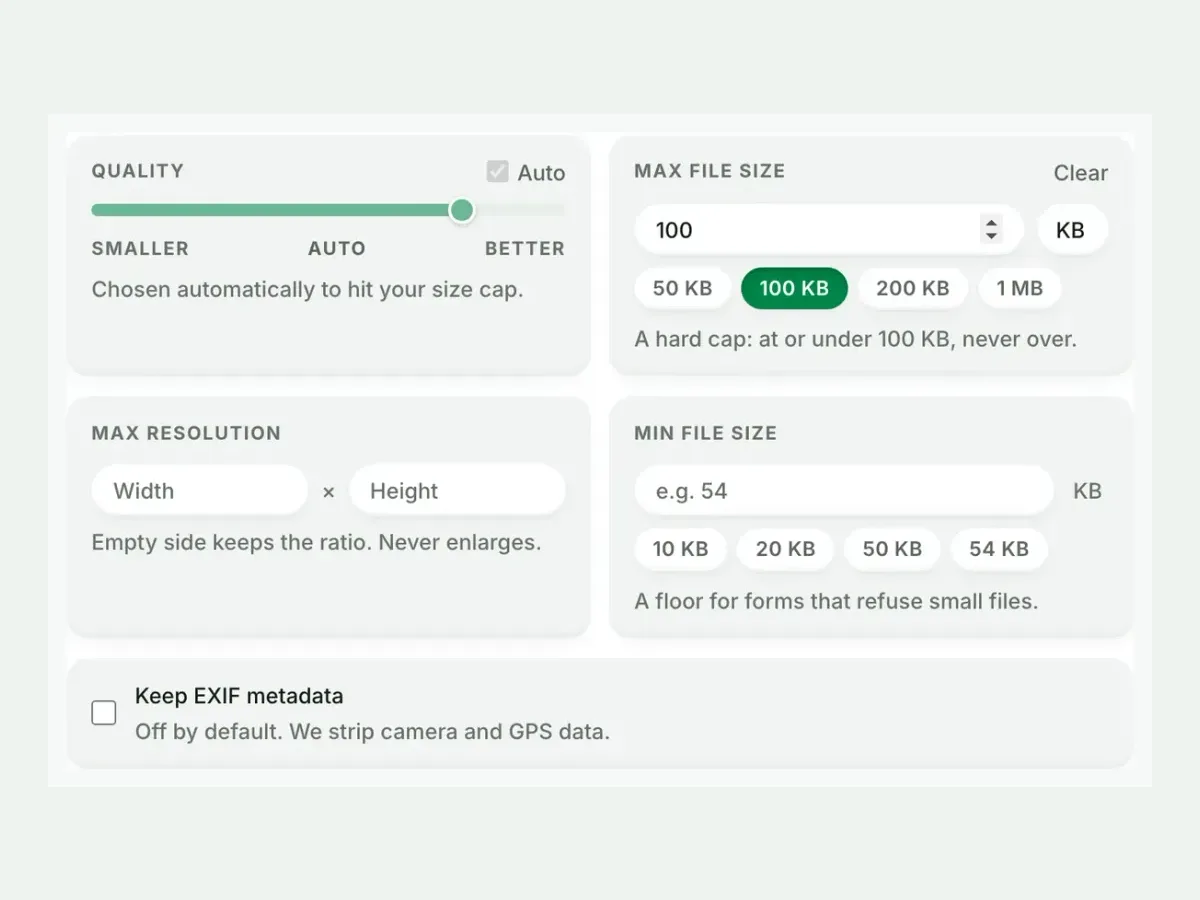
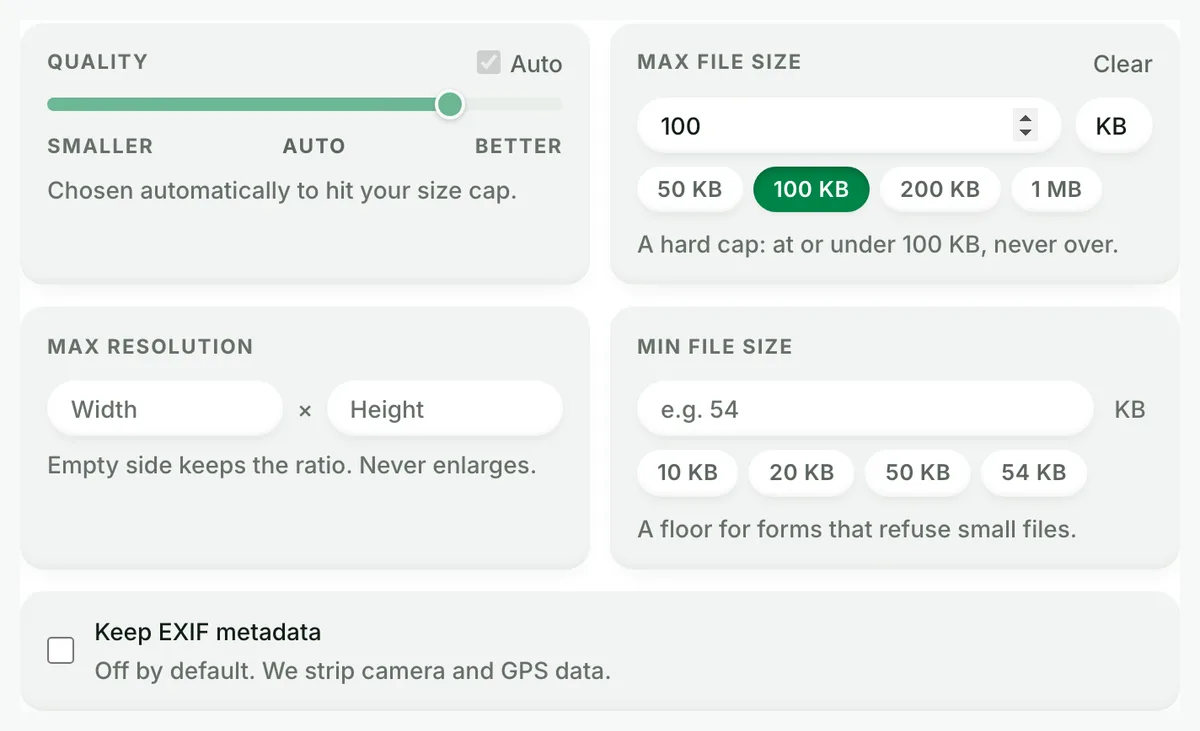
Set a size, or not
Auto picks the best PNG setting. A size cap is never exceeded.
3
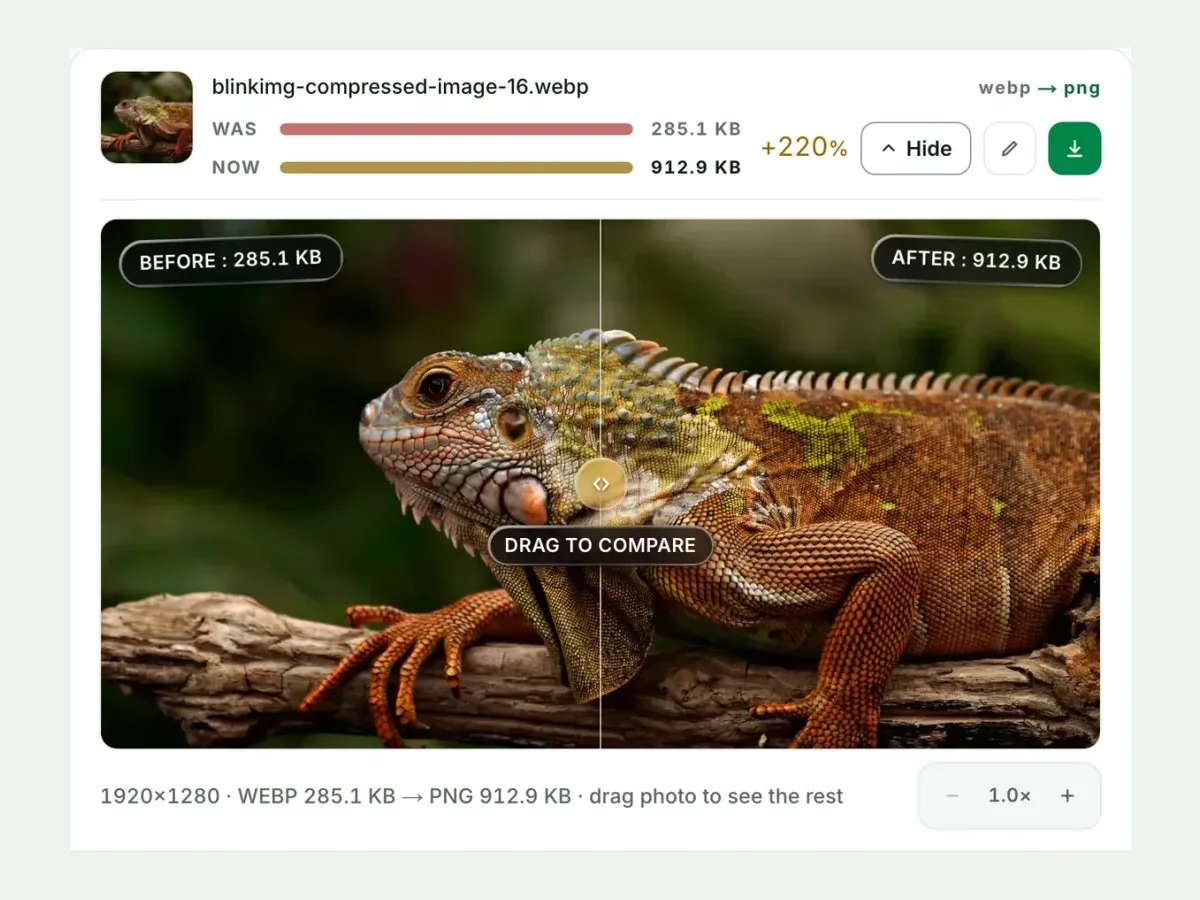
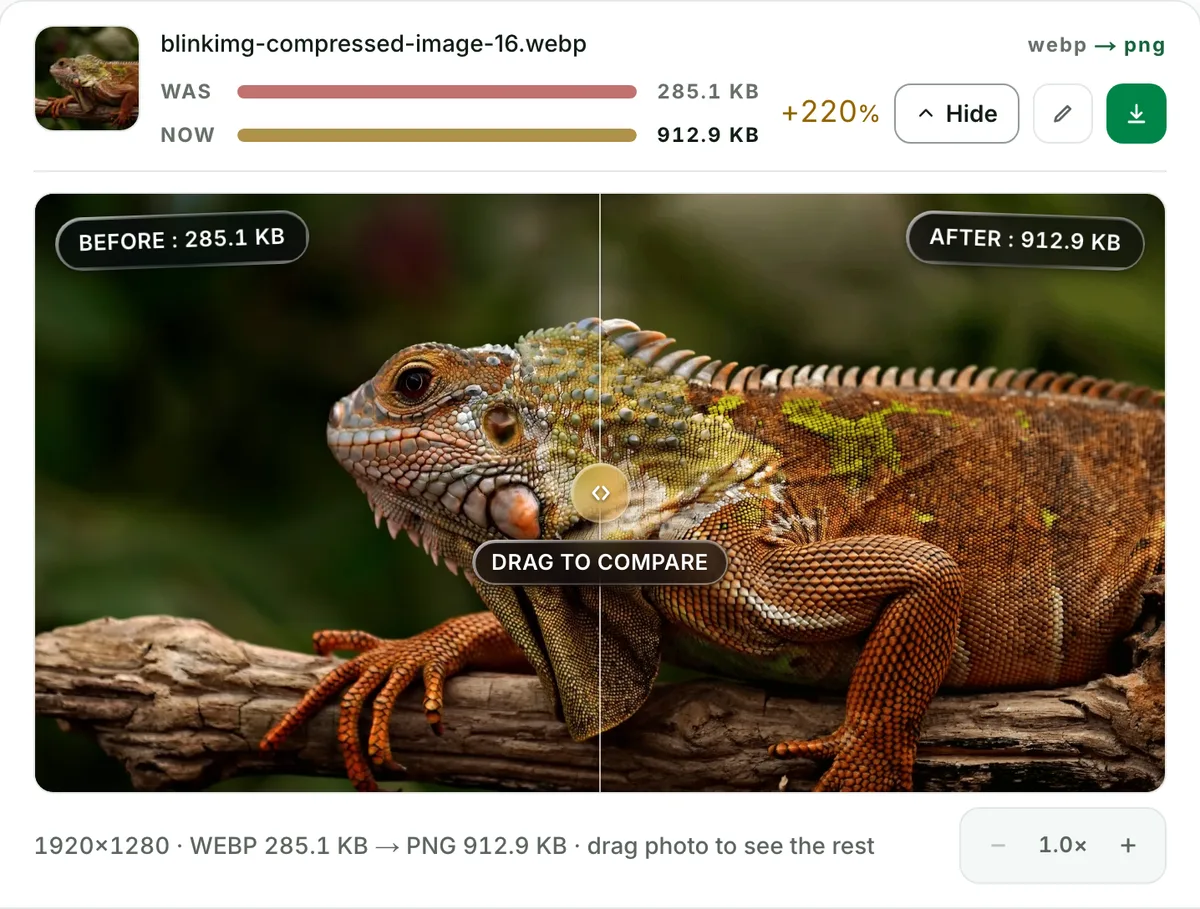
Compare the result
See each measured size, then drag the slider to check the look.
4
Download one ZIP
Take each file on its own, or all of them together in one ZIP.
Free, no sign-up
The best WebP to PNG image converter for real photos
Up to 10 WebP files at once, every result measured to the byte, and nothing kept after you leave.
Fast and easy
A fast, easy WebP to PNG converter
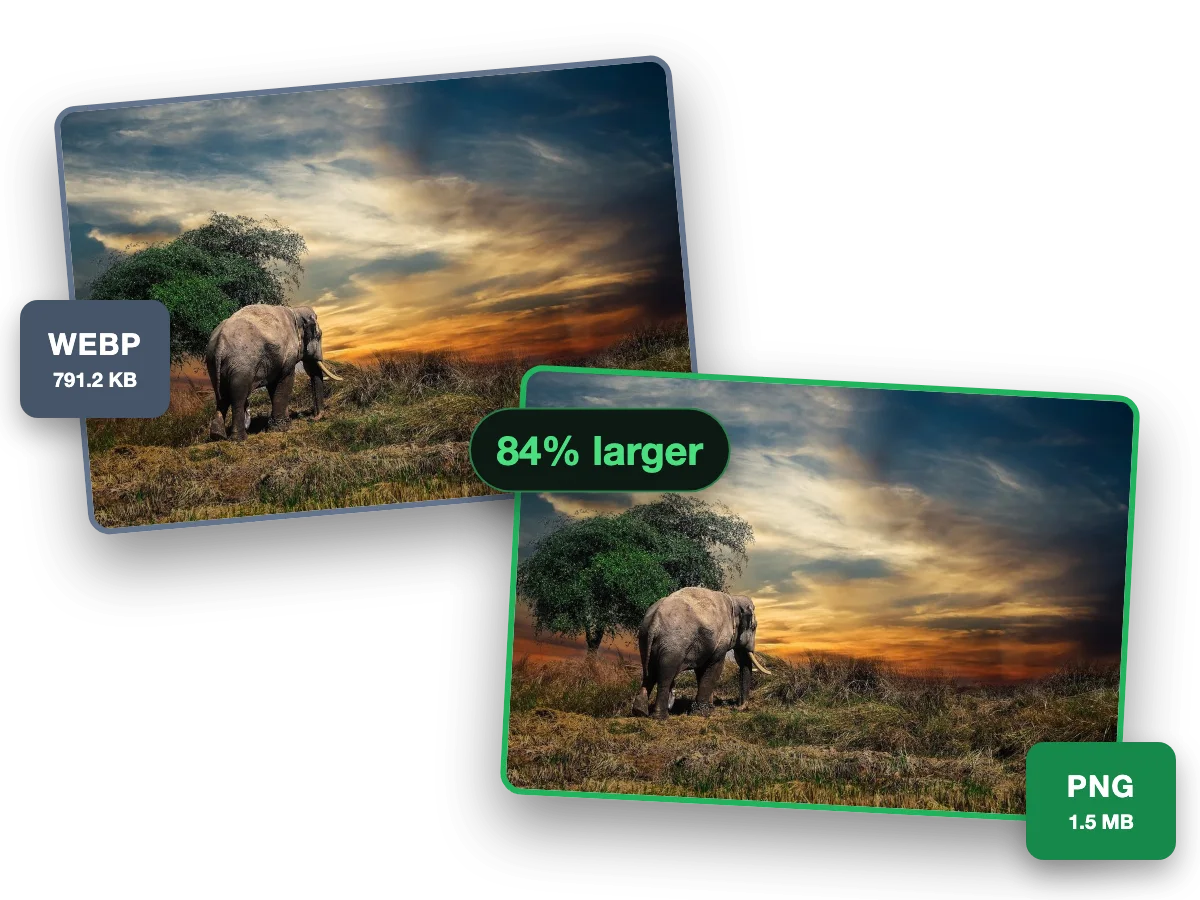
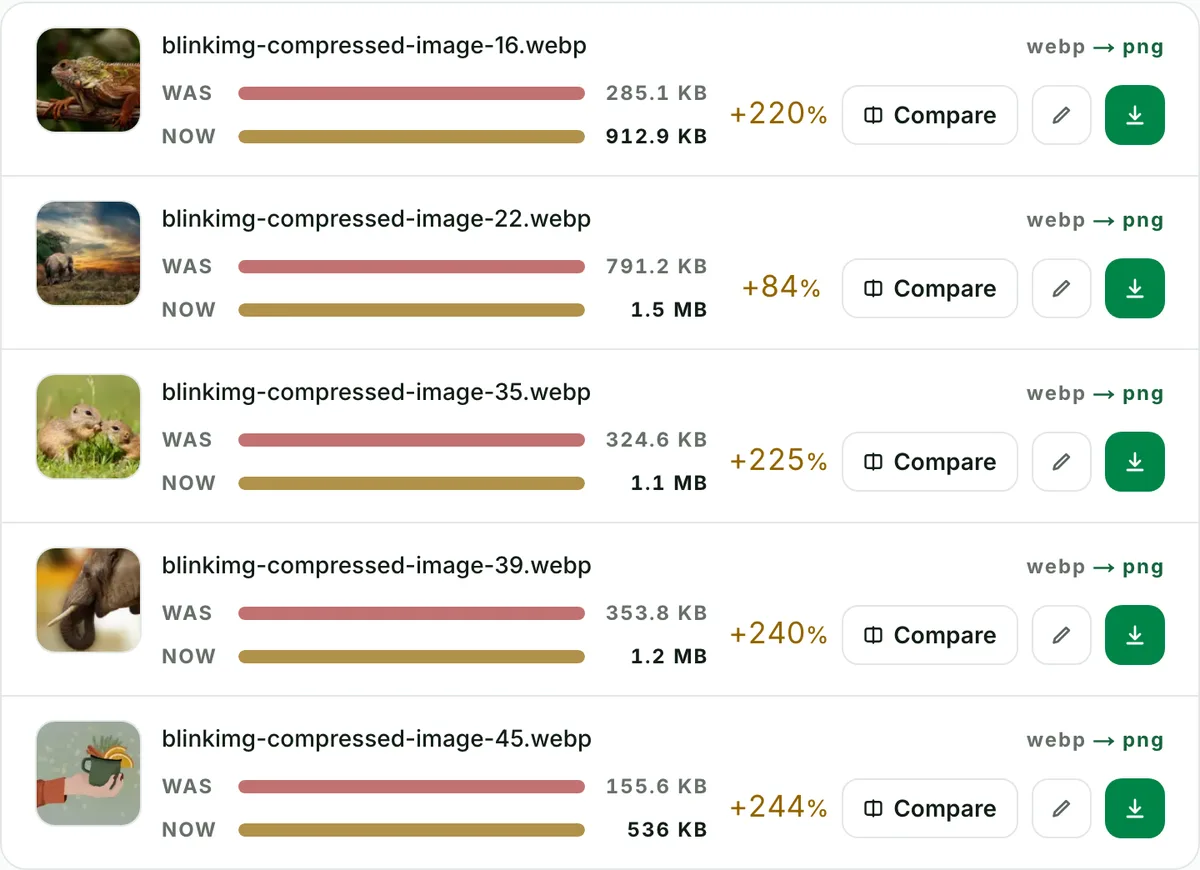
PNG opens in every editor and keeps a WebP’s transparency intact. This photo went from a 791.2 KB WebP to a 1.5 MB PNG, 84% larger.
Why this converter
A WebP to PNG converter that shows its work
Every size on this page is a file the engine wrote, measured to the byte.
Batch
Batch convert WebP to PNG, ten at a time
Convert up to 10 WebP files to PNG in one run. Each file shows its own measured size, so you see what changed.
Quality
WebP to PNG converter with no change you can see
This photo went from a 285.1 KB WebP to a 912.9 KB PNG. Check any file at full size before you keep it.
Private
WebP to PNG without camera and GPS data
Camera, place and date data are stripped from every file by default. One checkbox keeps them.
Why PNG is the editing exit (and JPG isn't)
PNG is the destination for editing. At quality 100 we write the decoded WebP pixel-for-pixel: truecolour lossless, alpha channel intact. At Auto we palette-optimise it for size. Either way, PNG is the correct format when the image's next stop is an editor like Photoshop, GIMP, Figma or PowerPoint. Every subsequent save from a lossless PNG starts from perfect pixels instead of stacking lossy generations. Sharing rather than editing? The WebP to JPG exit is smaller and opens everywhere.
WebP to PNG, measured: inflation is real, ours is smaller
Nobody else publishing on this conversion mentions it: truecolour lossless PNG from a compressed WebP grows the file dramatically. Our 611.2 KB reference became 2835.2 KB. Our Auto mode palette-optimises instead and landed below the source:
Output
Relative to source
Size
Pixels
PNG (quality 100)
2835.2 KB
bit-exact truecolour
PNG (Auto)Our default
978.4 KB
palette-optimised
JPG (Auto)Our default
271 KB
lossy
JPG (quality 85)
338 KB
lossy
Same source WebP, four exits. Bit-exact pixels are what the quality-100 row's bytes buy. The palette row is the everyday default.
Every byte count is the size of the actual file our engine produced from the named source, the same bytes you would download, not an estimate. The reference photo is one of our own photographs, an iguana on a branch, and the camera photo is a real one too. Drop your own file into the tool above to rerun any of them. How we measure names the sources and the settings.
Transparency: the safest hands it can be in
WebP alpha converts to PNG alpha without loss of any kind: hard edges, feathering, semi-transparent drop shadows. PNG has carried transparency for thirty years, and every editor, browser and office suite honours it. This is the format you convert to when you must not gamble with the transparency. The compare view's checkerboard makes it verifiable. Drag the wipe across a cutout's edge and look for fringing. There is none to find.
Big PNG? Chain it straight into Compress PNG
The two-step nobody else offers as a workflow: convert here, then run heavy outputs through Compress PNG. Palette quantization typically recovers most of the inflation on screenshots and graphics while keeping full alpha. For photographs the honest routing is different. PNG is a fine editing stop but a poor final home. When the edits are done, export to WebP, AVIF or JPG for delivery.
When PNG is the wrong exit
Just sharing a photo?
WebP to JPG: a fraction of the size, and it opens in every app and email client ever made.
Staying on the web?
Keep the WebP. Browsers all render it, and PNG only adds bytes.
Animated WebP?
We decline rather than flatten it to one frame. Keep the animation, or capture the frame you actually want.
Questions, answered
Short answers specific to this page. The tool above settles most of them in a second.
Q:Does WebP to PNG lose quality?
No, if you set quality to 100. The output is truecolour lossless PNG with every decoded pixel preserved exactly (2835.2 KB from our reference, the honest price of bit-exact). At Auto, we palette-optimise the PNG instead: visually faithful, a fraction of the size, and why our number beats naive converters.
Q:Does the transparency survive?
Fully. WebP alpha maps straight onto PNG alpha, including semi-transparent pixels like soft shadows and anti-aliased edges. Check any edge against the checkerboard in the compare view. PNG is the safest transparency container in existence.
Q:Will the PNG be much bigger than the WebP?
Usually yes. PNG stores pixels losslessly and WebP compresses them cleverly, so photographic WebPs often inflate several times over. Our palette-aware encoder softens the blow: the 611.2 KB reference WebP measured 978.4 KB as our optimised PNG, where naive converters produce far larger files.
Q:Why convert to PNG instead of JPG?
Editing and transparency. PNG round-trips through Photoshop, GIMP, Figma and Office without quality loss and keeps alpha. JPG is smaller but lossy, and it flattens transparency. Sharing a photo? JPG. Editing anything, or keeping a cutout? PNG.
Q:How do I convert WebP to PNG on Windows or Mac?
To make a WebP a PNG on Windows, open it in Paint and save it as PNG, one file at a time. Mac: Preview exports to PNG, several at once from its sidebar, and the Finder's Convert Image quick action converts a selected image. Apple states no output sizes for either. Our tool takes 10 files in one drop and returns one ZIP with names preserved.
Q:Can I batch convert WebP to PNG?
Yes, up to 10 per run. You get one ZIP out with filenames preserved, free, with no signup, no watermark and a 300-image daily allowance. Each row shows the measured output size, so you see exactly what the PNG exit costs in bytes before you commit.
Q:What about animated WebP files?
We decline animated inputs with a clear message rather than silently flattening them to frame one. Exporting a single frame and calling it converted would lose your animation without telling you. Keep animated WebP as-is for browsers, or use video for everything else.
Q:Can I make the PNG smaller afterwards?
Yes. Run the output through Compress PNG. It quantizes the palette while keeping alpha, and often claws back most of the inflation on graphics and screenshots. For photos, the honest answer is that PNG is the wrong final format. Use it as an editing stop, not a destination.
Q:Does the conversion keep the original dimensions and colours?
Yes. We preserve pixel dimensions exactly, and the colours are the decoded WebP's colours: bit-exact at quality 100, palette-optimised at Auto. We never resize, sharpen or silently "enhance". Colour is managed too: we convert a wide-gamut WebP to real sRGB from its embedded profile before the default metadata strip, so the PNG renders the same everywhere.
Q:Why do I even have WebP files?
Websites serve WebP to save bandwidth, and right-click-save hands you whatever the site served. Editors are the last major hold-outs on opening it. That is exactly why this conversion exists: one pass turns the saved file into something every tool on your machine accepts.
Q:What happens to my files after WebP to PNG?
We keep nothing. We process your files, then wipe them automatically. We never archive them or use them for anything else. We strip metadata from outputs by default, and you need no account.