Questions, answered
Short answers specific to this page. The tool above settles most of them in a second.
- How much smaller is AVIF than PNG?
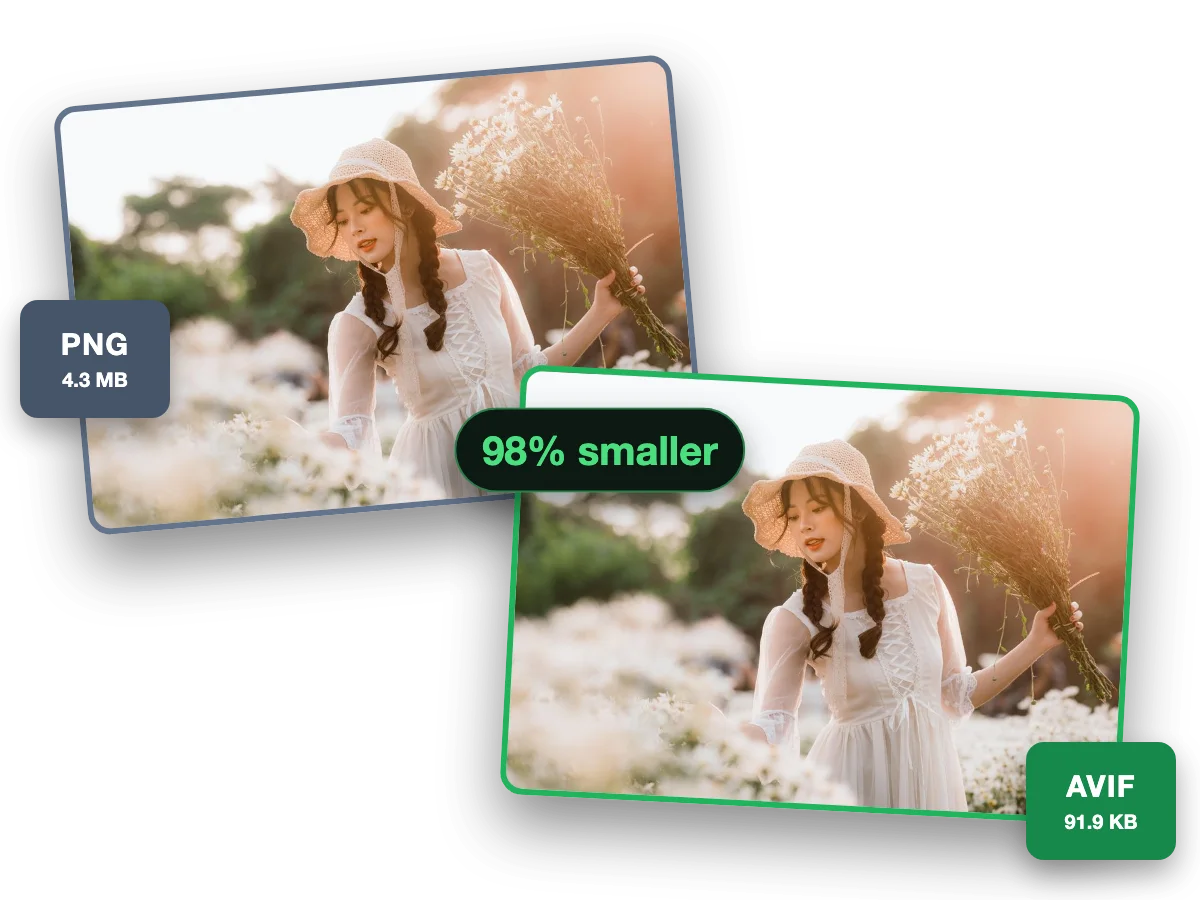
- Dramatically smaller for photos, and still a big drop for graphics. Our reference photographic PNG went from 1382.4 KB to 69.8 KB as AVIF (−95%). A flat-colour graphic went from 7.4 KB to 0.8 KB. PNG stores pixels losslessly. AVIF stores what your eye actually uses.
- Can I actually use AVIF in 2026?
- Yes. Roughly 95% of global browsers render it: Chrome 85+, Firefox 93+, Safari 16.1+, Edge 121+. The stragglers are pre-2021 browsers and some embedded webviews. For those, serve AVIF inside a picture element with a WebP or PNG fallback. Nobody sees a broken image.
- Does AVIF support transparency like PNG?
- Fully. AVIF carries an alpha channel, so logos, cutouts and UI assets keep their transparent backgrounds through the conversion. That is the decisive difference from JPG, which flattens transparency onto a solid colour. Semi-transparent edges and soft shadows survive too.
- Is PNG to AVIF lossless?
- By default, no. The huge savings come from perceptually-lossy AV1 encoding tuned to look identical at normal viewing. The pixels are no longer bit-exact. That matters for archival masters, not for display. Keep the PNG as your source of truth and ship the AVIF.
- Does converting lose visible quality?
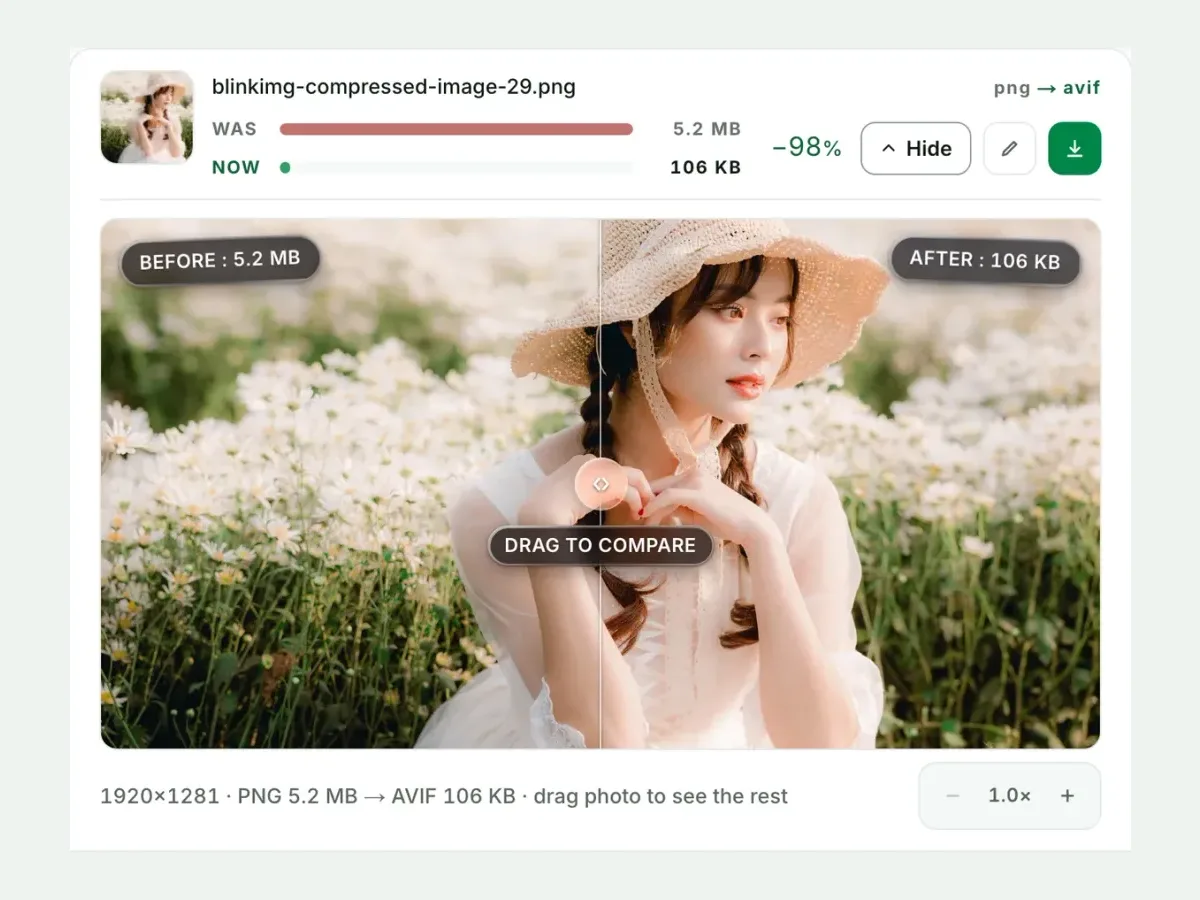
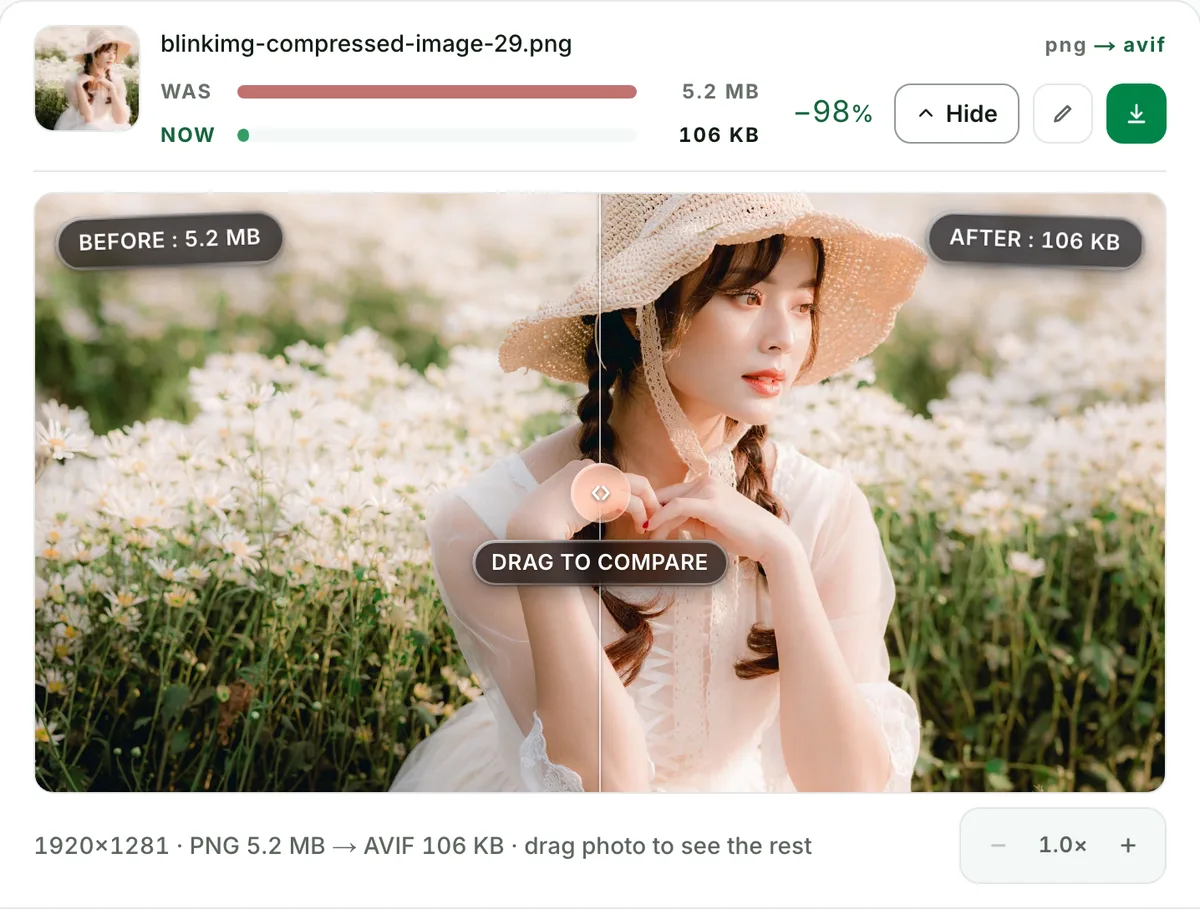
- Not visibly at our Auto setting. Never take that on faith, though. Every conversion here ends with a before/after compare slider at 100% zoom, with the measured sizes pinned to each side. Fine text and hard edges are where compression shows first. Check those.
- Should I convert my PNGs to AVIF or WebP?
- AVIF, measured on the same files. Our photo PNG became 69.8 KB as AVIF vs 110.4 KB as WebP. The flat graphic came out 0.8 KB vs 1.3 KB. WebP wins only when a platform rejects AVIF uploads. WordPress and Shopify both accept AVIF.
- How do I batch convert PNG files to AVIF?
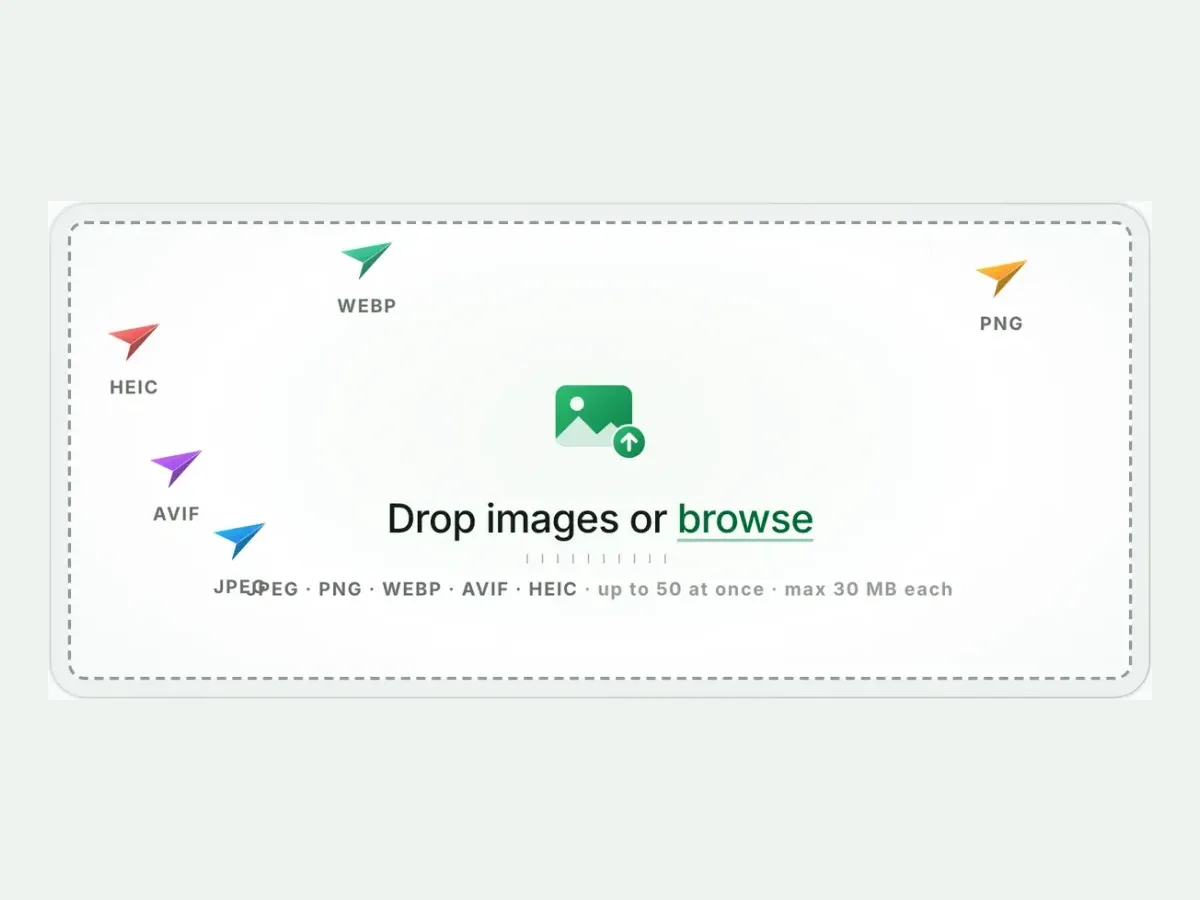
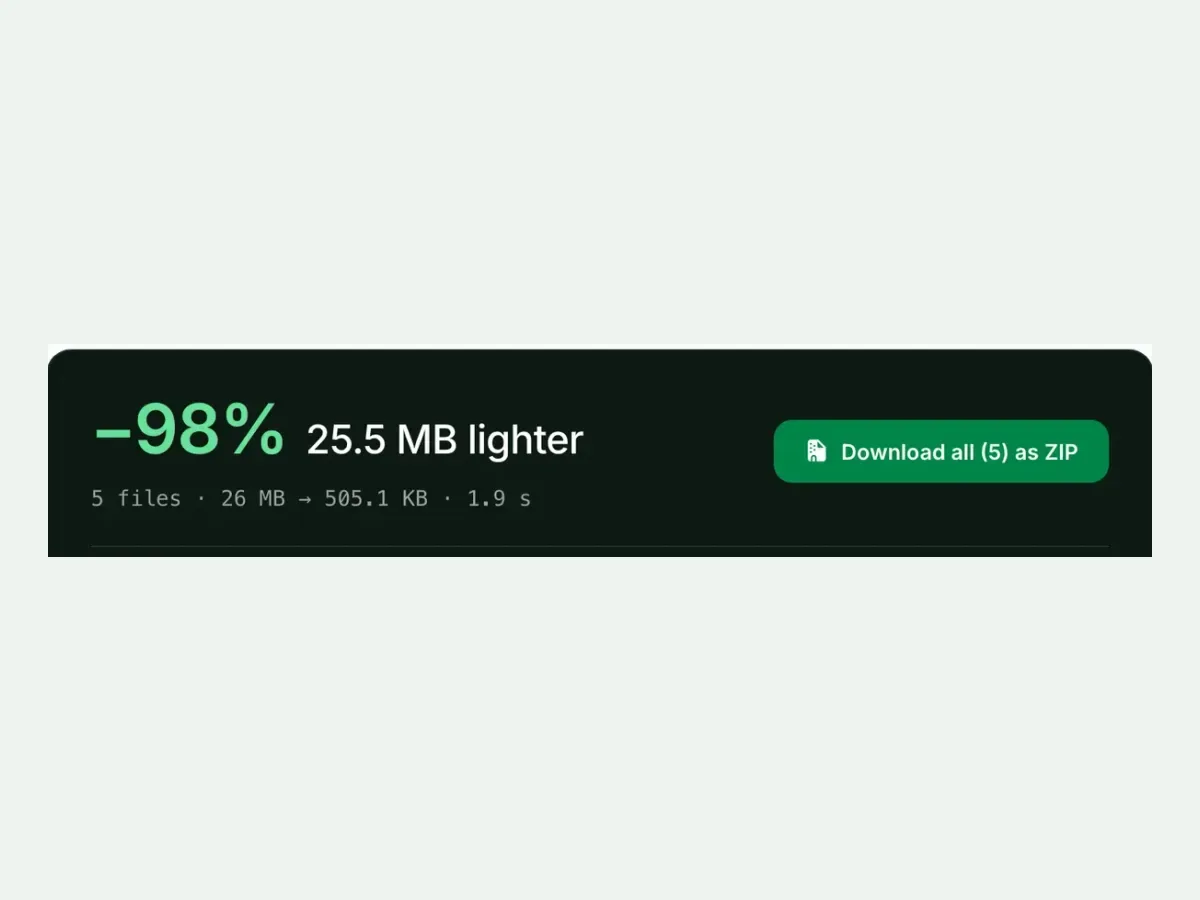
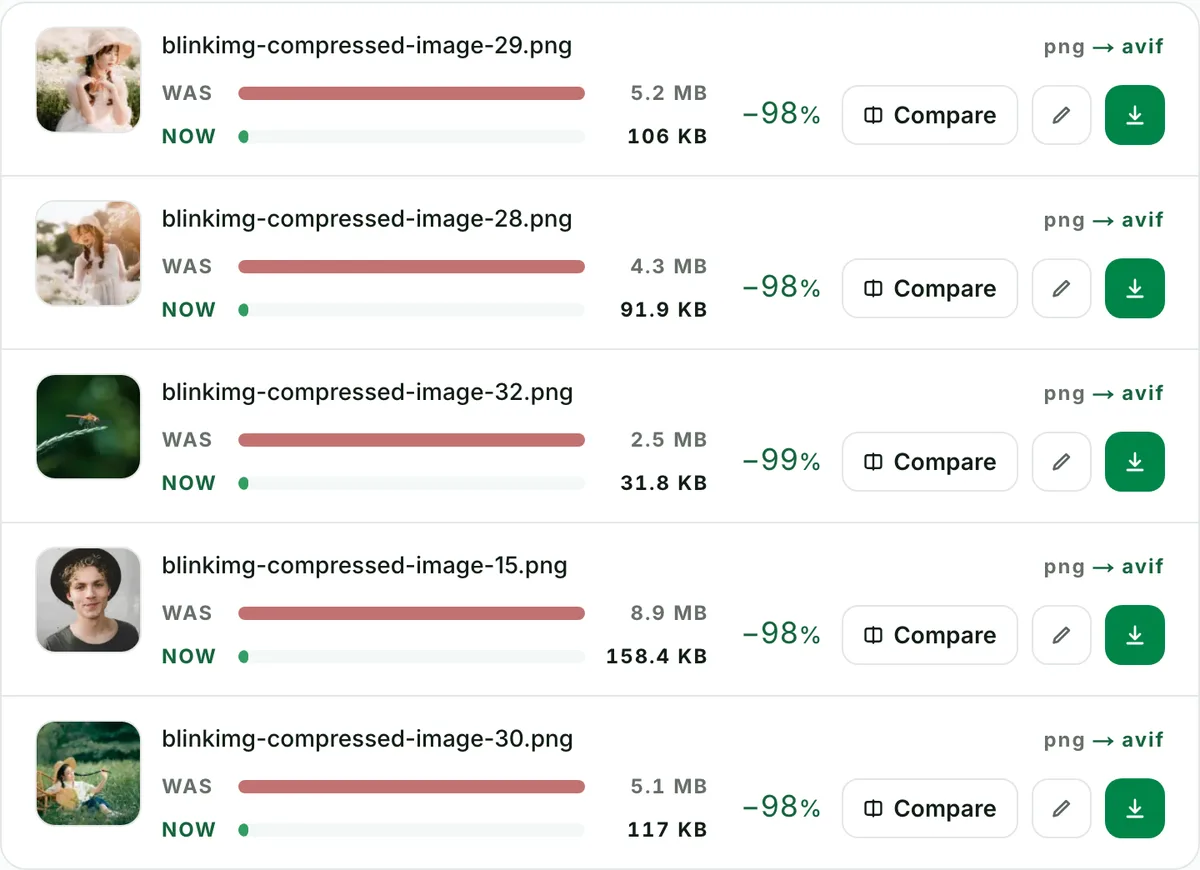
- Drop up to 50 PNGs into the tool: one run, one ZIP, filenames preserved, no signup. Mixed batches work too. PNGs, JPGs and HEICs can convert to AVIF together. Per-file measured savings appear in each row, so you can see exactly what the migration bought you.
- How do I open an AVIF file after converting?
- Every modern browser opens AVIF, and so do Windows 11 Photos (with the free AV1 extension), macOS Preview on Ventura and later, and GIMP. Photoshop needs a plugin. If a client or an older app rejects the file, keep serving them the PNG. Converting burns no bridges.
- Will my screenshots with text stay sharp?
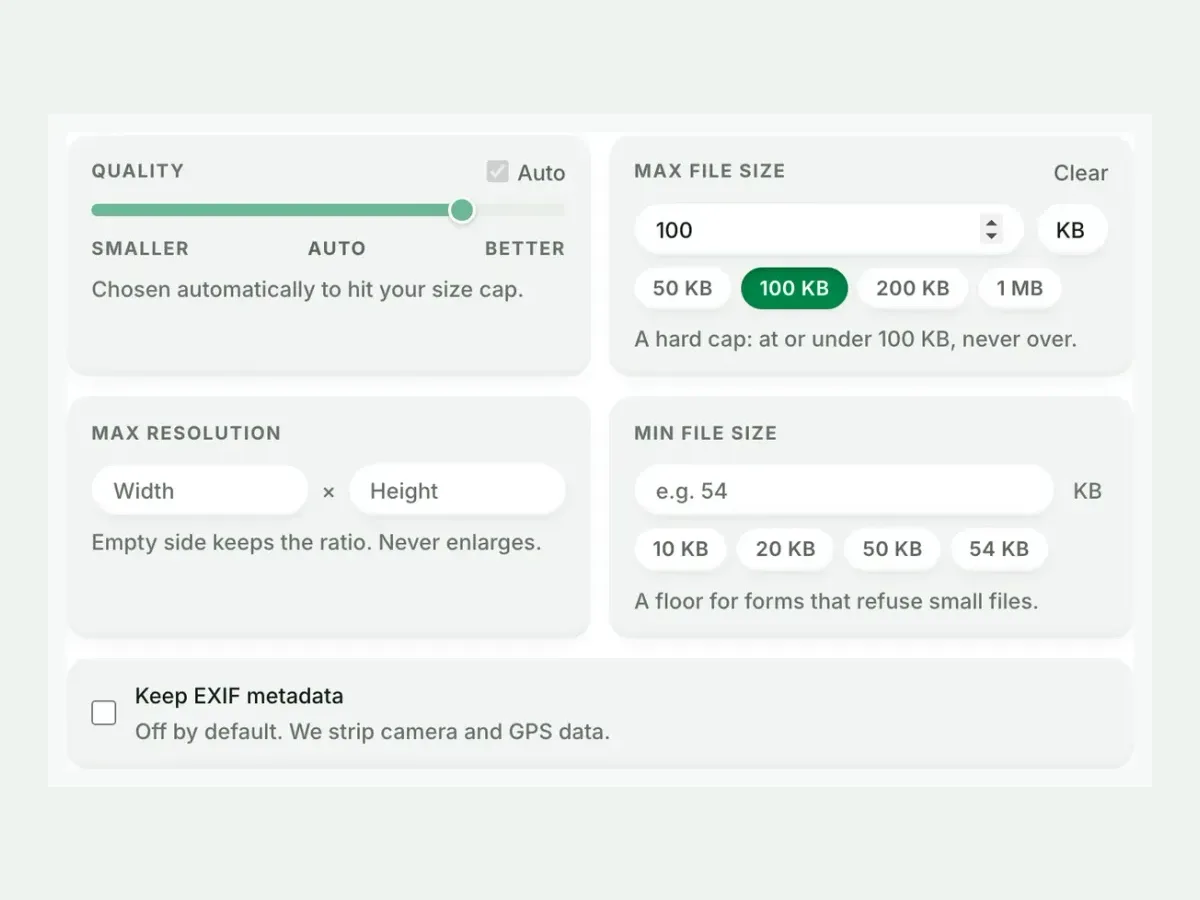
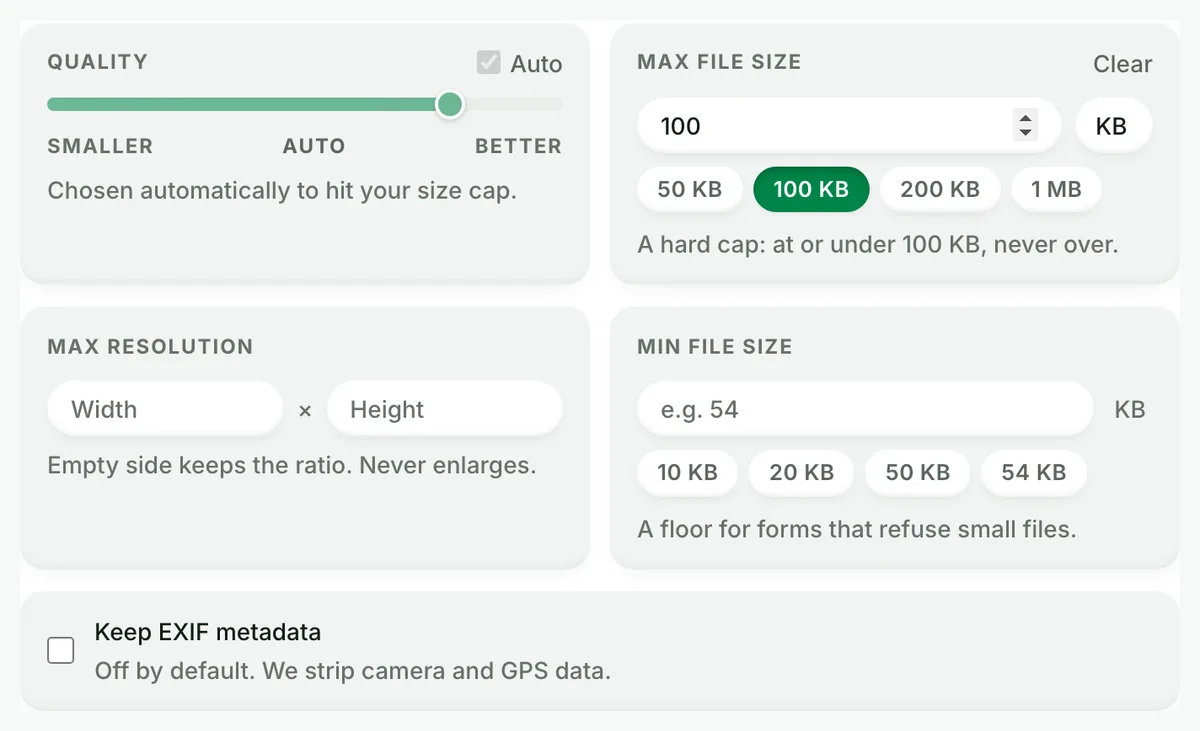
- Usually, yes. Text is the hardest content for any lossy codec, and AVIF handles it far better than JPG. For pixel-perfect UI screenshots, pick lossless-leaning quality (80+) and inspect the compare slider at 100%. Or keep PNG for the handful of images where every pixel is data.
- Why is AVIF encoding slower than WebP or JPG?
- AV1 spends more compute searching for savings. That trade is what produces the smallest files on the web. Expect a couple of seconds per image, paid once. The bandwidth savings repeat on every page load. Batches encode in parallel server-side, so 50 files stay quick.
- What happens to my files after converting?
- We keep nothing. We process your files, wipe them automatically, and never archive them or use them for anything else. We strip metadata from outputs by default, and there is no account, so nothing ties the files to you. The free allowance is 300 images a day, counted live beside the tool.