Convert AVIF images to PNG with transparency intact, and every pixel kept at quality 100. Free, no signup, and up to 10 images at a time. Part of the image converter.
– / –
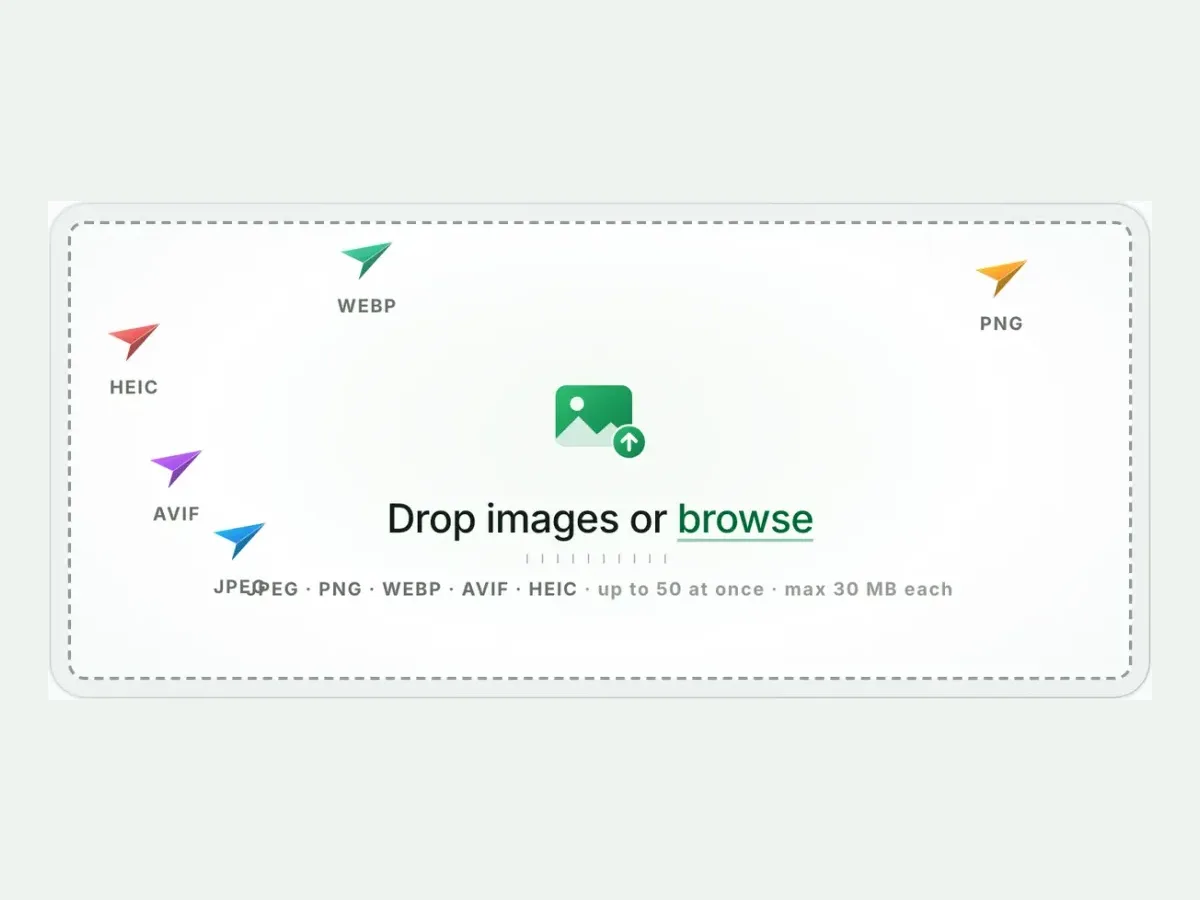
Drop images or browse
JPEG · PNG · WEBP · AVIF · HEIC · up to 50 at once · max 30 MB each
A real result from this exact operation: 171.5 KB in, 362.9 KB out. Drop your own file and the meter reports yours.
AVIF to PNG converter
How to convert AVIF to PNG in 4 steps
Free, in your browser, with no sign-up. Each step below is the real tool on this page.
1
Drop your AVIF files
Up to 10 AVIF files at once. PNG is already picked.
2
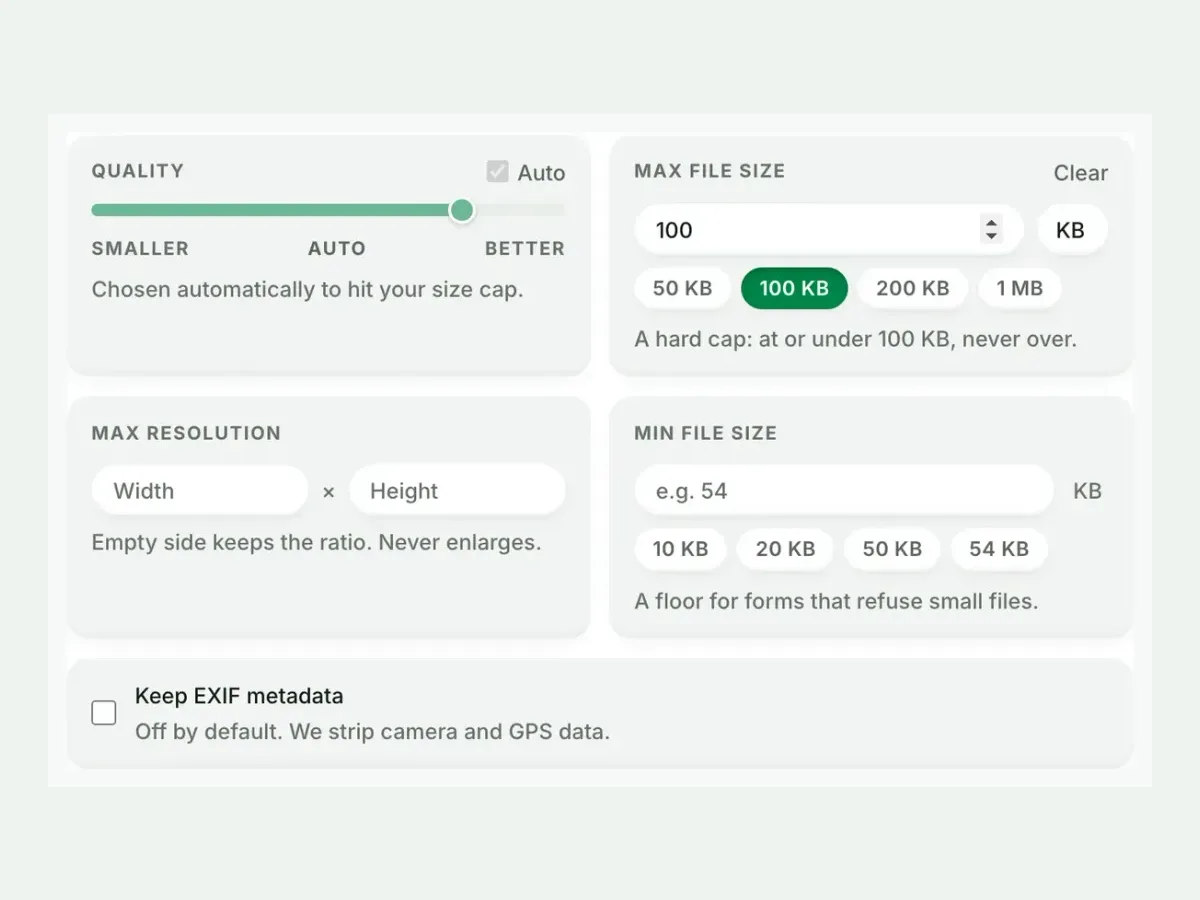
Set a size, or not
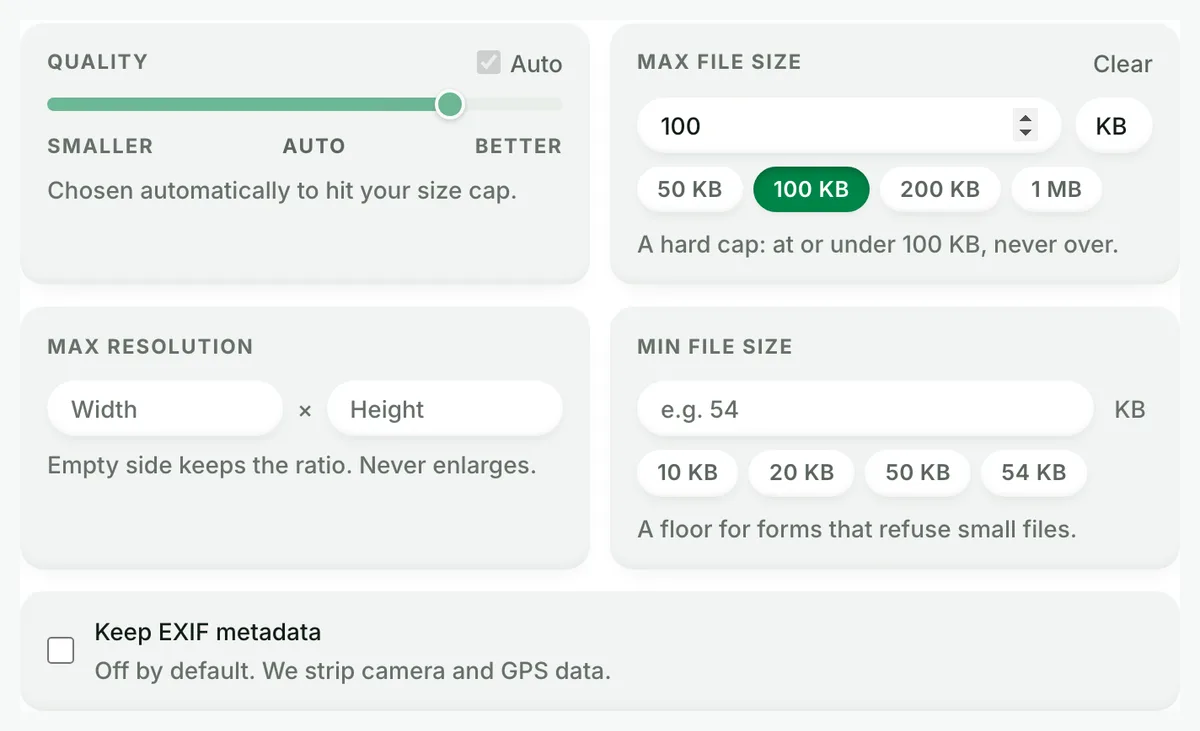
Auto picks the best PNG setting. A size cap is never exceeded.
3
Compare the result
See each measured size, then drag the slider to check the look.
4
Download one ZIP
Take each file on its own, or all of them together in one ZIP.
Free, no sign-up
The best AVIF to PNG image converter for real photos
Up to 10 AVIF files at once, every result measured to the byte, and nothing kept after you leave.
Fast and easy
A fast, easy AVIF to PNG converter
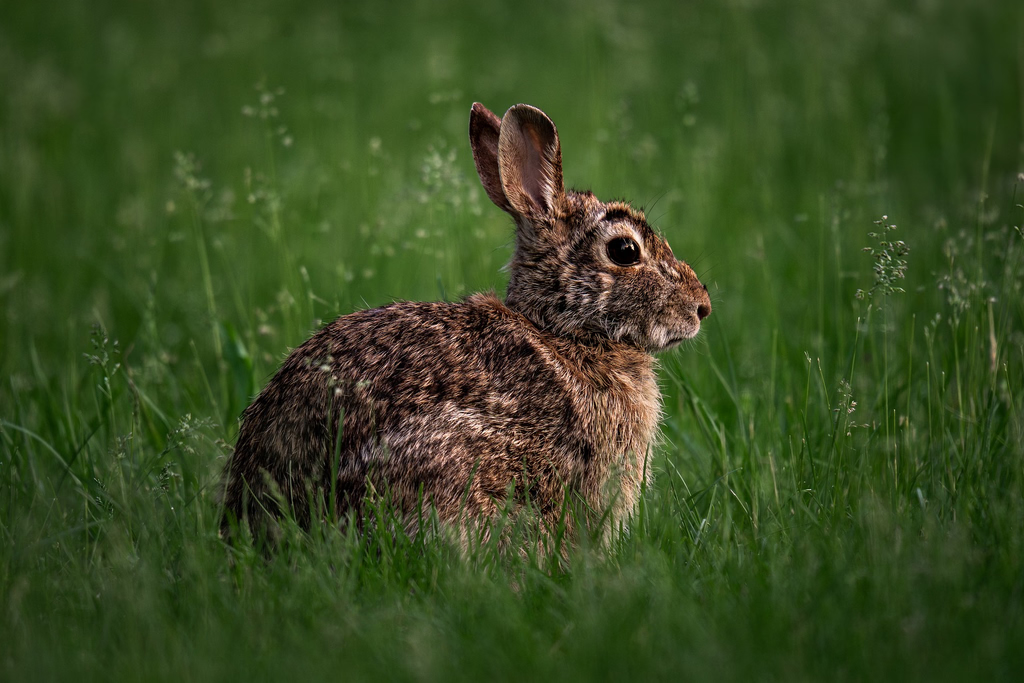
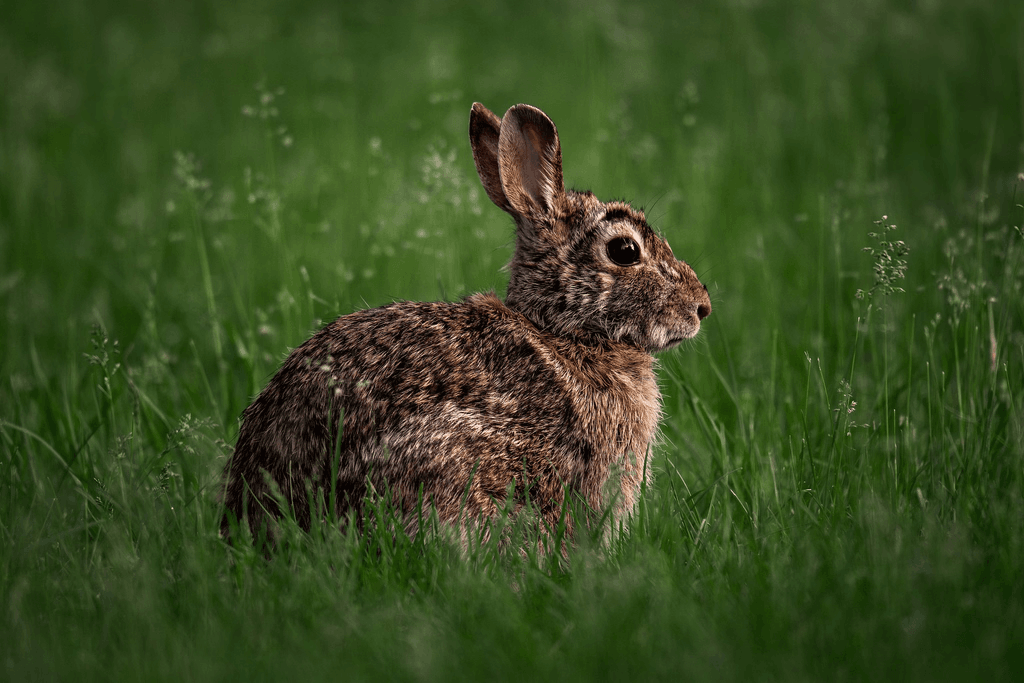
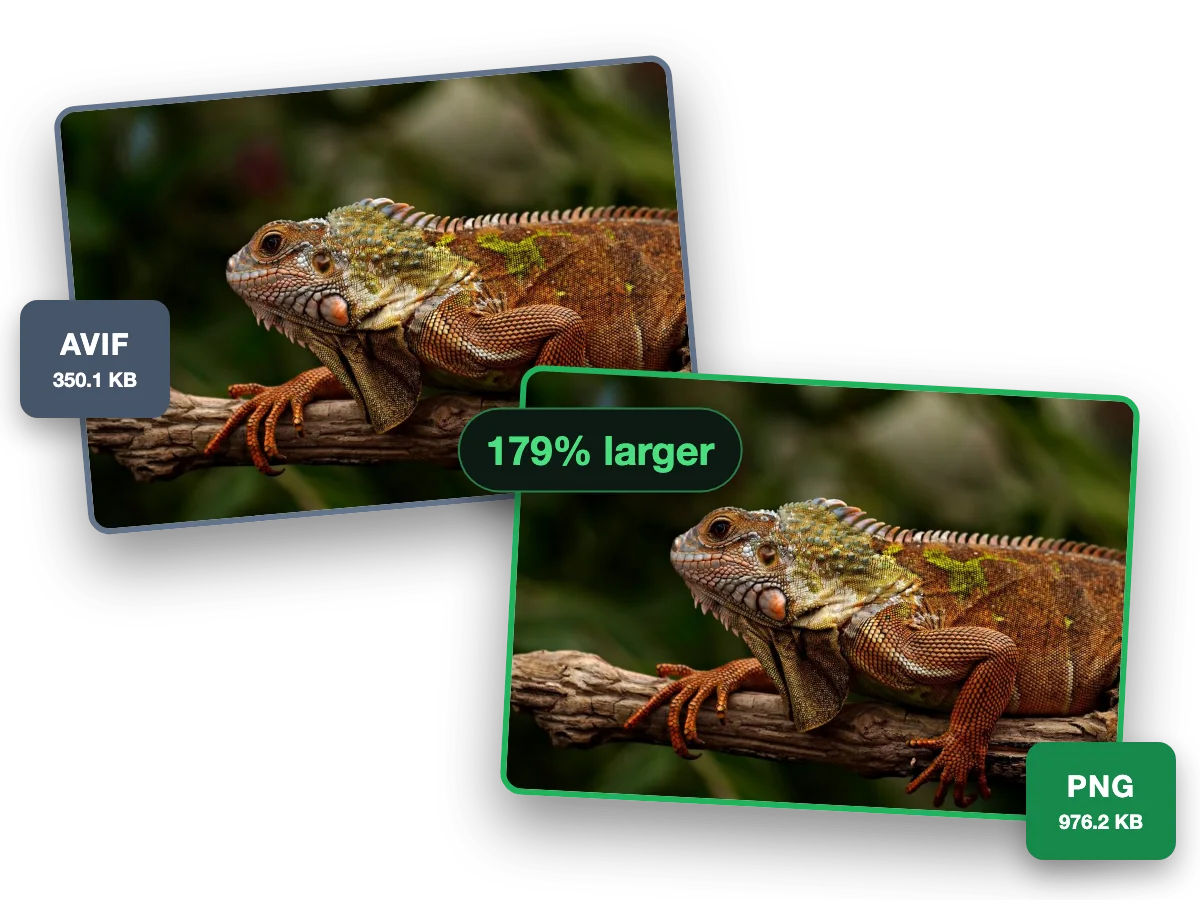
PNG opens in every editor and keeps an AVIF’s transparency. This photo went from a 350.1 KB AVIF to a 976.2 KB PNG, 179% larger.
Why this converter
A AVIF to PNG converter that shows its work
Every size on this page is a file the engine wrote, measured to the byte.
Batch
Batch convert AVIF to PNG, ten at a time
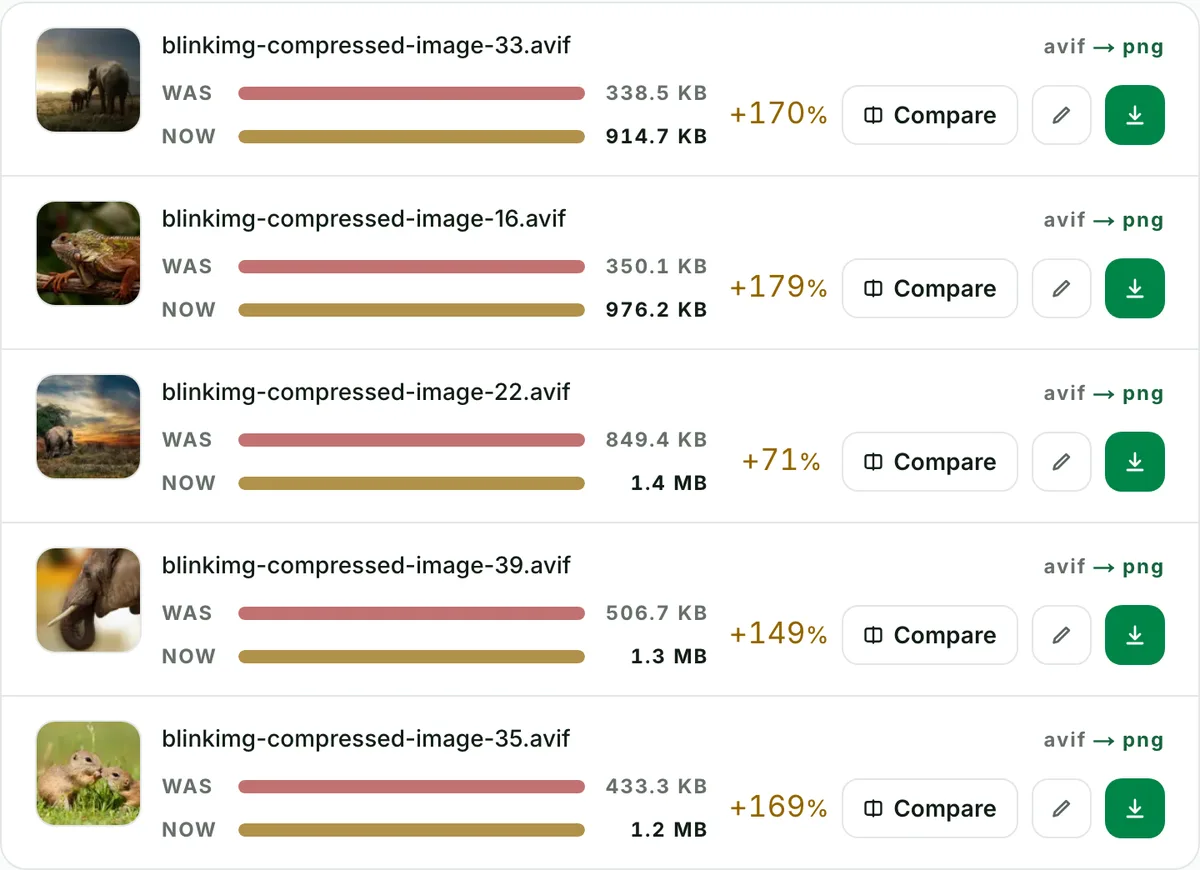
Convert up to 10 AVIF files to PNG in one run. Each file shows its own measured size, so you see what changed.
Quality
AVIF to PNG converter with no change you can see
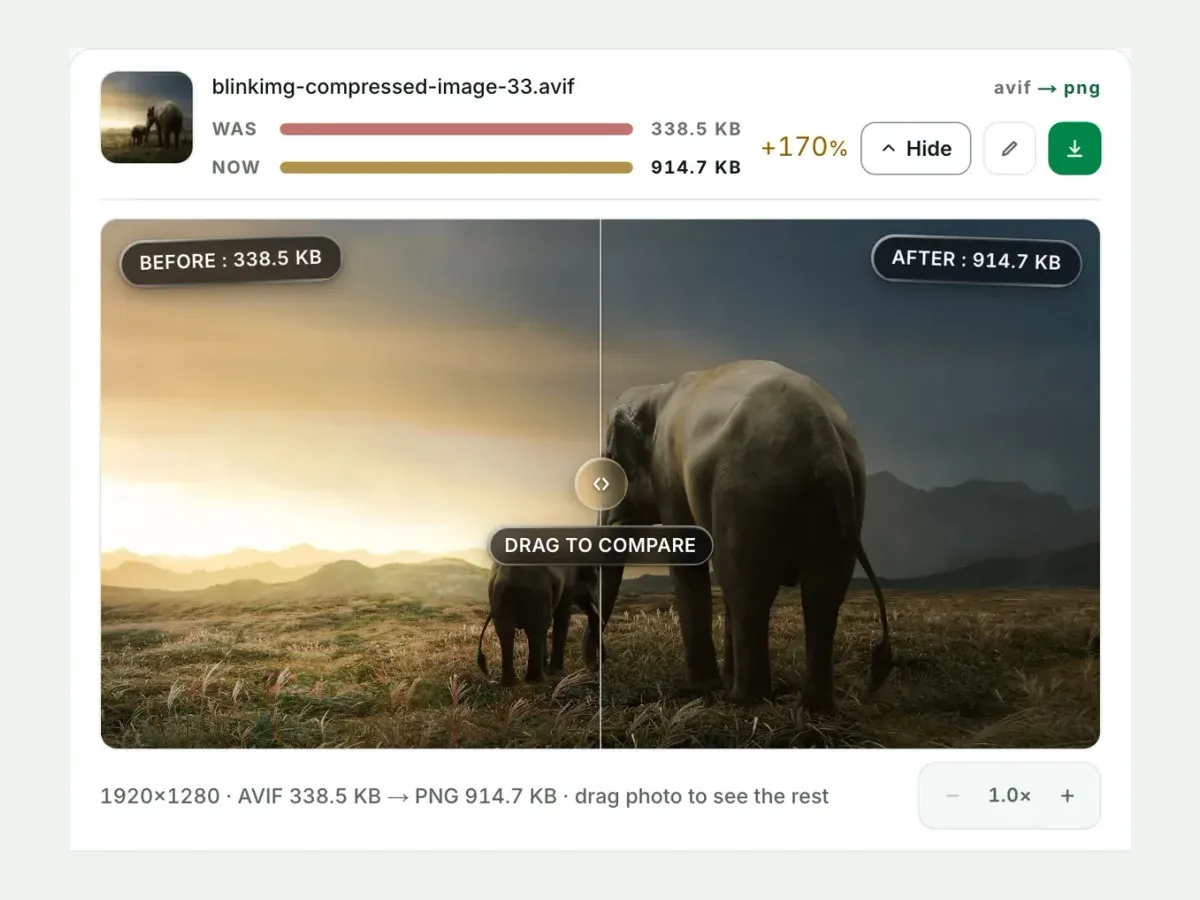
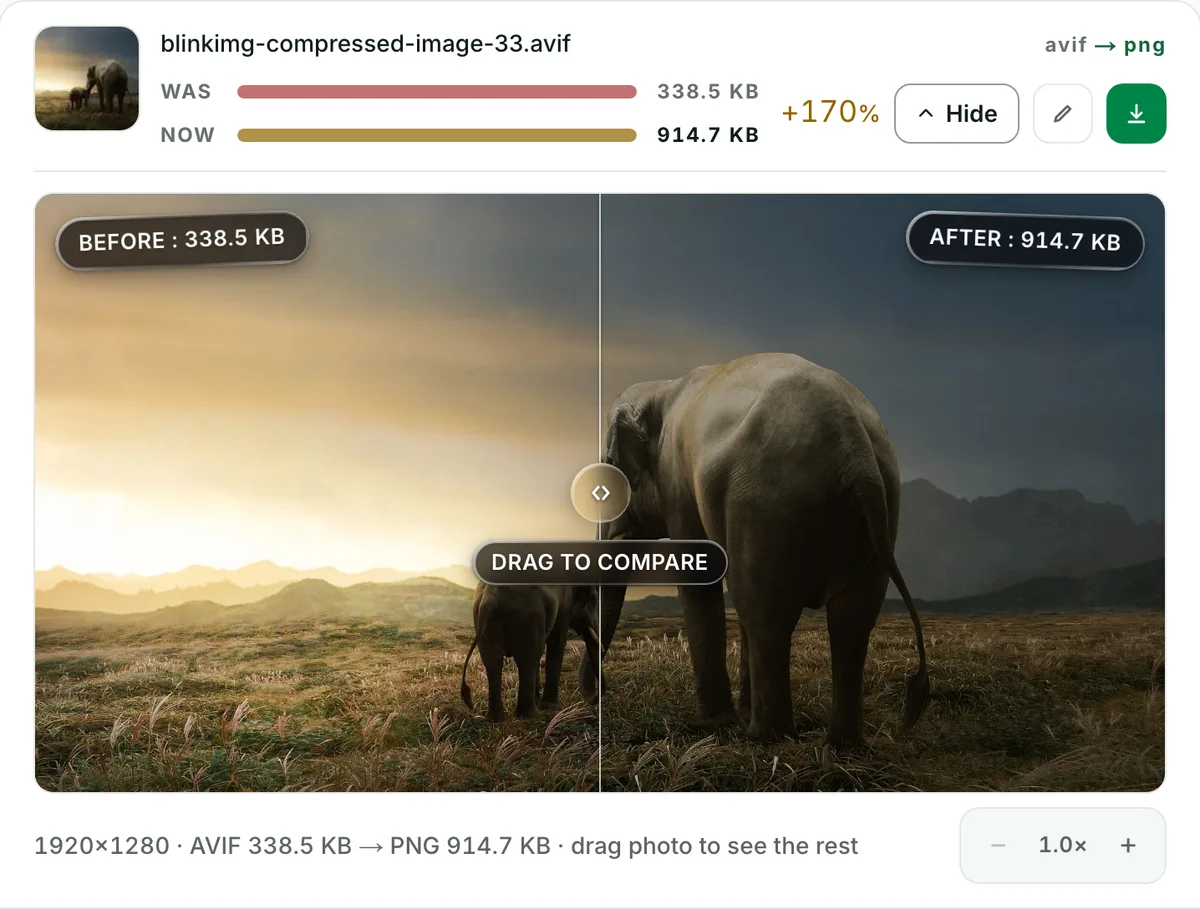
This photo went from a 338.5 KB AVIF to a 914.7 KB PNG. Check any file at full size before you keep it.
Private
AVIF to PNG without camera and GPS data
Camera, place and date data are stripped from every file by default. One checkbox keeps them.
Why convert AVIF to PNG? Because your editor said no
The 2026 editor-compatibility reality sends many people here. Photoshop opens AVIF only from version 26.8 (June 2025), Figma and Canva import it inconsistently, Office and PowerPoint need the AV1 extension on Windows, and GIMP has read it natively since 2020. PNG is the one format every editing tool opens with full fidelity and transparency. So for an onward-editing workflow, converting AVIF → PNG once beats checking every version of every app.
The size will grow: here's the honest table
A truecolour PNG stores every pixel exactly; AVIF stored a perceptual approximation. Undoing that compression costs bytes. How many depends on content:
Output
Size
vs AVIF
Why
PNG (palette-optimised)
972.6 KB
+168%
Faithful; bit-exact at q100
JPG (quality 85)
340.4 KB
-6%
Lossy, no alpha
WebP (Auto)
216.8 KB
-40%
Lossy, keeps alpha
Source: photo.avif, 363 KB, our reference photo of an iguana on a branch, saved as AVIF. Our PNG output is palette-optimised; a raw truecolour PNG would be far larger still. Flat graphics grow far less than photos.
Every byte count is the size of the actual file our engine produced from the named source, the same bytes you would download, not an estimate. The reference photo is one of our own photographs, an iguana on a branch, and the camera photo is a real one too. Drop your own file into the tool above to rerun any of them. How we measure names the sources and the settings.
Transparency: preserved, and provable
PNG and AVIF speak the same alpha language, so transparency converts intact, including the hard cases: semi-transparent drop shadows, feathered edges, anti-aliased text. The compare view renders edges against a checkerboard precisely so you can verify no fringing or banding appeared. If your file is a transparent logo, this is the conversion that keeps it a logo.
"Lossless": from where, exactly?
An honest definition, because converters love this word. At quality 100 the conversion is lossless from the decoded AVIF: truecolour PNG records exactly the pixels the AVIF produced, adds zero new loss, and every subsequent edit-and-save costs nothing. (At Auto, we palette-optimise the output for size instead.) What it cannot do is resurrect detail the original AVIF encoding already discarded; no converter can. Your PNG is a perfect copy of what the AVIF looked like, not of what the photo looked like before it became an AVIF.
Keeping the PNG under control
Our output already applies palette quantization where it wins, the same technique behind every "smart PNG" tool. That is why the numbers above beat naive converters. Beyond that, be honest about the destination. If the image is a photograph headed for a document or the web, a quality-85 JPG or a WebP carries it at a fraction of the bytes, and Compress PNG can squeeze the file further after any edits.
When PNG is the wrong rescue
Just need it to open anywhere?
JPG is a fraction of the size and opens on everything. PNG only earns its bytes when you need alpha or lossless edits.
Sending a batch by email?
Photographic PNGs are heavy; convert to JPG for transport and keep PNG for the editing copies.
The image stays on the web?
Keep the AVIF with a fallback. Converting to PNG multiplies bandwidth for zero visitor benefit.
Questions, answered
Short answers specific to this page. The tool above settles most of them in a second.
Q:Does converting AVIF to PNG preserve transparency?
Yes, fully. PNG carries the same alpha channel AVIF does, so logos, cutouts and soft shadows survive pixel-for-pixel. That is the main reason to pick PNG over JPG as the rescue format. Check any edge against the checkerboard in the compare view before downloading.
Q:Why is my PNG so much bigger than the AVIF file?
Because PNG can store every pixel exactly, while AVIF stored a perceptual approximation. Growth is normal and varies by content. Our 363 KB reference photo, saved as AVIF, became a 972.6 KB palette-optimised PNG. A raw truecolour PNG of the same photo would be far larger still.
Q:Is AVIF to PNG conversion lossless?
At quality 100, yes. Truecolour PNG records exactly the pixels the AVIF decoded to and adds no new loss. At Auto, we palette-optimise the output for size instead. Neither can restore detail the AVIF compression already discarded; nothing can. From a lossless copy onward, edits and re-saves cost nothing.
Q:Can GIMP or Photoshop open AVIF files?
GIMP: yes, natively, since 2020. Photoshop: from version 26.8, the June 2025 release; older versions need a plugin. Figma and Canva are inconsistent, and Office needs the AV1 extension on Windows. Converting to PNG once sidesteps the whole matrix: every editor made this century opens PNG with full quality and transparency.
Q:How do I batch convert AVIF to PNG?
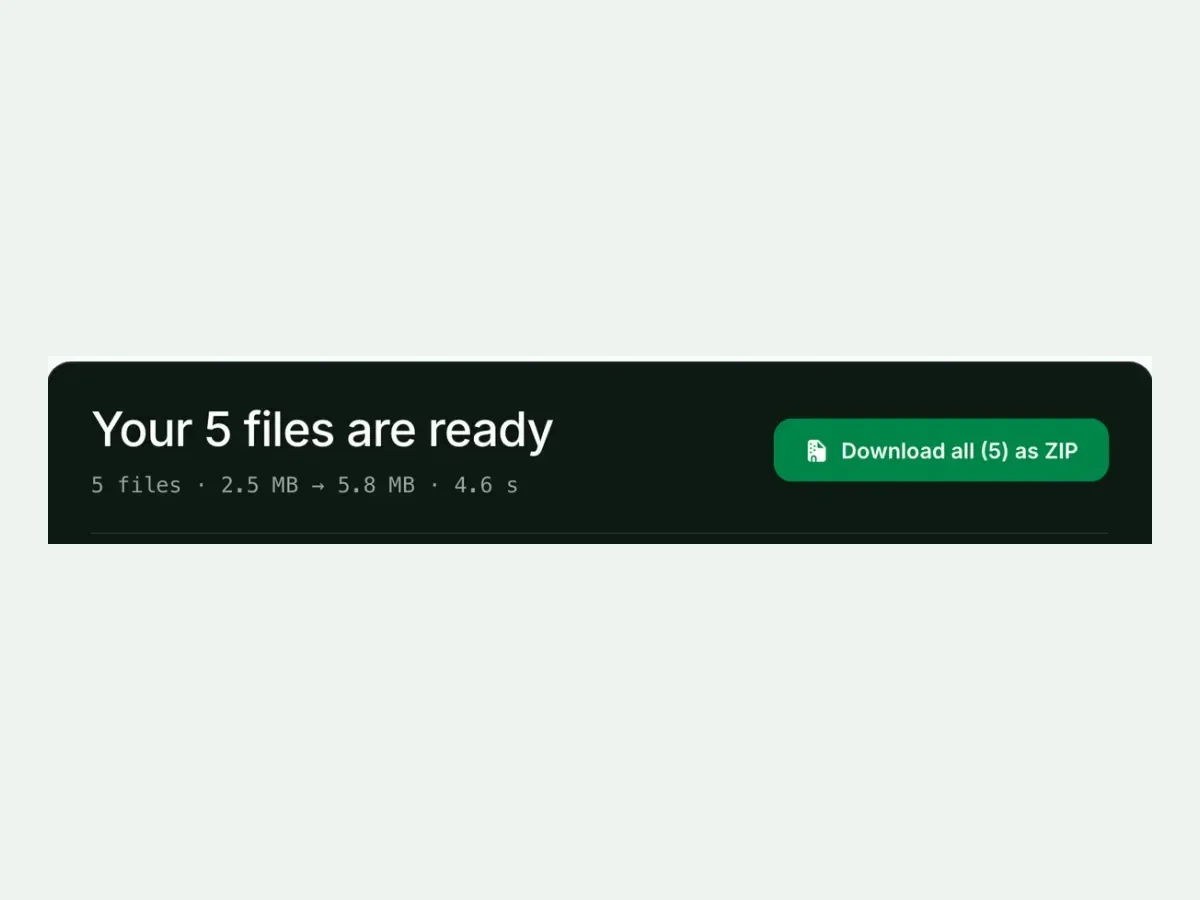
Drop up to 10 AVIF files and convert them in one run. You get one ZIP with filenames preserved, free with no signup and a 300-image daily allowance. Expect the ZIP to be larger than the sum of your AVIFs. That is the PNG trade, and each row shows its measured size so nothing surprises you.
Q:How do I convert AVIF to PNG on Windows 11?
The built-in route needs the AV1 Video Extension and Paint, one file at a time, and only when the extension cooperates. The browser tool needs nothing installed, handles 10 files, and behaves identically on every OS. That is why even Windows users end up converting online.
Q:Will I lose HDR or colour detail converting to PNG?
A little, at the extremes. Standard PNG output is 8-bit sRGB, so we tone-map a 10-bit wide-gamut AVIF down, exactly what every mainstream editor would do on open. Extreme highlights may flatten slightly. For ordinary web-saved AVIFs there is no visible change at all.
Q:How do I make the converted PNG smaller?
Palette quantization. Our PNG output already applies it, which is why our sizes beat naive converters. For flat graphics the win is huge. For photographs, consider whether you truly need PNG, or whether a high-quality JPG or WebP serves the purpose at a fraction of the bytes.
Q:Can I convert animated AVIF to APNG?
No. We decline animated inputs with a clear message rather than silently flattening them to one frame. APNG viewer support is also patchier than people expect (browsers yes, Windows Photos and many editors no). For animation, video formats remain the honest recommendation.
Q:What is the maximum file size for conversion?
30 MB per file, 10 files per batch. We state the caps plainly because most converters hide theirs until you hit them. AVIF files are small by nature, so 30 MB covers even very large stills. Bigger needs? That is what the API tier is for.
Q:What happens to my files after converting?
We keep nothing. We process your files, wipe them automatically, and never archive them or use them for anything else. We strip metadata from outputs by default, and no account is required, so no profile collects your files.