The image compression API

AVIF-first, HEIC in, exact byte caps, all over plain HTTPS and JSON. The tool below is not a demo of the API; it is the API, wearing this site. Keys open with accounts.

Output format
– / –

Drop images or browse

JPEG · PNG · WEBP · AVIF · HEIC · max 30 MB

HEIC
PNG
JPEG
AVIF
WEBP
Advanced settings
SmallerAutoBetter

Auto tunes each image.

A hard cap for “under 50 KB” portals.

Max resolution

Empty side keeps the ratio. Never enlarges.

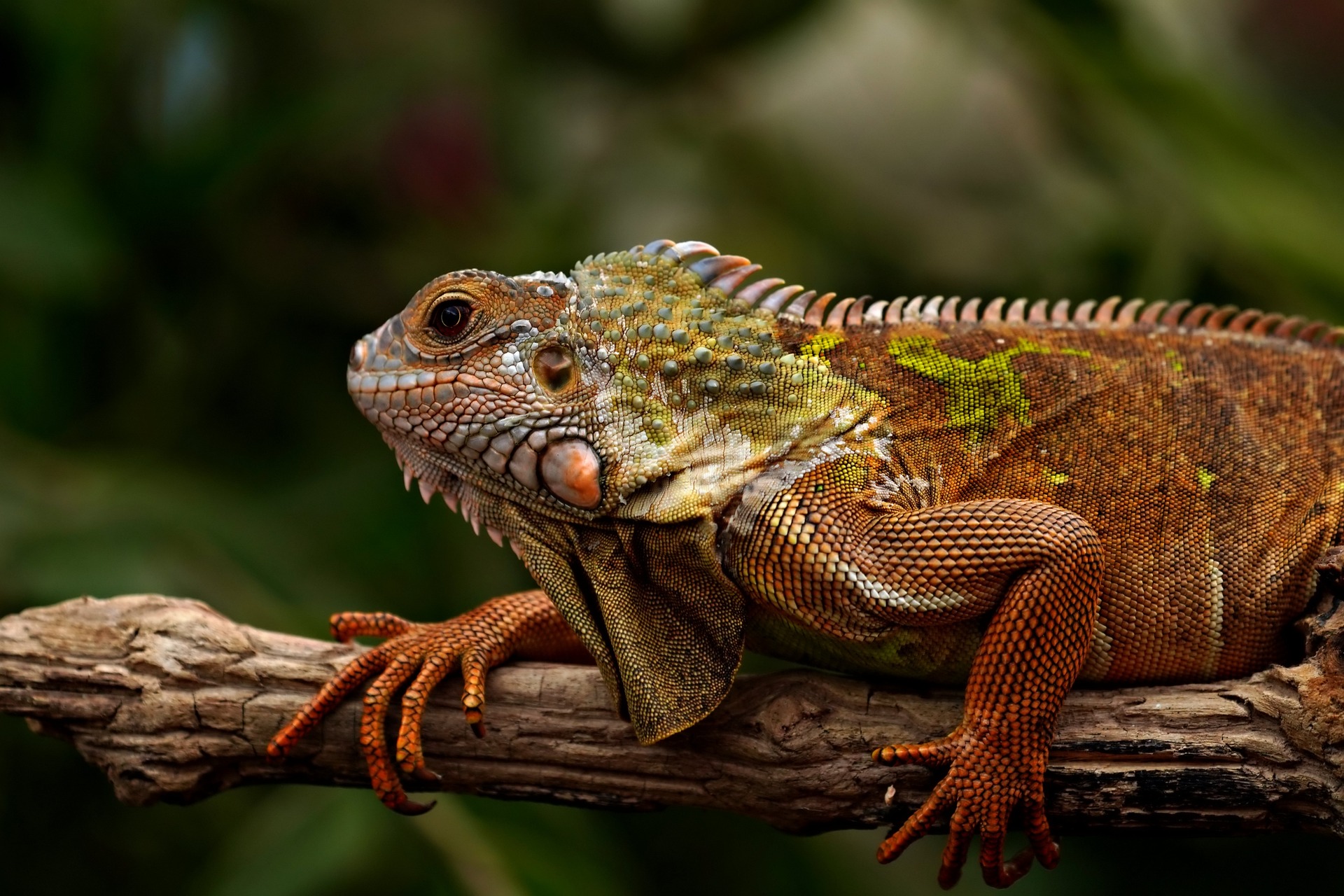
Original photograph, 9.4 MBOriginal · 9.4 MB
Same photograph as AVIF, 67 KBAVIF · 67 KB
99.3%
What one API call does: a 9.8 MB photograph returned as a 69 KB AVIF. The tool above ran the same endpoints.

You are already using this API

Every vendor says their API is production-ready. Ours has a checkable form of the claim: this site is the API’s first customer. The tool at the top of this page talks to the same public endpoints a key would. So does every tool page on the site. No private shortcuts: that is an architecture rule, not a slogan. Drop a file up there and you have integration-tested us. Same upload flow, same job options, same engine, same measured result you would get from the curl below.

The whole integration, in one curl

Plain HTTPS and JSON, no SDK required. The example asks for AVIF output with a hard 100 KB cap, the two options nobody else combines:

# 1. reserve an upload slot, PUT your file to the returned URL
curl -X POST https://api.blinkimg.com/v1/uploads \
  -H "Authorization: Bearer bk_..."

# 2. create the job: AVIF, guaranteed ≤ 100 KB
curl -X POST https://api.blinkimg.com/v1/jobs \
  -H "Authorization: Bearer bk_..." \
  -d '{ "uploadId": "...",
        "options": { "format": "avif",
                     "targetBytes": 100000 } }'

# 3. poll, then download
curl https://api.blinkimg.com/v1/jobs/{id}/result \
  -H "Authorization: Bearer bk_..."
  1. Options that map to real controls

    format, quality (or content-aware auto), targetBytes (exclusive with quality: a byte budget IS a qualitydecision), resize bounds that never enlarge, and stripMetadata.
  2. Batches, ZIP and PDF

    /v1/batches groups jobs, /zip archives the results with filenames preserved, and /pdf assembles images into one A4 document. These are the flows the site’s own batch UI runs.
  3. Deterministic failure

    An impossible targetBytes fails with a named error, never a silently overweight file. It is the same guarantee the size-target pages make to humans.

Pricing, against the incumbent’s real schedule

VolumeBlinkimgTinyPNG blendedDelta
Free tier credits1,000, never expires500 every monththeirs refills, ours never resets
5,000 images$15~$40.502.7× more there
25,000 images$59~$115.502.0× more there
100,000 images$199~$265.501.3× more there

The TinyPNG column prices the same volume on its full schedule (500 free, $0.009/image to 10,000, $0.002 above), verified on its live calculator on 2026-09-03. Its never-expiring bundles run $9/1,000 to $40/5,000; our $15/5,000 pack is the like-for-like row.

One credit compresses an image; two convert it. You can do that arithmetic in your head, unlike per-MB schemes. Purchased credits never expire, and one balance covers the web tool and the API.

The engine’s numbers: measured, like everything here

OutputSizevs source
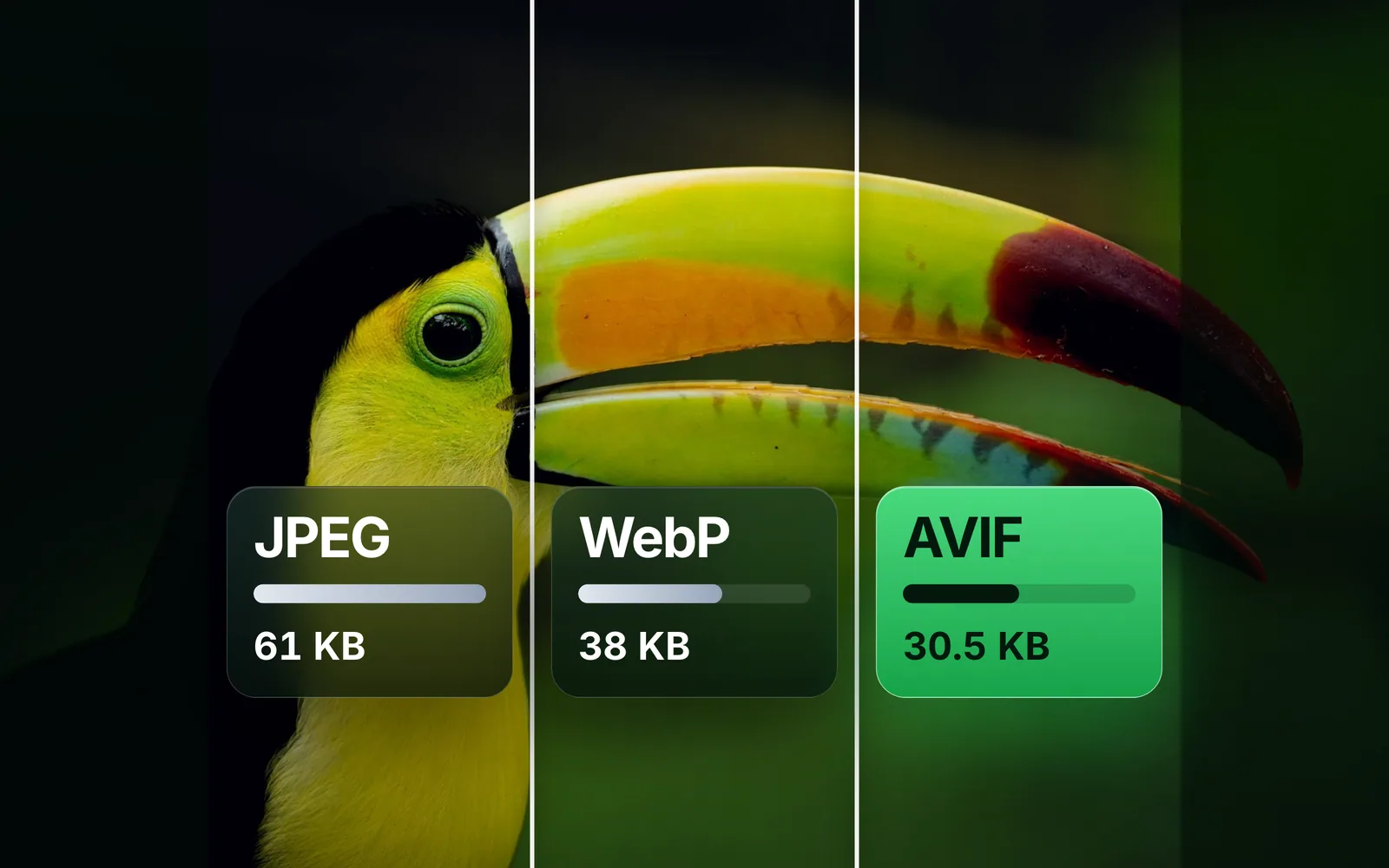
AVIF (auto)78.7 KB−58%
JPEG (auto)74.7 KB−60.3%
JPEG under a 100 KB cap90.6 KBguaranteed fit

Source: photo.jpg, 188.3 KB. The same generated measurement file feeds every page on this site. API customers get the same engine.

How these numbers are measured: every byte count on this page is the size of the actual encoded file our engine produced from the named source image. Those are the same bytes you would download, not an estimate or a best case. Rerun any of them yourself: drop your own file into the tool above and the meter reports your real result.

When this API is the wrong choice

  • You need a full media CDN? This is a processing API, not a delivery network. Pair it with any CDN, but transformation-at-edge products are a different category.
  • Video or RAW? Images only, by design: JPEG, PNG, WebP, AVIF, HEIC. Depth over breadth is the whole bet.

Ready to build? Create an API key from your account and run the curl above. Questions first? Email support.

Questions, answered

Test the engine above; we state the endpoints and pricing plainly below.

Is the API live?
Yes, the engine and endpoints are live. The entire Blinkimg site consumes them, and the free tool is the API running with a UI on top. Create an API key from your account and call the same endpoints this page calls.
What does the API do?
It compresses and converts JPEG, PNG, WebP, AVIF and HEIC over plain HTTPS and JSON. You do a presigned upload, then create a job with your options: output format, quality or a hard byte cap, resize bounds, metadata policy. Then you collect the result. Batches wrap the same flow with ZIP and image-to-PDF assembly.
What will it cost?
Here is the pricing, published up front. Every tier includes a one-time starter grant on signup, even Free: 1,000 credits. The grant never expires and never refills. TinyPNG's free tier refills instead: 500 fresh each month. Pro ($2.50/mo) includes 10,000 and Pro Max ($8.50/mo) includes 25,000. A compress costs 1 credit, a convert 2. Beyond that: packs from $15 that never expire, or pay-per-compression for exactly what you use.
How does the pricing compare with TinyPNG’s API?
On paid volume ours comes out cheaper in every row: under half the price at typical volumes. Their free tier is the one row that is not ours to claim, because it refills 500 every month. TinyPNG's full published schedule is 500 free, then $0.009 per image to 10,000 and $0.002 above. On that schedule, 25,000 images bills ~$115.50 there versus our $59 pack. We compute every row on their real tiers, not a flat rate.
Can the API compress to an exact file size?
Yes. Pass targetBytes and the engine guarantees the output at or under it. We find that option in no major image API's published docs (September 2026). It binary-searches quality, shrinks dimensions only under extreme caps, and returns a deterministic error if the budget is truly impossible. "Every hero under 80 KB" becomes one parameter.
Which formats and options are supported?
Inputs: JPEG, PNG, WebP, AVIF, HEIC. We sniff each by content and never trust the extension. Outputs: JPEG, PNG, WebP, AVIF. Options: quality (or content-aware auto), targetBytes, resize bounds that never enlarge, and stripMetadata (EXIF/GPS removed by default, ICC kept when you keep metadata).
Are there SDKs?
No, and we won’t pretend otherwise. The API is deliberately plain HTTPS + JSON with an OpenAPI description. Every language’s standard HTTP client already works, and one curl call covers the whole integration pattern.
What are the rate limits?
We shape keyed requests at 120 writes a minute, with generous read rates for polling. That keeps a 50-job batch saturated. Credits are the real meter: your included one-time grant plus any packs you buy, drawn from one balance.
Is the infrastructure serious enough to build on?
Yes. The architecture is stateless by rule: nothing instance-local, everything in Postgres/Redis/object storage. That makes capacity horizontal. Paid traffic gets a measured priority lane: 181 ms vs 1,636 ms queue wait under a 60-job anonymous flood in load testing. The Blinkimg site itself is the reference deployment.
What happens to files sent through the API?
We process your files and wipe them automatically: we keep nothing, never archive, and never train on anything. The API shares this policy with the tool because it is the same pipeline. We strip EXIF/GPS from outputs unless your job says otherwise. Privacy is pipeline behaviour, not a plan tier.
How do I get a key?
Create an account, then generate a key from it. Your 1,000 free credits attach on signup and never expire, so the first call costs nothing. Paste the key into the curl on this page and you are integrated.

Integration-test us with a drag

Drop a file above: same endpoints, same engine, same measured result your code would get.

Try the engine