Questions, answered
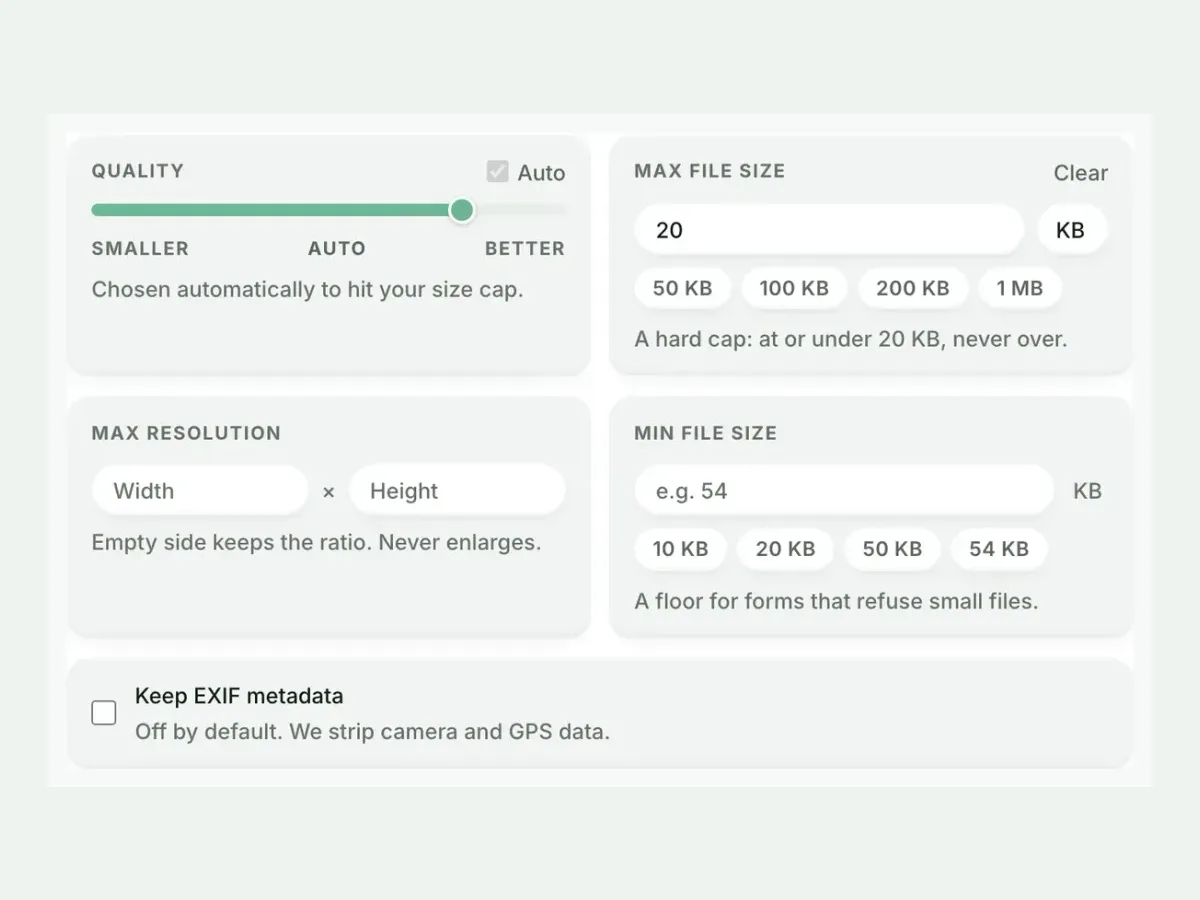
The cap is already armed above. One drop settles most of these.
- How do I compress an image to exactly 20 KB?
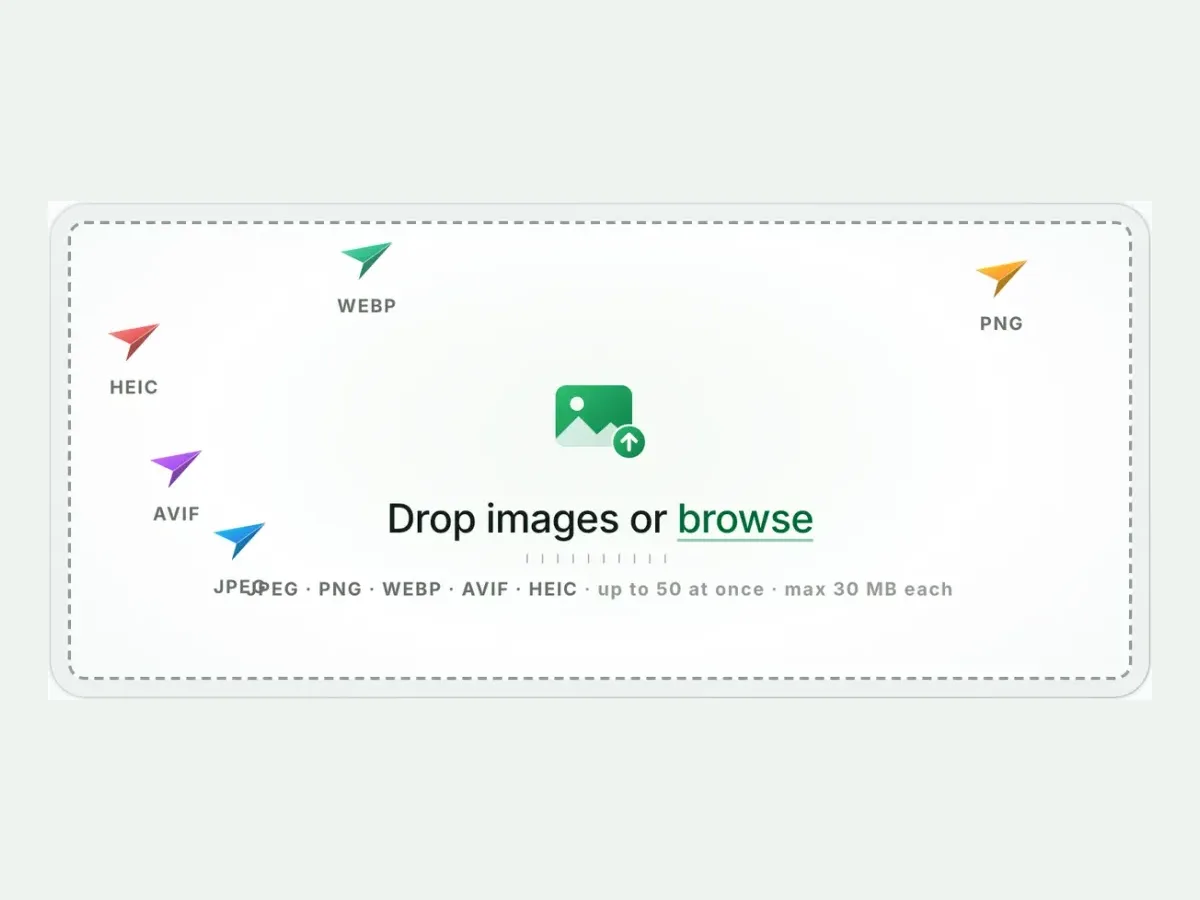
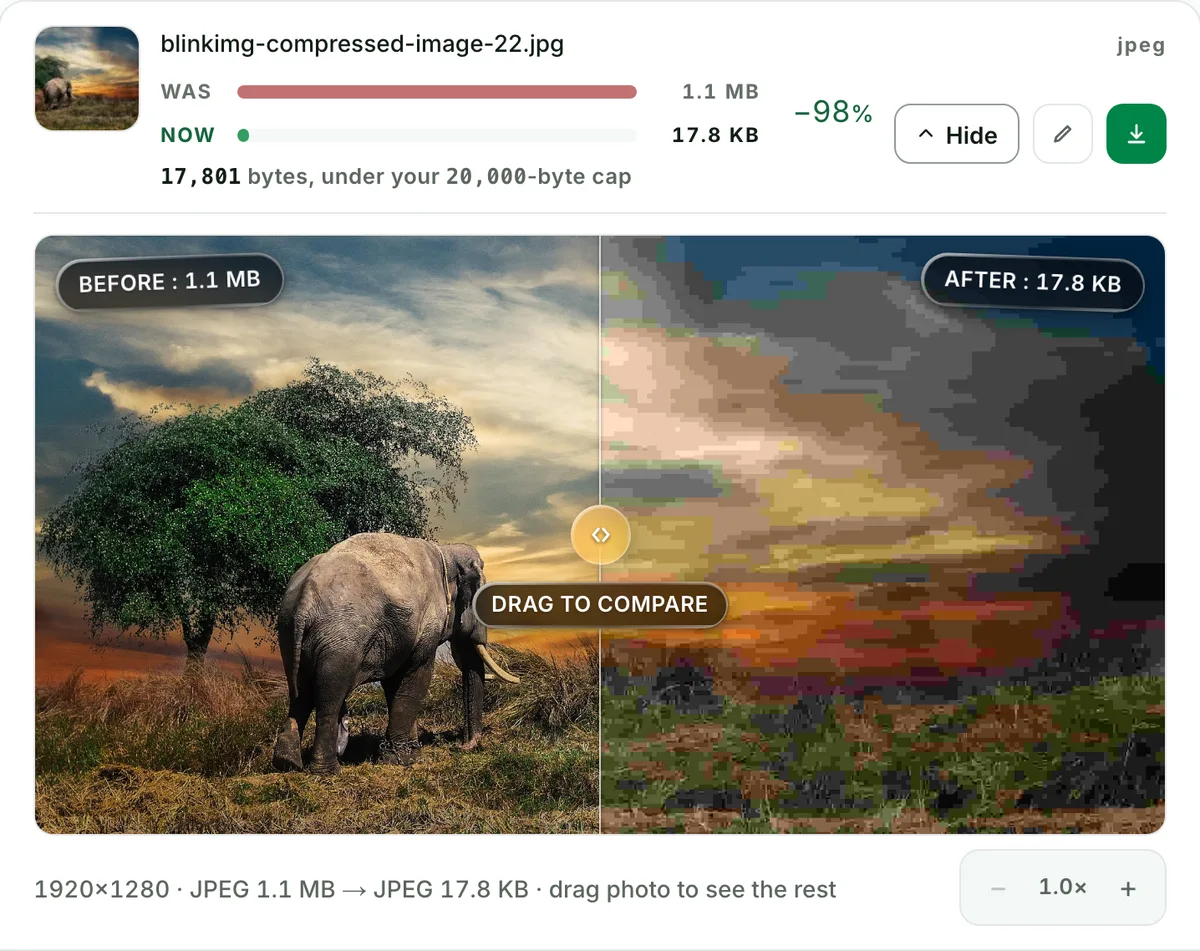
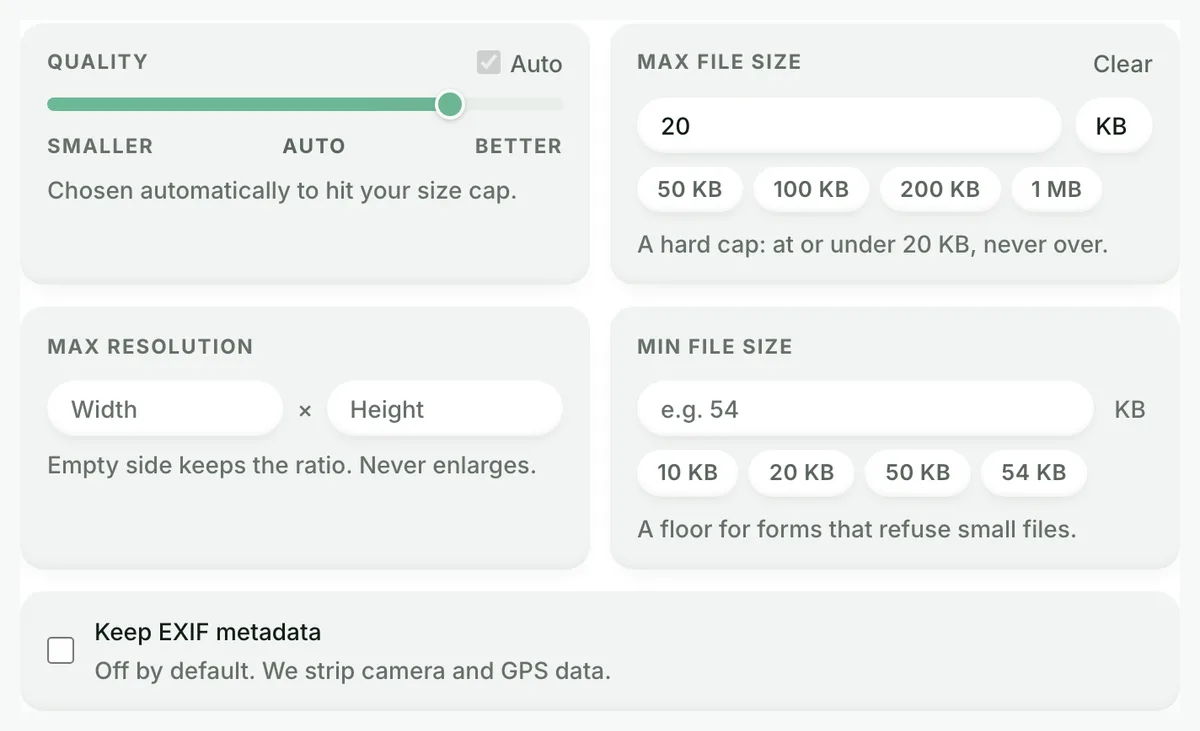
- Drop your file. Every Blinkimg size page arrives with its cap pre-armed in Advanced settings, 20 KB in this case. The engine binary-searches quality (and, under an extreme cap, dimensions) until your file fits at or under 20,000 bytes, never over. No slider guesswork. No re-running until it happens to fit.
- Can I compress to 20 KB without losing quality?
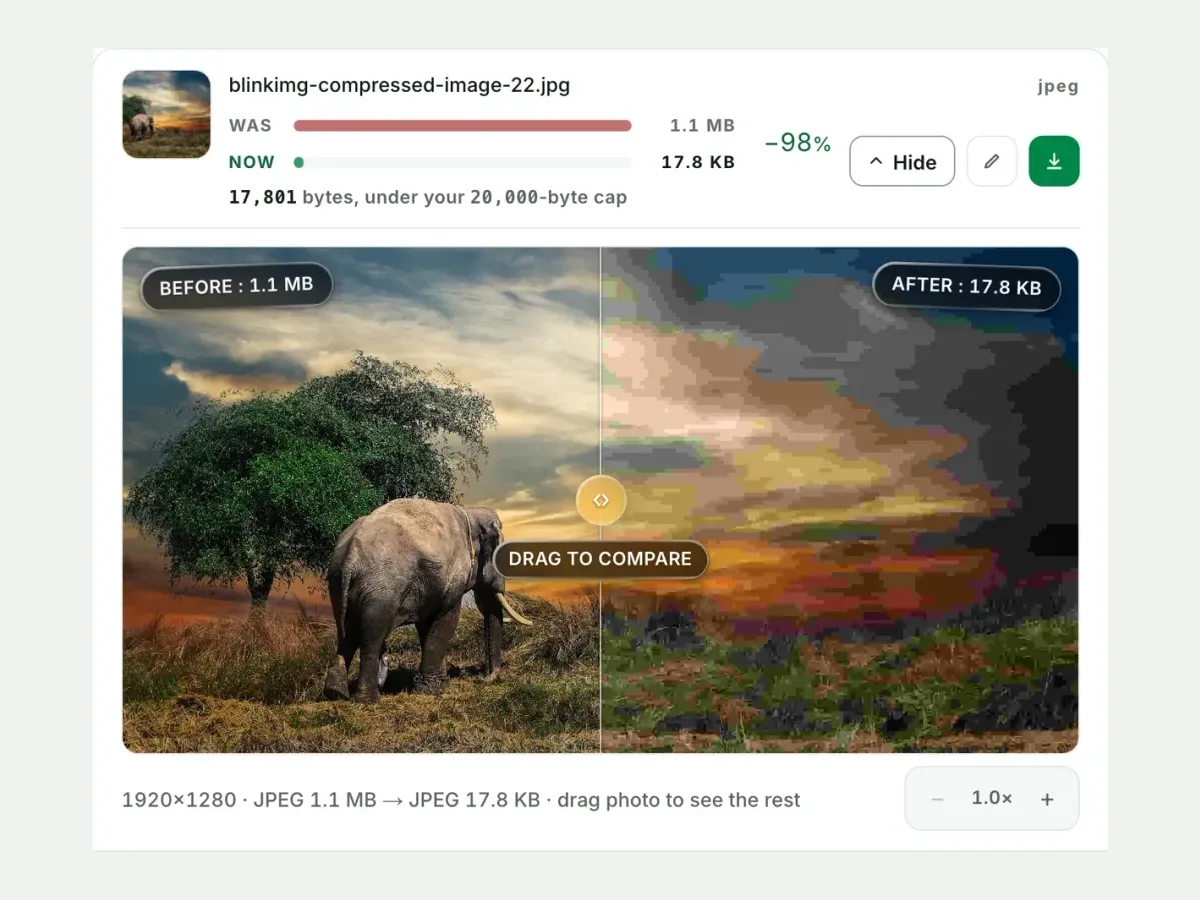
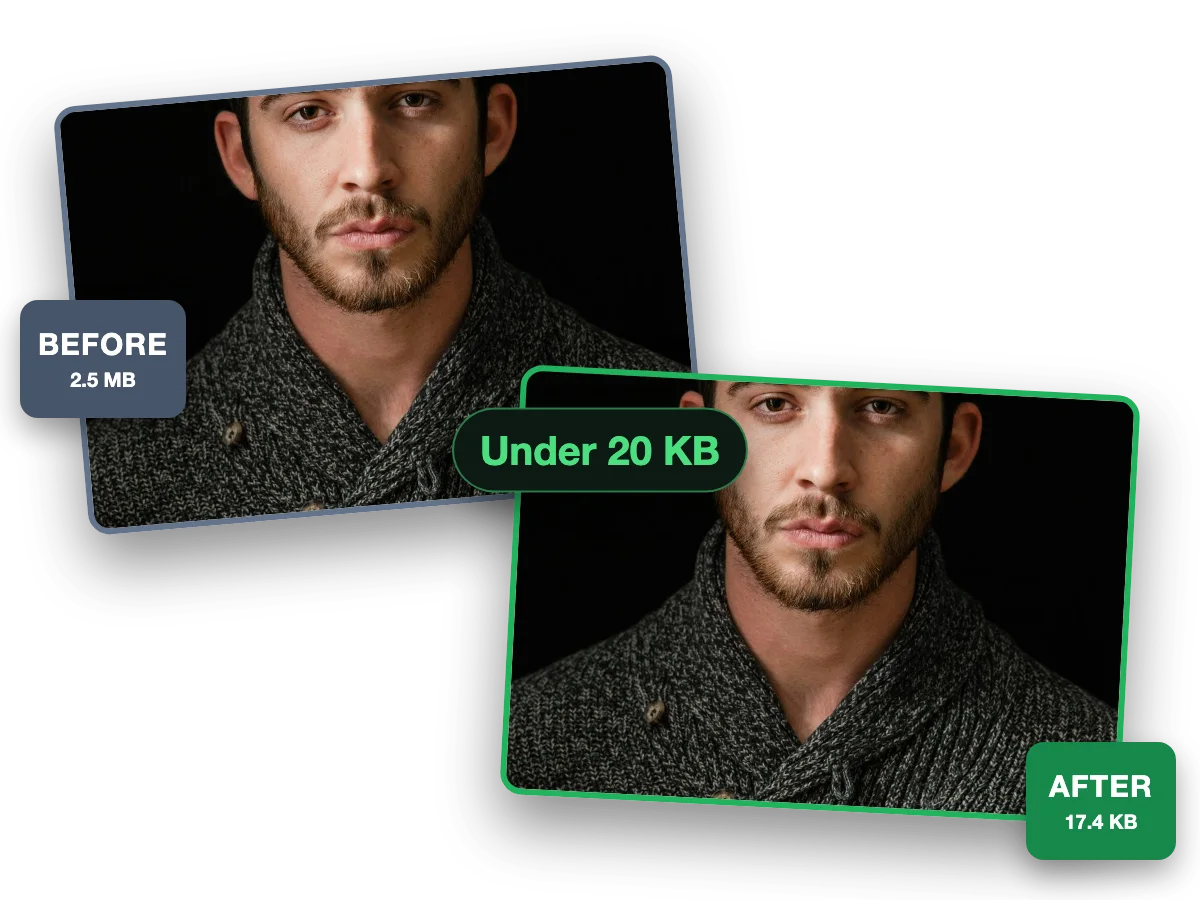
- Honestly: a cap is a quality decision. The engine spends the budget on as much quality as 20 KB buys. Our 188.3 KB reference landed at 49.6 KB under a 50 KB cap and still reads as the same photo. The compare slider on every result shows exactly what your budget bought.
- What happens if my image cannot reach the target?
- You get a clear error naming the cap: never a silently overshot file, and never mush. Before giving up, the engine also shrinks dimensions, down to a 64-pixel floor. Genuine failures are rare, and they almost always mean the cap is below what the size field allows.
- Does reducing the dimensions help hit a KB target?
- Enormously. Pixels are what bytes pay for. Our 1382.4 KB test PNG, converted to JPEG, reached 49.2 KB under a 50 KB cap. For extreme targets, cap resolution first with Max resolution in Advanced settings: it buys the quality search far more room. The engine will do this itself if the cap demands it.
- Can I compress many images to 20 KB at once?
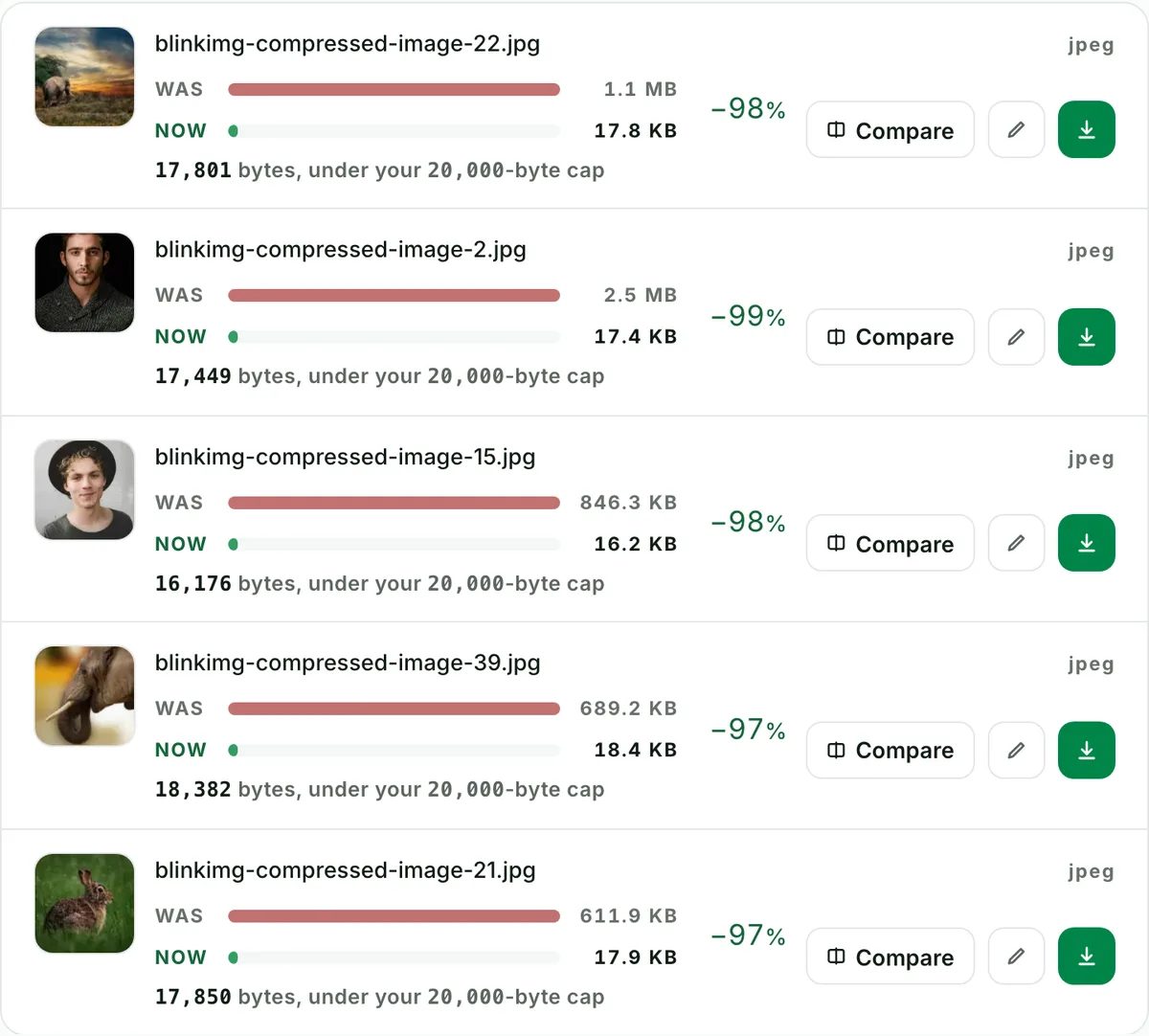
- Yes: fifty per batch, one cap applied to every file, one ZIP out with filenames preserved. Each row reports its measured output size, so a folder of portal uploads is one drag. It is free, with no signup and no watermark, and a 300-image daily allowance counted live beside the tool.
- Is it safe to upload ID photos and signatures here?
- Yes. These size pages exist for documents, so the defaults assume them. We strip EXIF and GPS from every output. We process files and wipe them automatically: we keep nothing. You need no account, so nothing ties an upload to you. The privacy policy carries the detail.
- Should I use JPEG or PNG to hit a small KB target?
- JPEG, almost always. Photographic content compresses several times smaller as JPEG, and portals overwhelmingly expect it. PNG earns its bytes only for line art and screenshots. A photo saved as PNG may not reach a tight cap at all without a format change first.
- Will the result be exactly the target size, or under it?
- At or under, never over. That is the entire guarantee. The search maximises quality within the budget, so results land close beneath the cap when the image needs the room (90.6 KB against 100 KB on our reference) and further under when it doesn't.
- What if my file is already smaller than the cap?
- When a re-encode can't beat it and there's no metadata to strip, you get your original bytes back. Our EXIF-free reference under a 500 KB cap is recorded as returned-original. Files carrying EXIF always get the stripped re-encode, because privacy outranks the byte count.
- Does this work for PNG, WebP, HEIC and phone photos?
- Yes: every input the site accepts works, meaning JPG, PNG, WebP, AVIF and iPhone HEIC. These size pages preselect JPEG output, the format portals expect. HEIC or PNG in, capped JPEG out is the default single pass. The format picker switches the output when you want something else.
- Why does my signature upload keep getting rejected at 20 KB?
- Usually dimensions, not compression. Portals often pair the KB cap with a pixel range: 140×60 and 236×79 are the common signature specs. Crop your signature tight and keep it on white paper. Let the 20 KB cap handle the bytes, and check the portal's stated pixel range before you upload.
- Can any image reach 20 KB?
- Any photo can. The engine shrinks dimensions when quality alone cannot get there, and a 64-pixel floor is the only hard stop. Whether 20 KB still looks good depends on the subject. A signature or simple photo holds up. A detailed group photo at 20 KB is legible, not beautiful.
- What about caps below 10 KB?
- The size field starts at 10 KB. Below that, honest output quality collapses for anything photographic. A sub-10 KB demand is rare, and usually a signature. For those, crop tight and shrink dimensions first with the resize tool. Then apply the smallest cap.