
The Blinkimg blog
Guides, format comparisons and engineering notes, every figure measured on the same engine you use.
Recent articles
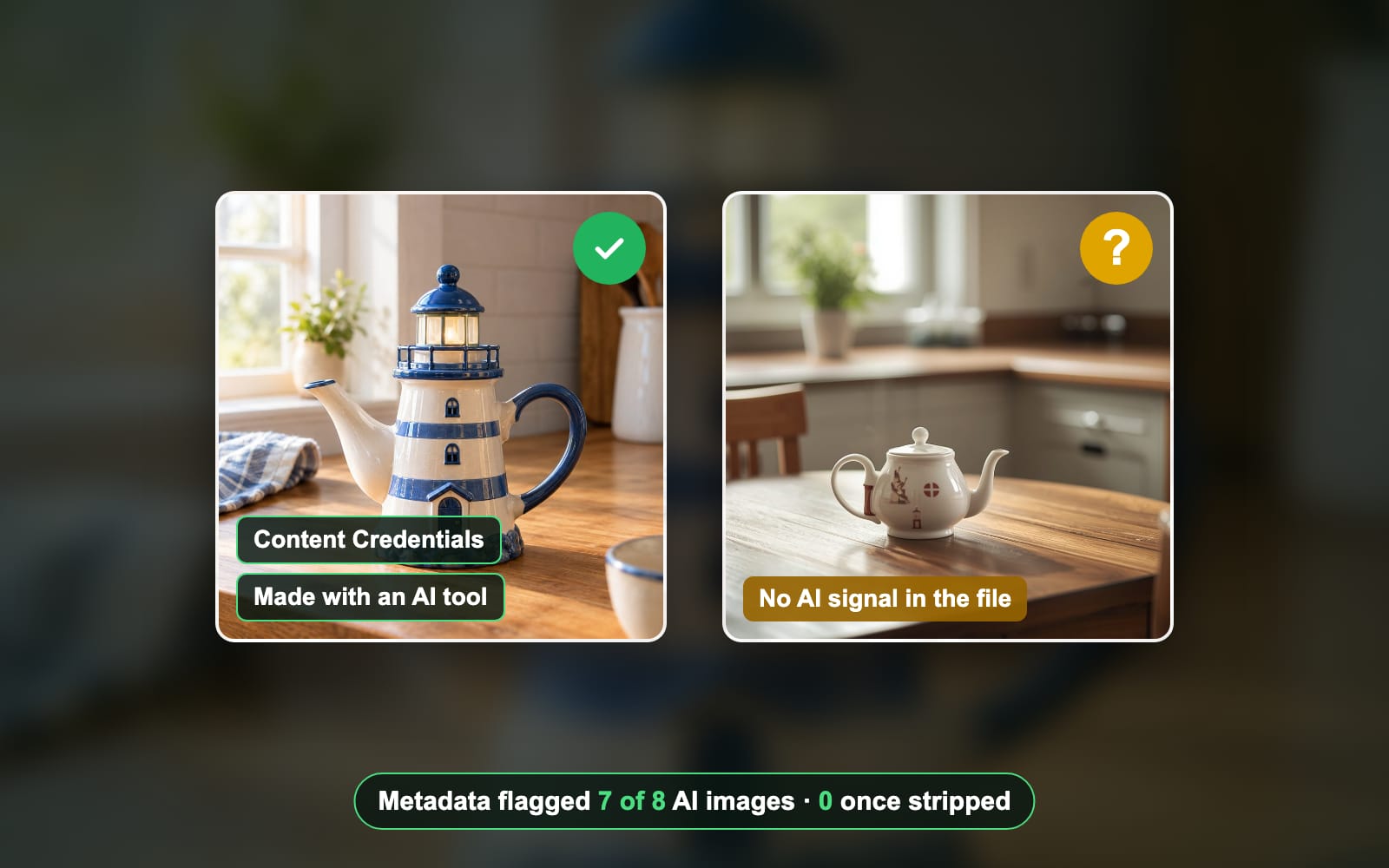
- GuidesAI images, C2PA, Content CredentialsHow to tell if an image is AI-generated, tested on 8 AI imagesContent Credentials, metadata, watermarks and your own eyes each catch some AI images and miss others. Here is what each one found on 8 real AI images.Sahadat Husain
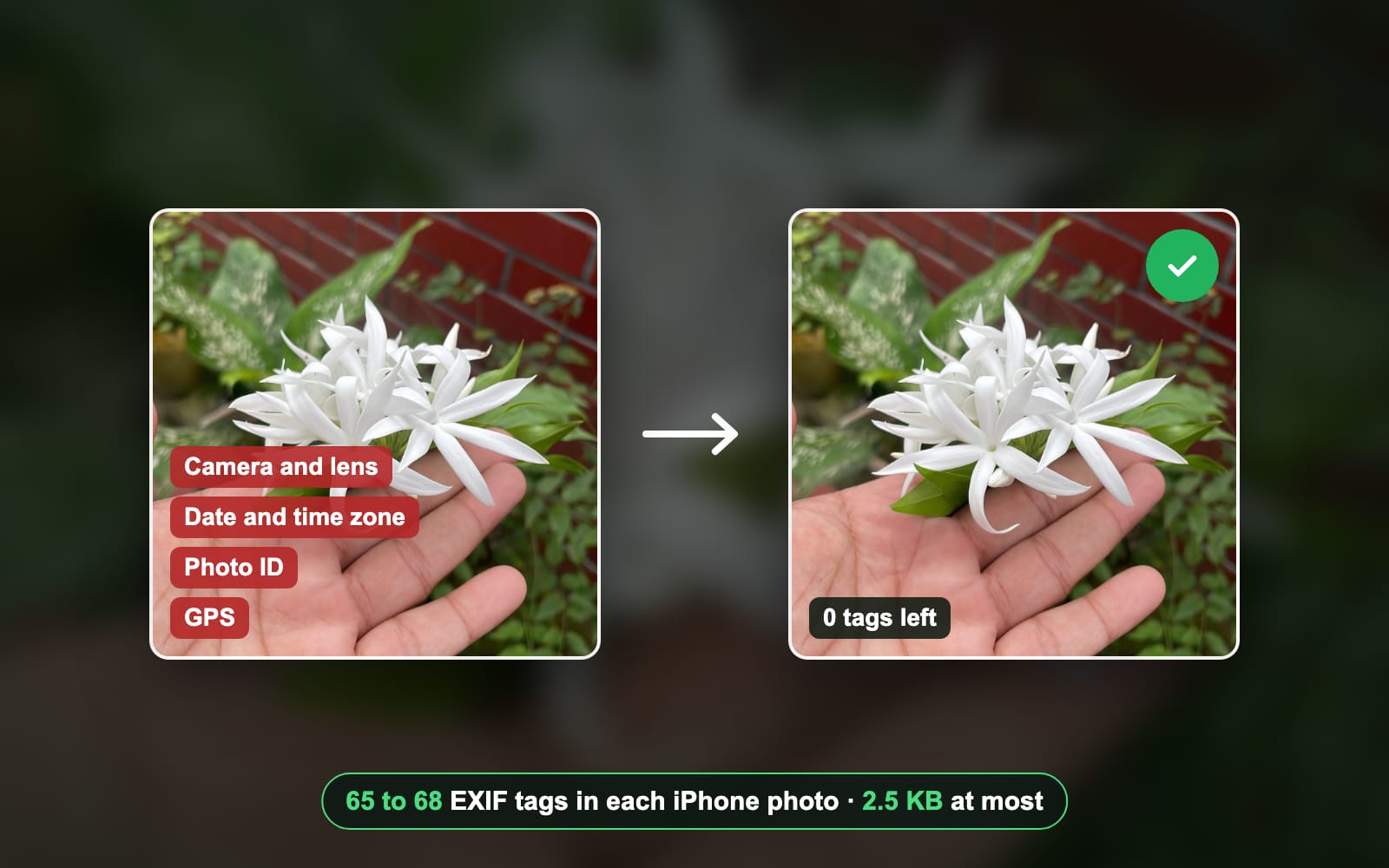
- GuidesEXIF, Metadata, GPSWhat is EXIF data? What your photo reveals, and how to remove itEvery phone photo carries a hidden record of the camera, the time and often the place. Here is what ours held, and how to see and remove it.Sahadat Husain
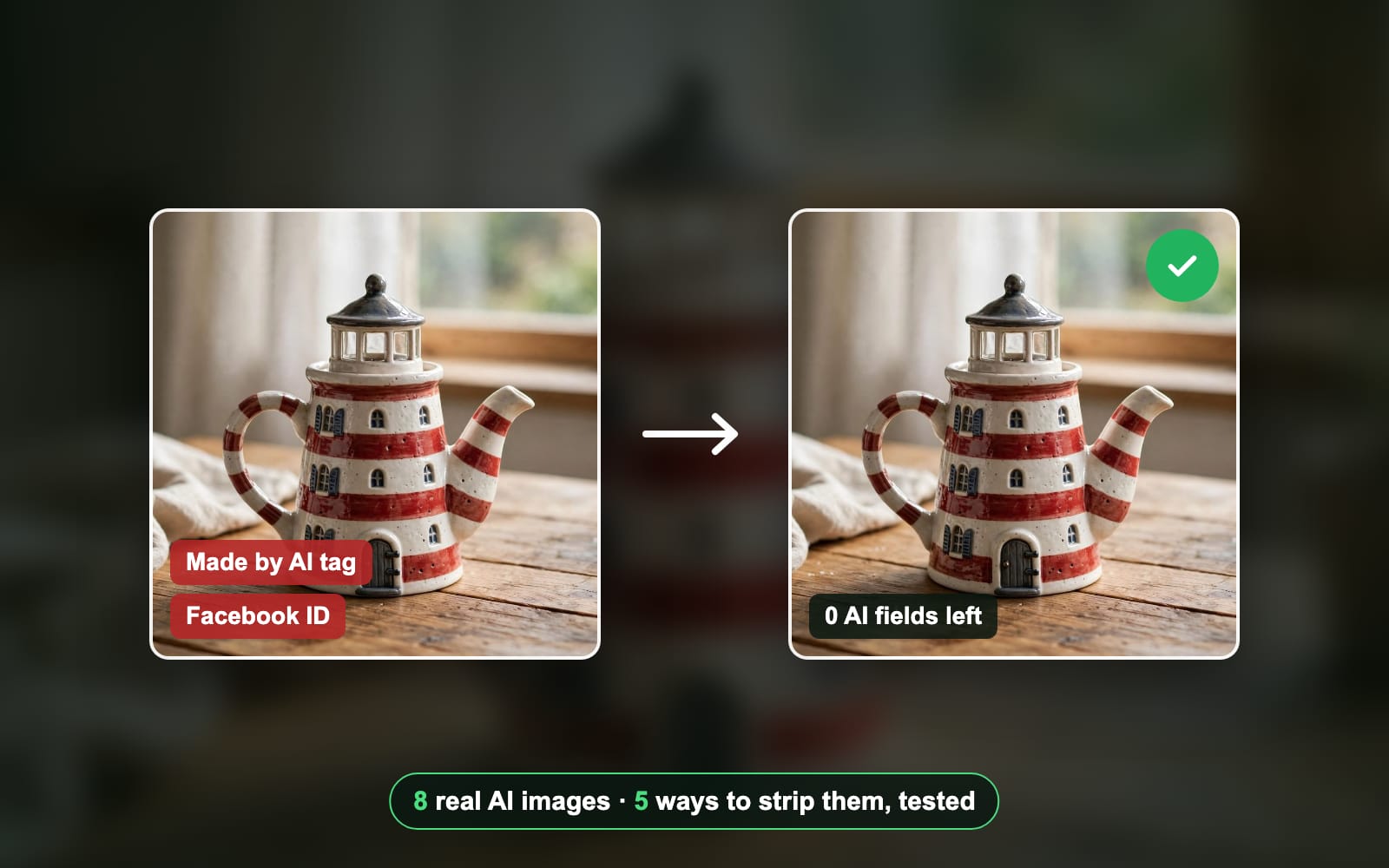
- GuidesAI metadata, C2PA, Content CredentialsHow to remove AI metadata from an image: 5 ways, testedAI tools write a made-by-AI tag, a signed C2PA record and sometimes your prompt into the file. Here is what removes all of it, tested on 8 real AI images.Sahadat Husain
- SizesGIF, Instagram, MP4How to post a GIF on Instagram: feed, Stories, DMsInstagram has no upload button for a .gif file, so you post a GIF as a sticker or as a short video. Here is each route, from Meta’s and GIPHY’s own pages.Sahadat Husain
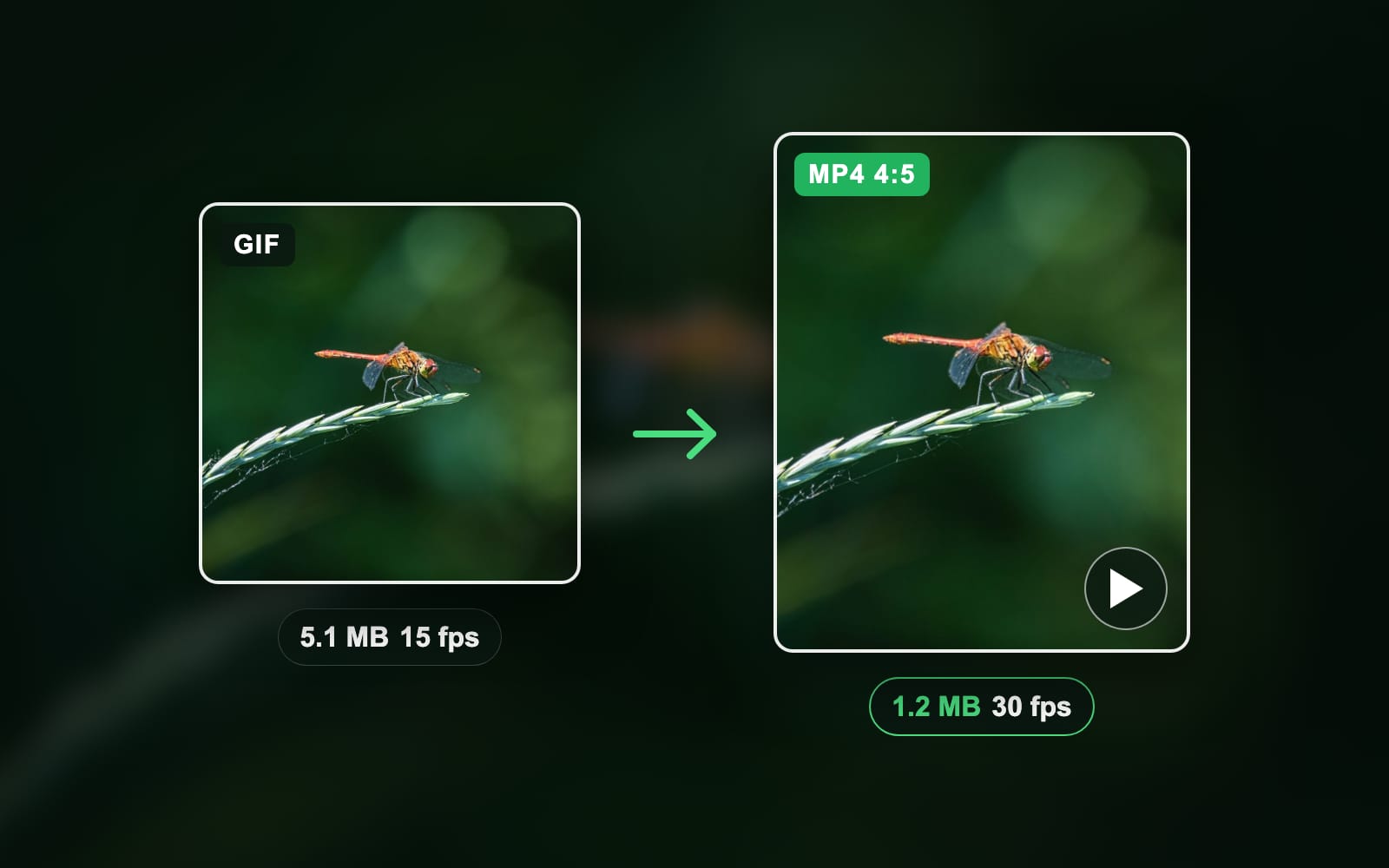
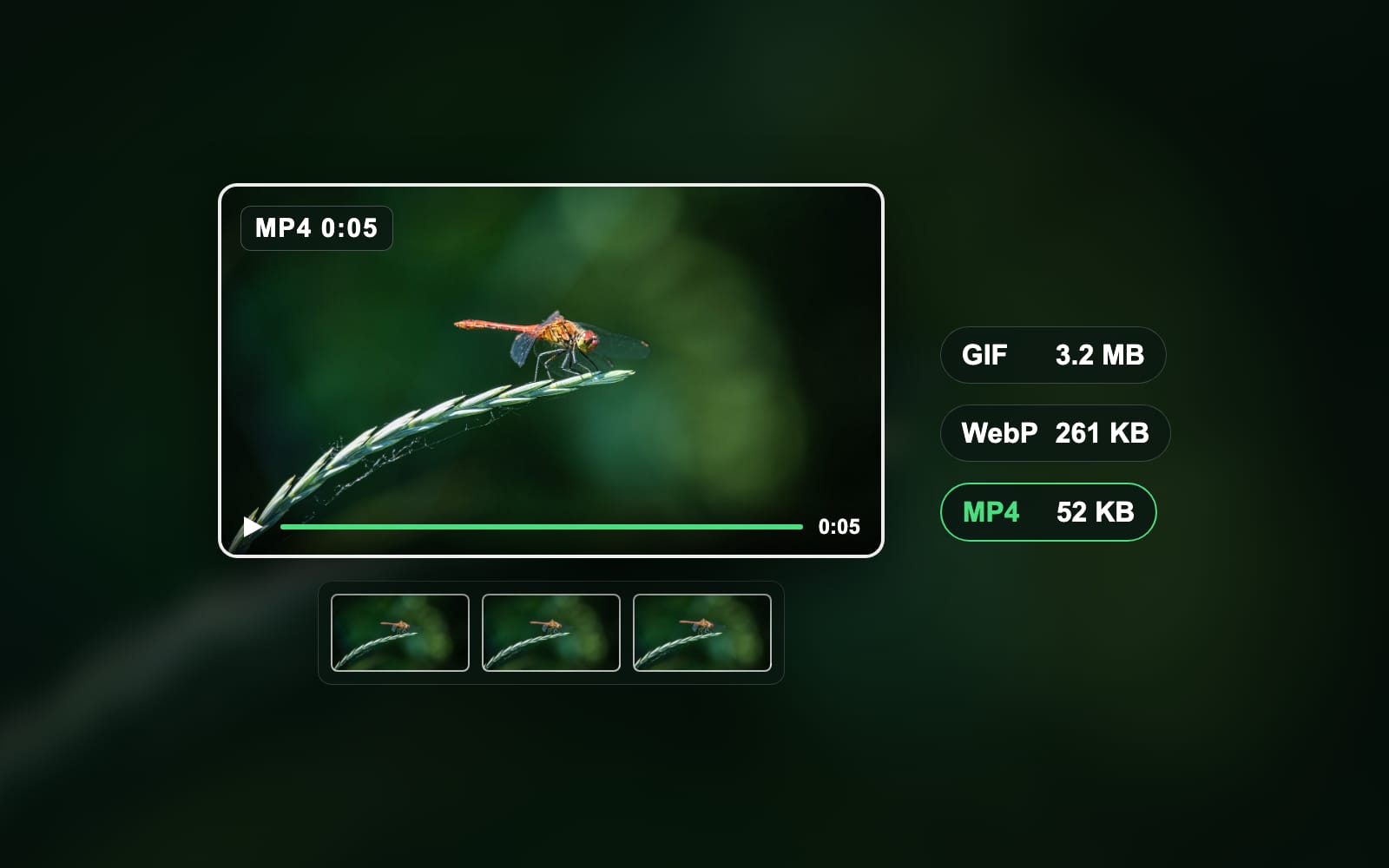
- FormatsGIF, MP4, VideoHow to turn a video into a GIF on any deviceTrim the clip, then export it as a GIF from Clipchamp, Photoshop, the Shortcuts app, your phone or a free website. Here is each route, and how to keep the file small.Sahadat Husain
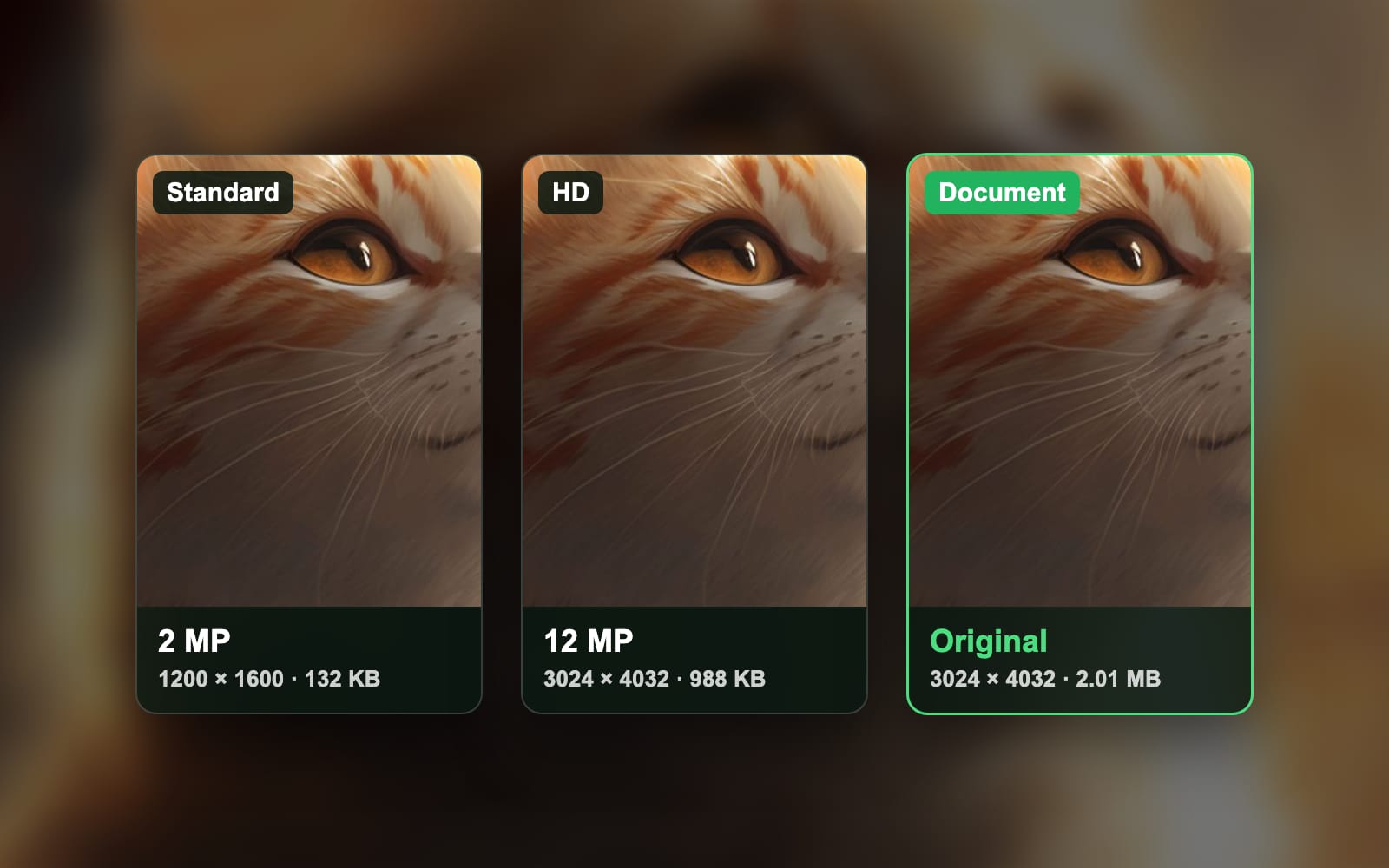
- GuidesWhatsApp, HD, iPhoneHow to send high-quality photos on WhatsApp, measuredTo send high-quality photos on WhatsApp, tap HD in the photo picker so it shows a checkmark, or attach the photo as a Document to send the untouched original. Standard, the default, shrank our 12 MP iPhone photo to 2 MP. We measured all three.Sahadat Husain
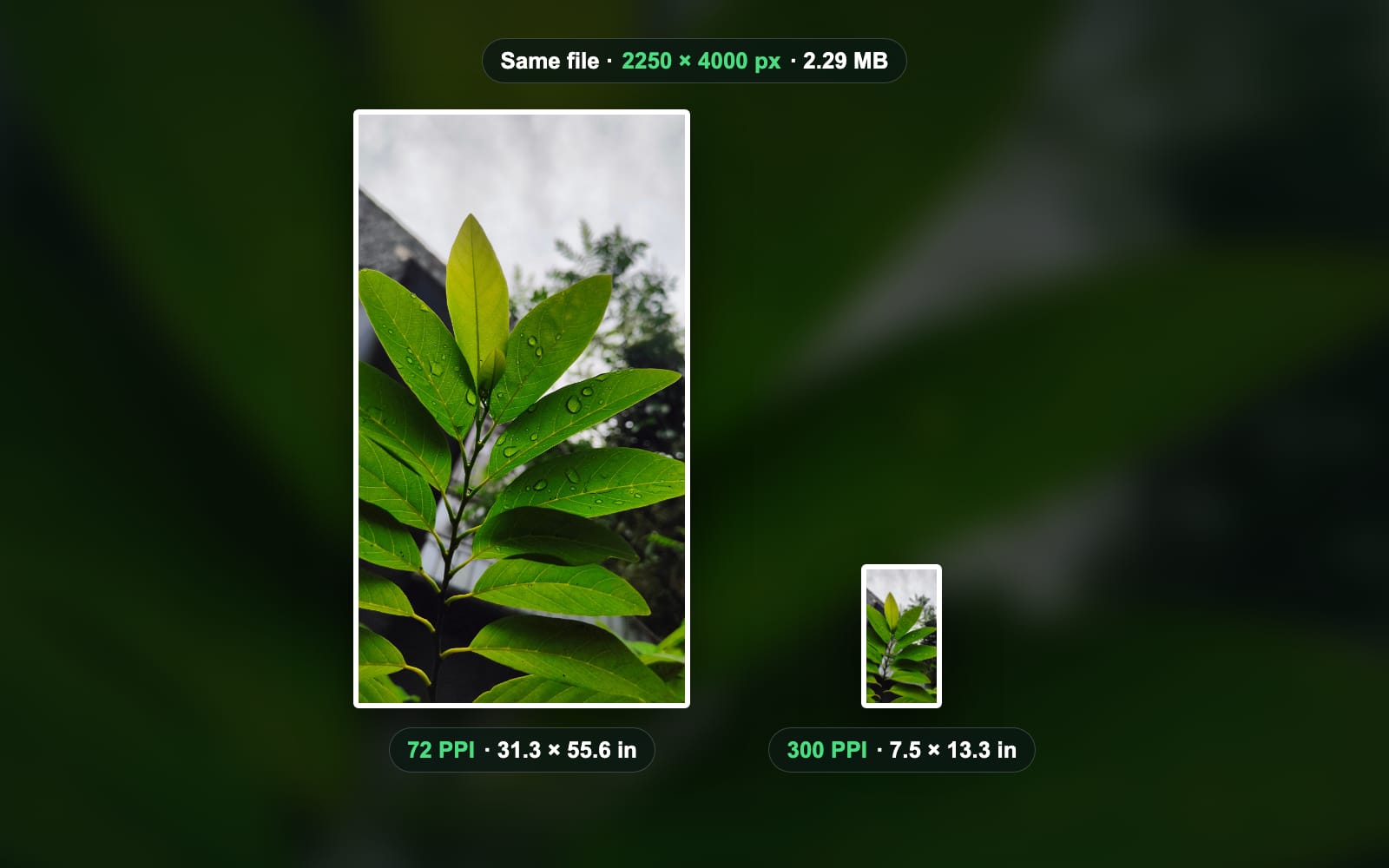
- GuidesDPI, PPI, PrintDPI vs PPI: the difference, measured on one photoPPI counts the pixels per inch of an image file or a screen. DPI counts the ink dots a printer lays per inch. Apps store a file’s number 1:1 and label it DPI, so a “300 DPI” request means 300 PPI. We tagged one photo at 72, 150, 300 and 600 PPI: same pixels, same bytes, only the print size changed.Sahadat Husain
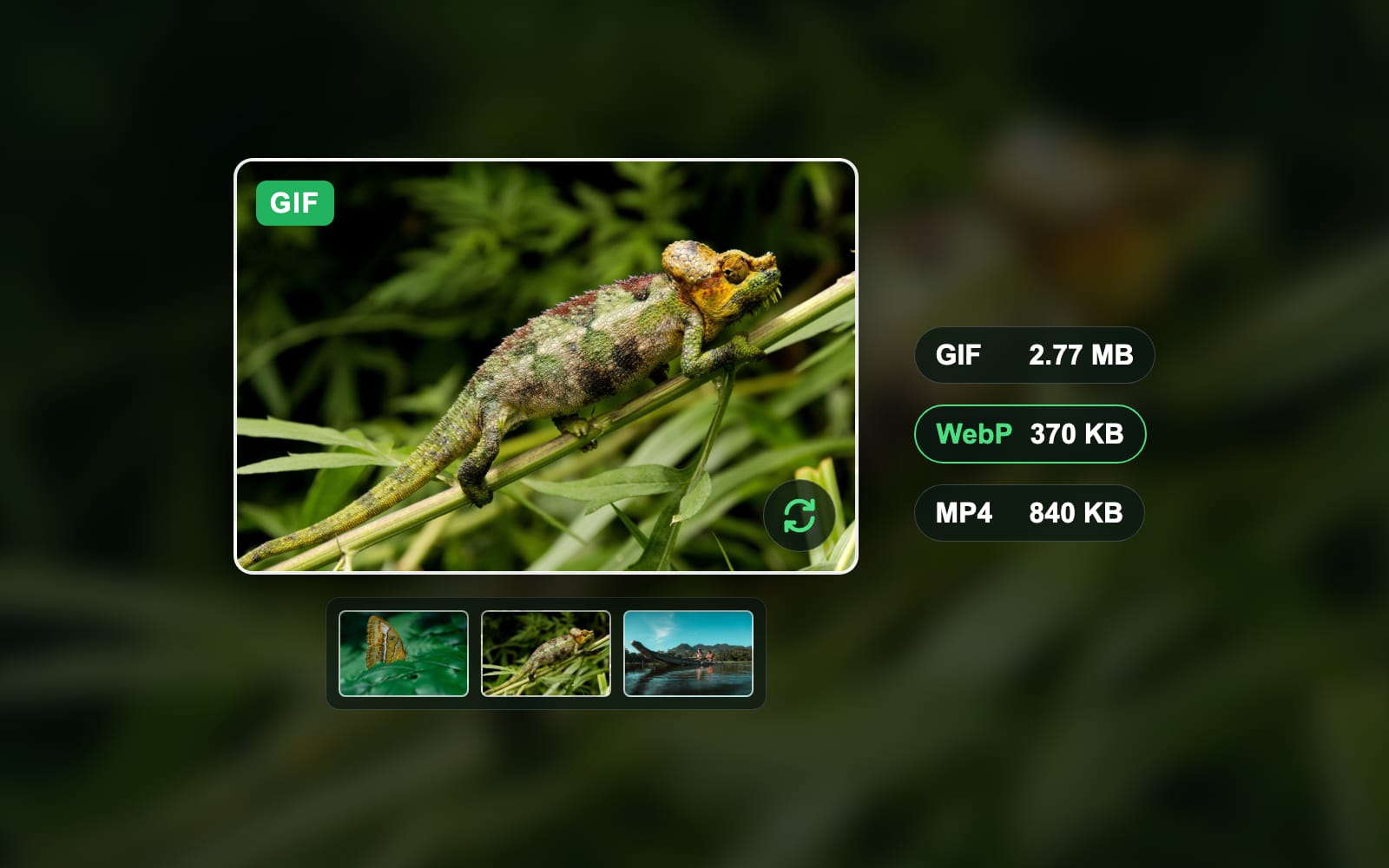
- FormatsGIF, WebP, GiphyHow to save a GIF on any device and keep it movingTo save a GIF on a computer, right-click it and choose Save Image As, and keep the name ending in .gif. On a phone, touch and hold it and tap Save Image, Save to Photos or Download image. Sites like Giphy show a WebP instead, so open i.giphy.com/CODE.gif first. We measured what each site really serves.Sahadat Husain
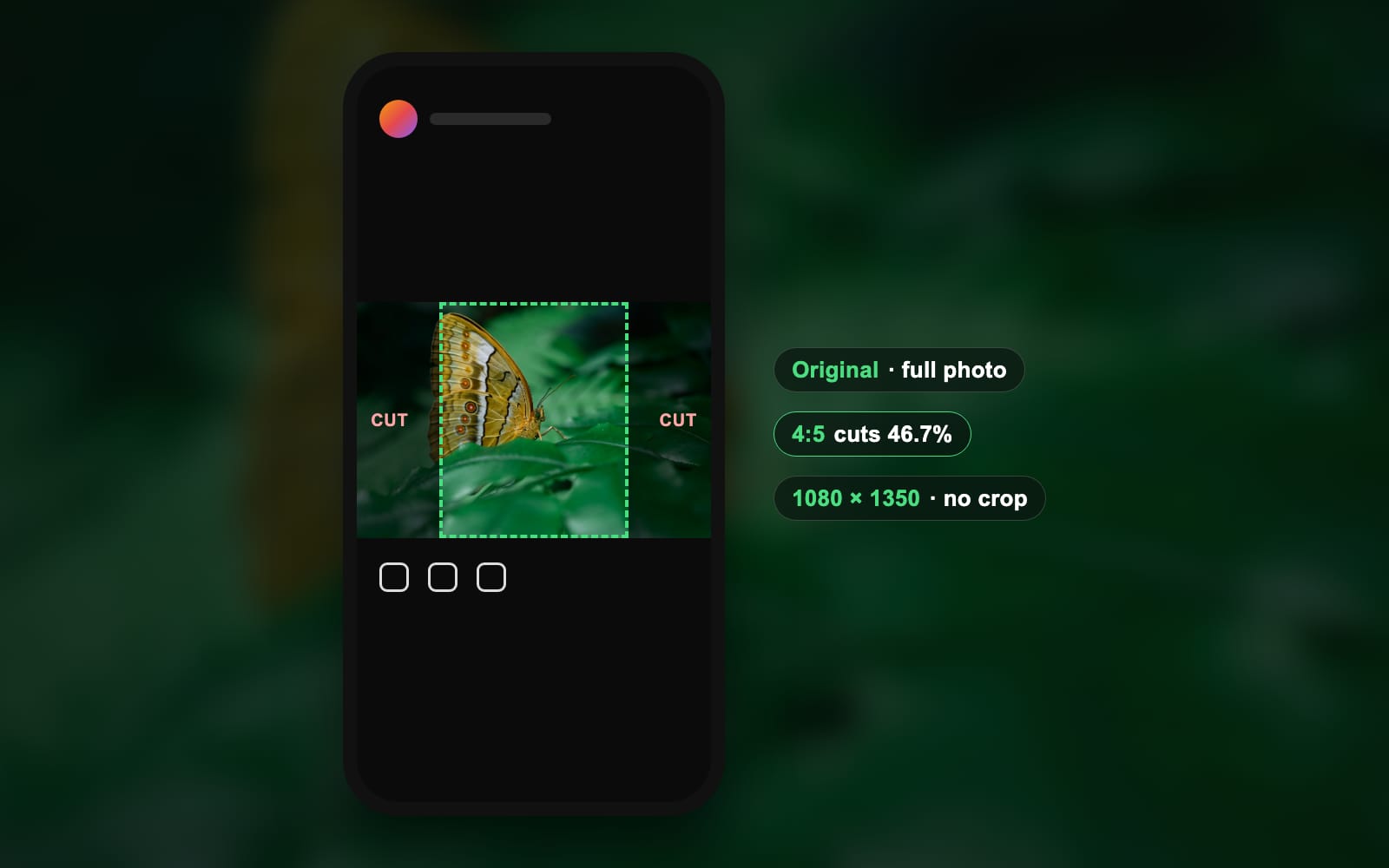
- SizesInstagram, Upload, Aspect ratioHow to post a photo on Instagram in full size, without a cropTo upload a photo on Instagram, tap Create, then POST, pick the photo, tap Next twice and tap Share. On a computer, click Create, then Post. To post it in full size, choose Original on the crop screen: any photo between 1.91:1 and 3:4 keeps its whole frame. We measured what each crop costs on 18 photos.Sahadat Husain

Blog