
Engineering
Engineering notes: how the Blinkimg engine, the workers and the limits are built, and the numbers behind each decision, like a 400-megapixel JPEG.
Engineering, newest first
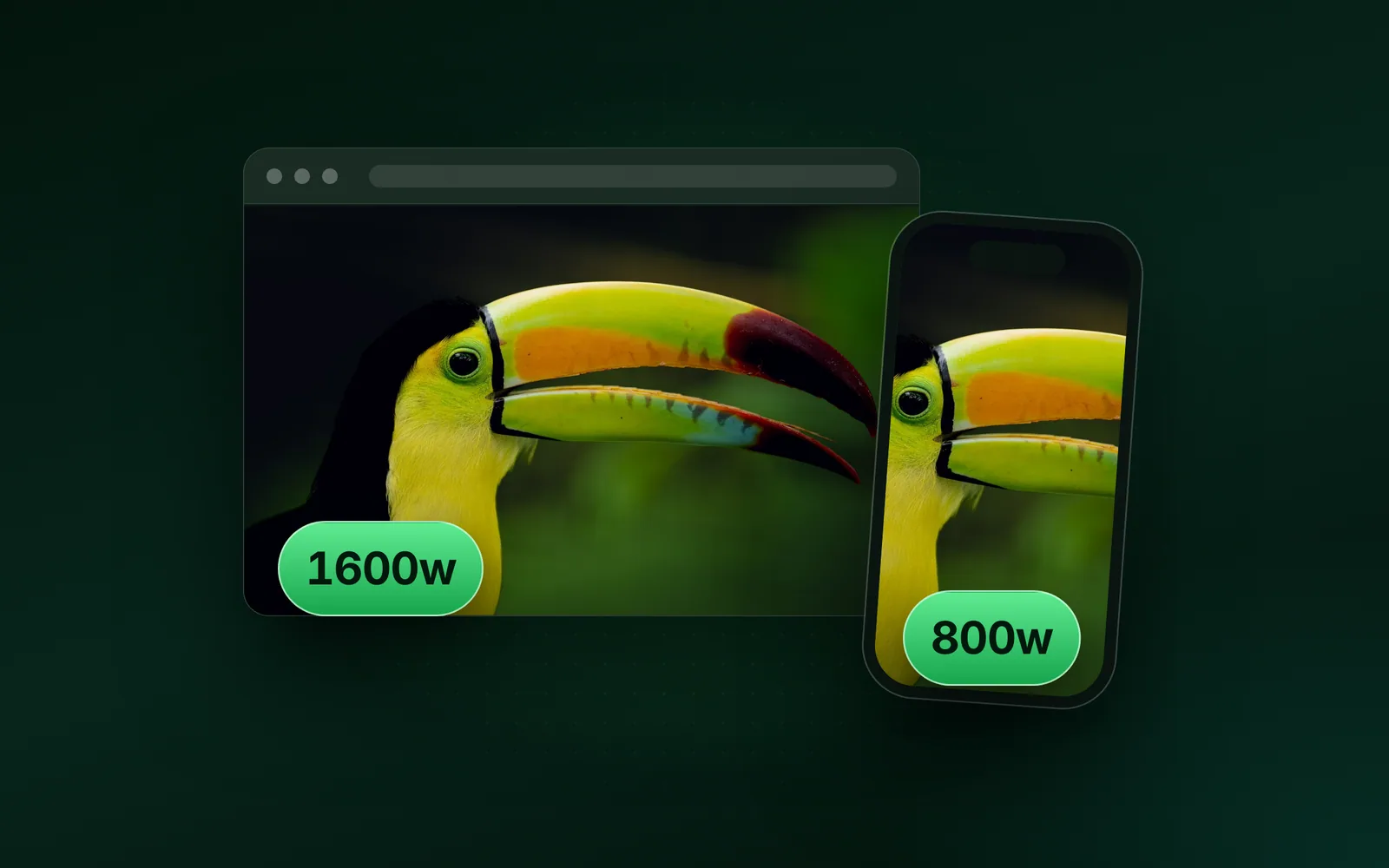
- EngineeringImage optimization, srcset, Lazy loadingImage optimization for the web: formats, sizes and lazy loadingImage optimization means sending each screen the smallest image file that still looks right. That comes down to the right format, the width the screen draws, a compression budget, and loading at the right moment. We ran one 9.8 MB camera photo through each step and watched what Chromium downloaded.Sahadat Husain
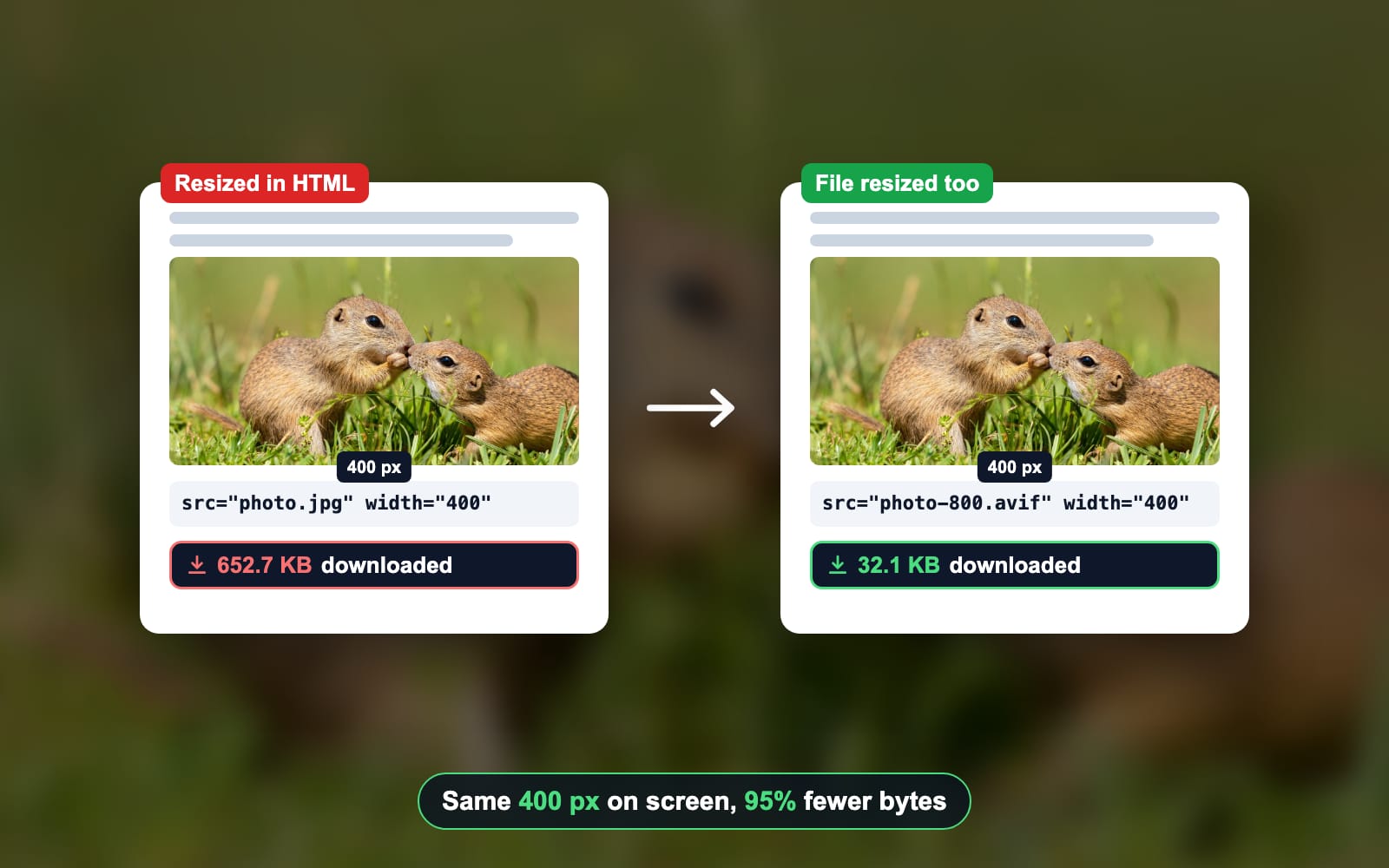
- EngineeringHTML, CSS, imgHow to resize an image in HTML and CSS, tested in 3 browsersWidth and height on the img tag, one line of CSS, then a file the right size. We tested every method in Chromium, Firefox and WebKit.Sahadat Husain
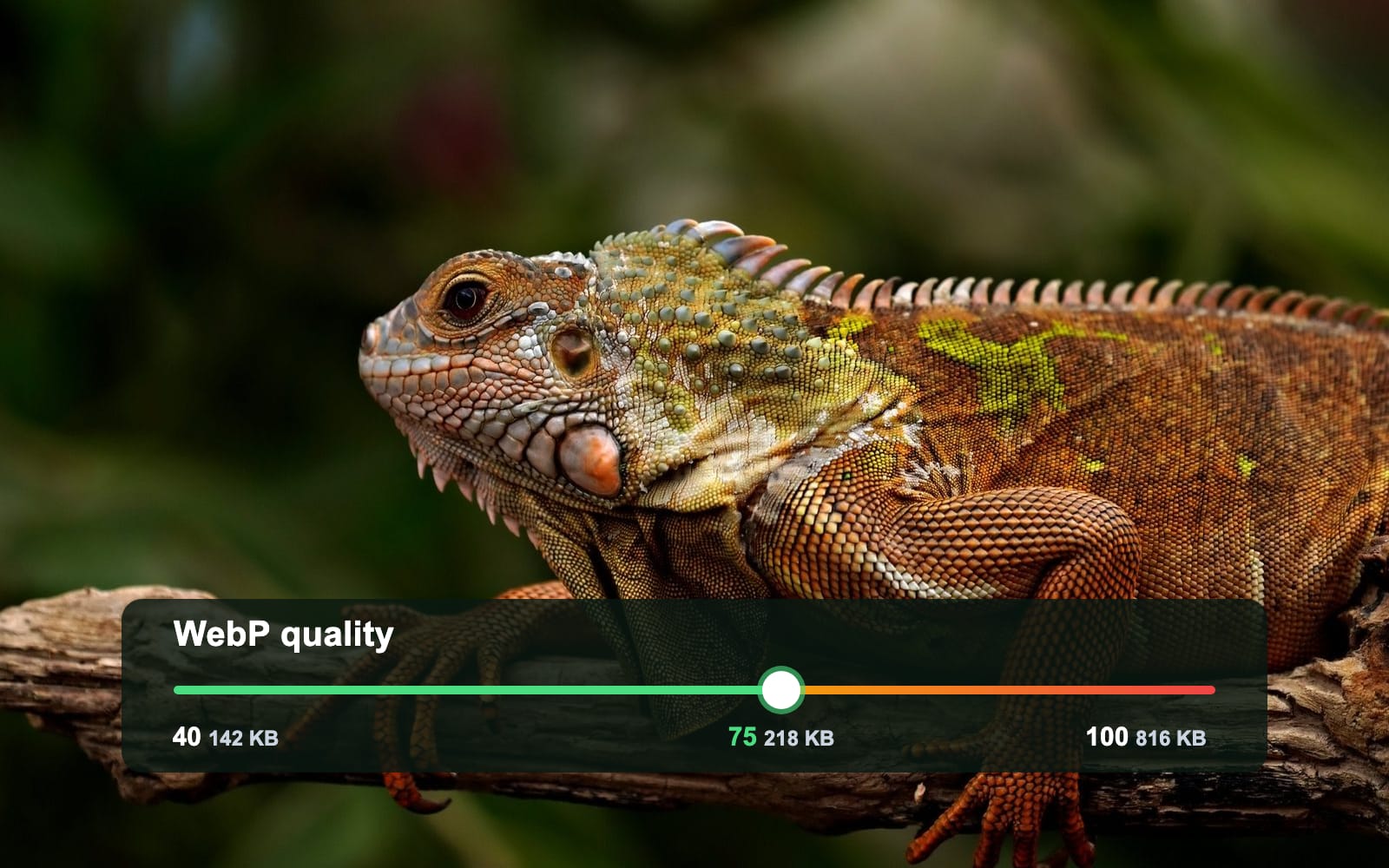
- EngineeringWebP, Quality, JPEGWebP quality: which setting to use, measured from 40 to 100Use WebP quality 75 for photos and 75 to 80 for screenshots, and lossless for text, logos and flat art. To match a JPEG saved at 80, use 85. We saved 6 images at every quality from 40 to 100 to find where extra bytes stop buying detail.Sahadat Husain
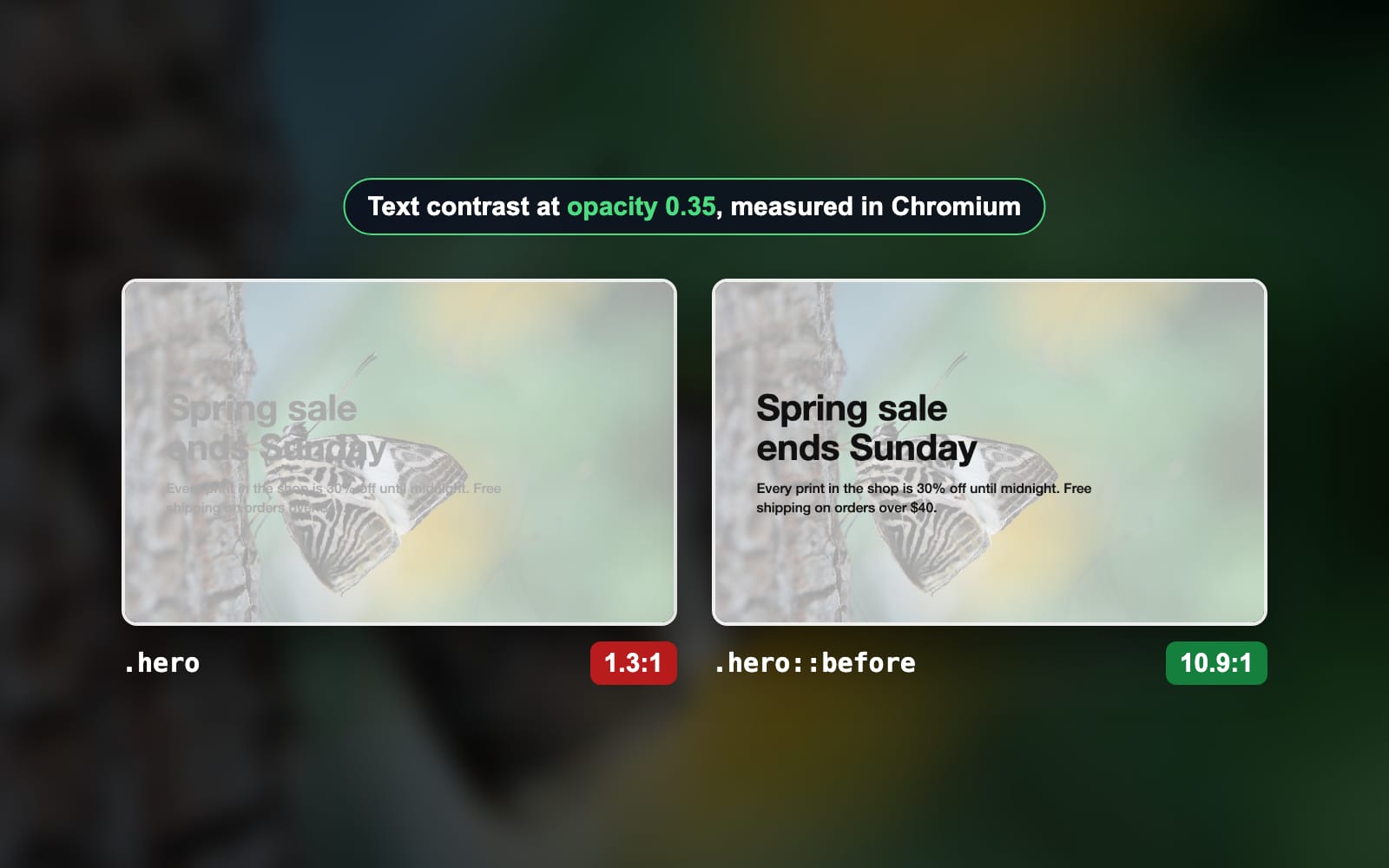
- EngineeringCSS, Opacity, Background imageCSS background image opacity without fading the textOpacity on a box fades its text with the photo. We rendered 9 ways to fade only the background image and measured how readable the text stays.Sahadat Husain
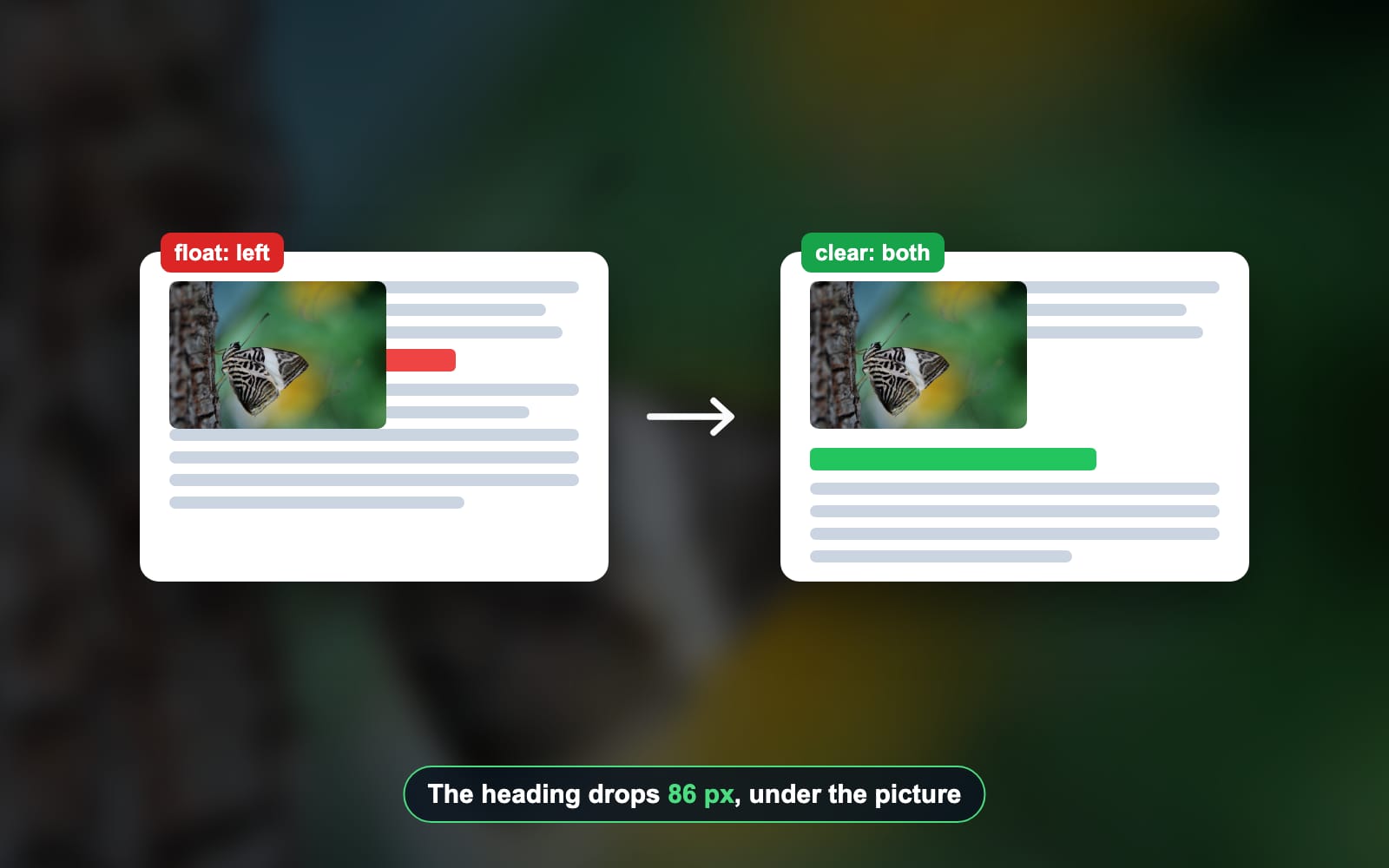
- EngineeringCSS, HTML, FloatHow to stop text wrapping around an image (and wrap it on purpose)A floated image pulls every line after it up to its side, the next heading included. Here is each fix, measured at 3 screen widths.Sahadat Husain
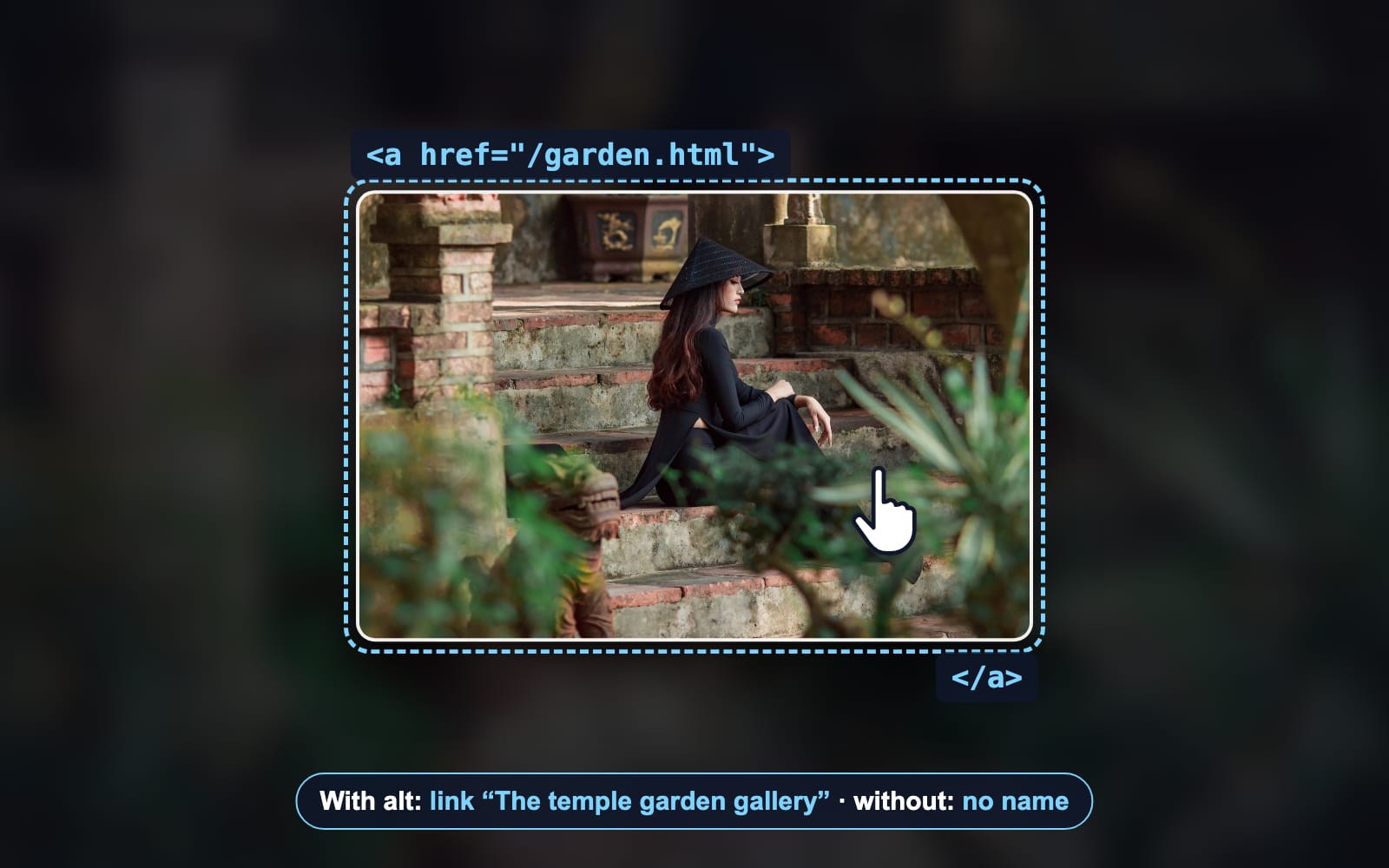
- EngineeringHTML, Links, Alt textHow to hyperlink an image in HTML, tested in ChromiumMaking an image a link takes 3 lines of HTML. Here is the code, what a screen reader gets from it, and the fixes we measured.Sahadat Husain
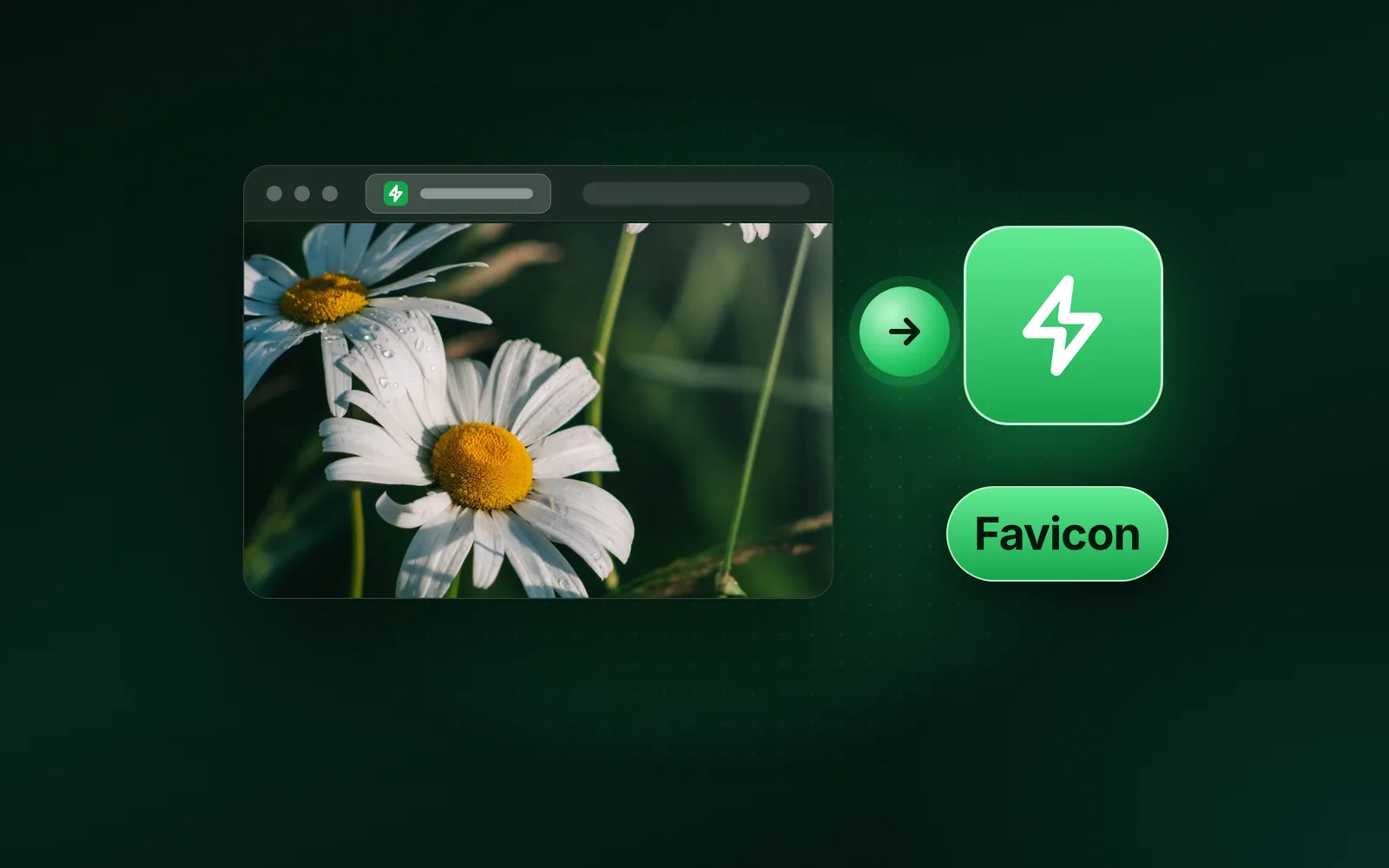
- EngineeringFavicon, ICO, PNGWhat is a favicon? Size, formats and how to make oneA favicon is the small square icon that marks a website in browser tabs, bookmarks and search results. Make it from one simple square mark. Use 32 × 32 pixels for the tab, 180 for Apple and 192 and 512 for a web app. We measured each size in bytes and logged the files headless Chromium 149 requested on five test pages.Sahadat Husain
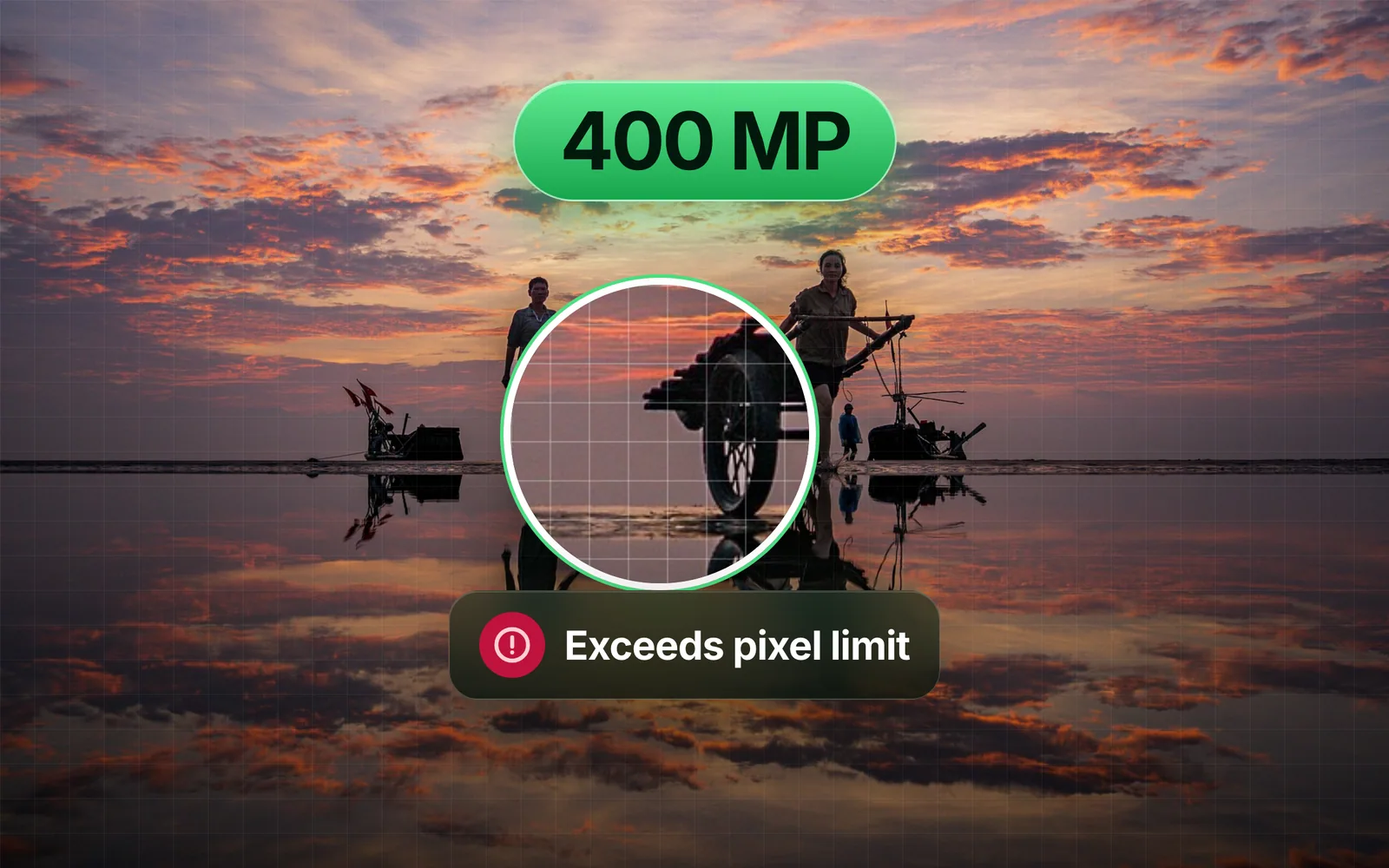
- Engineeringsharp, libvips, libjpegInput image exceeds pixel limit: resizing a 400 MP JPEG with sharpThe sharp library stops a 400-megapixel JPEG with "Input image exceeds pixel limit", and lifting the limit alone can cost more memory than a small server has. Here is what we measured, what libvips really does with the file, and the one kind of JPEG that stays out.Sahadat Husain

Engineering